
 Microsoft
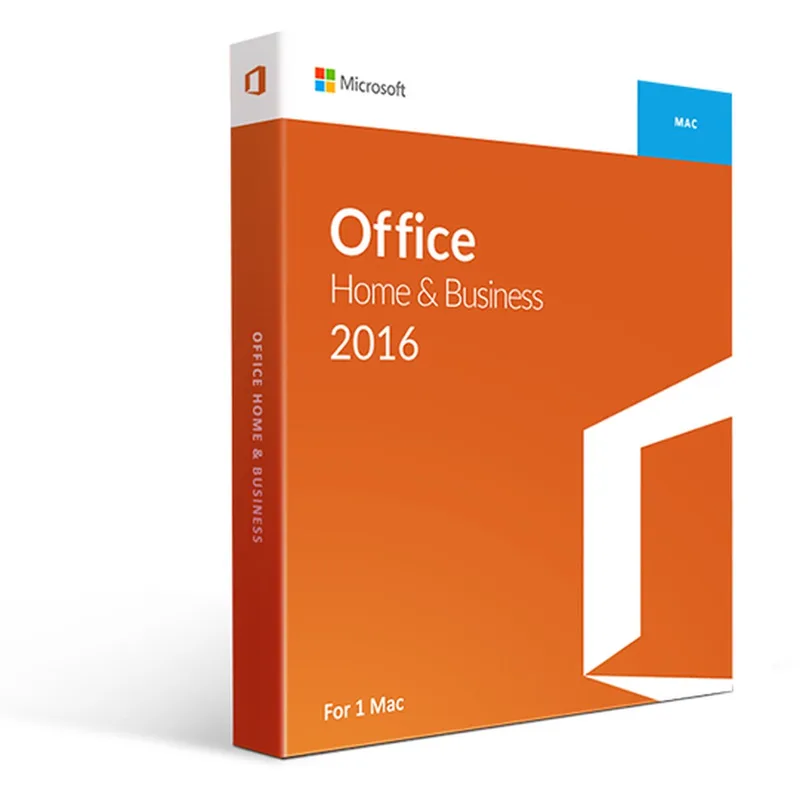
Office 2016 Home and Business for Mac
About this licence
Office 2016 Home and Business for Mac is a suite designed for home and business use that includes Microsoft Word, Excel, PowerPoint and Outlook. The licence is permanent and is supplied as a one-time licence fee, and can be transferred to another Mac by first disconnecting the previous computer.
Designed specifically for Mac, the suite integrates with macOS features such as the Touch Bar and Retina display support. The interface is intuitive with updated design options including interface theme changes, and apps include collaboration tools, chart and table insertion and online form creation.
- Includes Word, Excel, PowerPoint and Outlook
- Permanent licence with one-time licence fee
- Transferable to another Mac after disconnecting the previous computer
- Designed for Mac with Touch Bar and Retina display support
- Intuitive interface with changeable theme options
- Collaboration tools, charts, tables and online form creation
Product details
- Brand
- Microsoft
- Category
- Microsoft Office
- Devices
- 1 Mac
- Duration
- Lifetime
- Platform
- Mac
- License
- Standard
- Delivery
- Instant digital delivery
- Invoice
- EU invoice included
System requirements
- Computer and processor: A Mac computer with Intel processor.
- Memory: 4 GB RAM
- Hard disk: 6 GB of available hard disk space.
- Hard disk format HFS+ (also known as macOS Extended or HFS Plus).
- Display: Monitor with a resolution of at least 1280 x 800 pixels
- Graphics card:
- DirectX 10 compatible graphics card is required for hardware acceleration of graphics. Browser Internet Explorer, Microsoft Edge, Safari, Chrome or Firefox in the current version. Operating System: Mac OS X, version 10.10, or higher
Activation & installation overview
- 1Go to office.com/setup and sign in with your Microsoft account.
- 2Enter the product key from your secure order page.
- 3Download and run the Office installer.
- 4Open any app and activate with the key when prompted.
This is a general activation overview; publisher screens can vary by edition and version.
Additional information
Frequently asked questions
Customer reviews
No reviews yet
Be the first to review this product after your purchase.