
 AVG
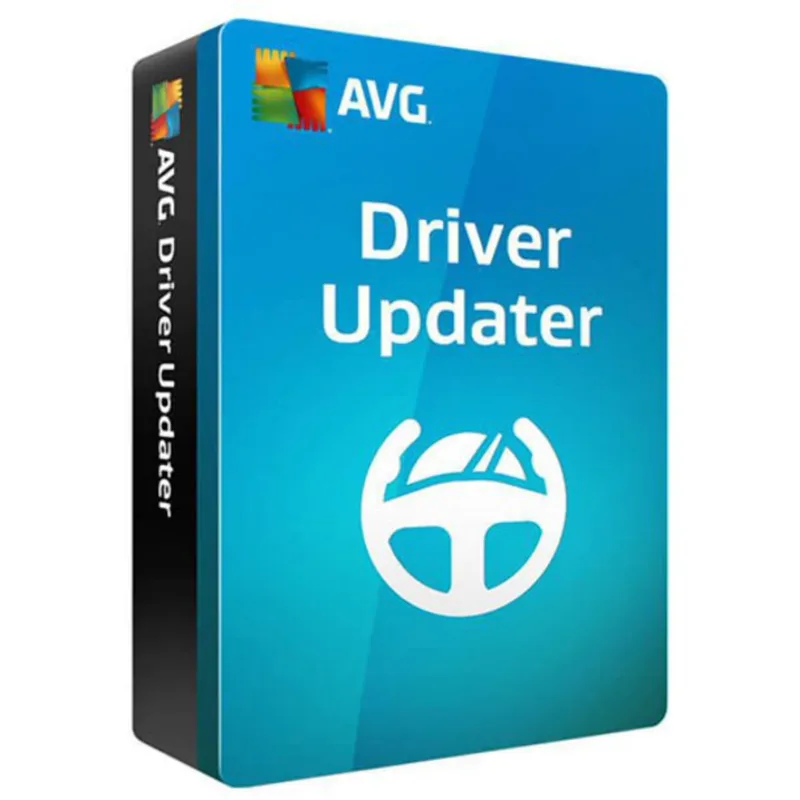
AVGAVG Driver Updater
About this licence
AVG Driver Updater scans your PC for outdated, damaged or missing drivers and updates them automatically to improve performance and system stability. The tool accesses a database of over 35 million drivers and offers one-click updates so you can quickly and safely bring hardware drivers up to date.
The application creates automatic backups of your current drivers before applying updates to help prevent problems, and aims to reduce crashes and blue screens caused by driver issues. System requirements include Windows 11, 10, 8.1, 8 or 7 (32- and 64-bit), a Pentium 4 / AMD Athlon 64 processor or higher, 256 MB RAM, 300 MB disk space and an internet connection to download updates.
- Automatic scanning for outdated, damaged or missing drivers
- Access to a database of over 35 million drivers
- One-click updates to quickly update all drivers
- Automatic backup of current drivers before updating
- Helps reduce system crashes and blue screens
- Improves performance and stability after updates
Product details
- Brand
- AVG
- Category
- PC Tools and PC optimisation
- Devices
- 1 device
- Duration
- 1 year
- Platform
- Windows
- License
- Standard
- Delivery
- Instant digital delivery
- Invoice
- EU invoice included
System requirements
- Operating System: Windows 11, Windows 10, Windows 8.1, Windows 8, Windows 7 (SP1)
- Processor: Intel Pentium 4 / AMD Athlon 64 or higher
- RAM: 256 MB or more
- Hard Disk Space: 300 MB free space
- Internet Connection: Required for driver updates and activation
Activation & installation overview
- 1Download the installer from the vendor’s official website.
- 2Run the installer and follow the wizard.
- 3Enter your activation/license key when prompted.
- 4Update definitions and run a first full scan.
This is a general activation overview; publisher screens can vary by edition and version.
Frequently asked questions
Customer reviews
No reviews yet
Be the first to review this product after your purchase.