
 Microsoft
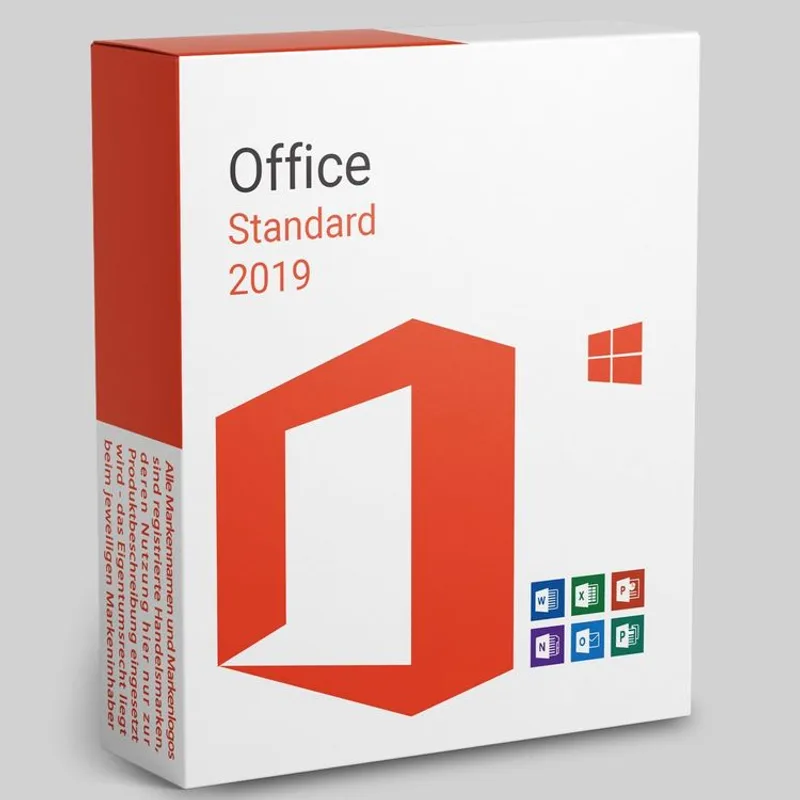
Office 2019 Standard
About this licence
Microsoft Office 2019 Standard is designed for home use and small-to-medium businesses. The suite refreshed application graphics and moved menus into ribbon mode so commands are easier to find and use, helping to improve day-to-day productivity.
The licence is perpetual: a one-time purchase that activates on one PC or one Mac. Office 2019 Standard includes core applications for documents, spreadsheets, presentations, note-taking and email, with performance and interface improvements compared with earlier versions.
- Perpetual licence — one payment, no subscription
- Activates on one PC or one Mac
- Ribbon-mode menus and refreshed graphics for easier command access
- Includes Word 2019, Excel 2019, PowerPoint 2019, OneNote and Outlook
- Performance improvements and refreshed application features versus earlier versions
Product details
- Brand
- Microsoft
- Category
- Microsoft Office
- Devices
- 1 PC
- Duration
- Lifetime
- Platform
- Windows
- License
- OEM
- Delivery
- Instant digital delivery
- Invoice
- EU invoice included
System requirements
As of 2026-04-15 the requirements are as follows:
Processor 1.6 GHz or faster, 2 coresOperating system Windows 10 (supported versions) or Windows 11; Windows Server 2019
Architecture 32-bit or 64-bit
Memory 4 GB RAM (2 GB for 32-bit)
Hard disk 4.0 GB of available disk space
Display PC: 1280 × 768 · Mac: 1280 × 800
Internet Required for activation and cloud features
Known incompatibilities Windows Server Core; Linux (unsupported)
Requirements change over time — the latest official list is on the Microsoft deployment site.
Activation & installation overview
- 1Go to office.com/setup and sign in with your Microsoft account.
- 2Enter the product key from your secure order page.
- 3Download and run the Office installer.
- 4Open any app and activate with the key when prompted.
This is a general activation overview; publisher screens can vary by edition and version.
Additional information
What you receive
- Microsoft Office 2019 Standard product key (by email)
- Download link for the official Microsoft installer
- PDF invoice with licence details
- Step-by-step activation guide
Digital key delivery — instant during office hours, within 24 hours at all other times.
How to activate
- Sign in (or create an account) at account.microsoft.com/services
- Enter the product key shown in your Licendi email
- Download the Office installer and sign in with the Microsoft account that redeemed the key
Support
Support is available 24/7 by email and live chat. If anything goes wrong with your key or activation, contact us and we'll work on a solution for you.
Frequently asked questions
Customer reviews
No reviews yet
Be the first to review this product after your purchase.