
 Microsoft
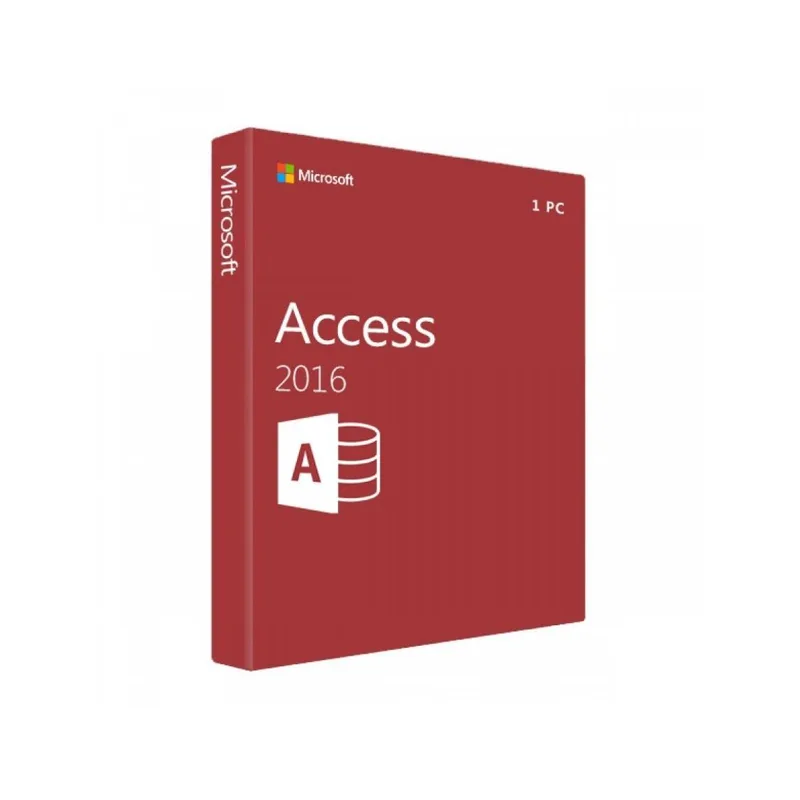
Microsoft Access 2016
About this licence
Microsoft Access 2016 is a database management system that lets users create and use databases tailored to their needs. It supports importing data from Excel, XML, dBASE and PDF files, and can connect to SQL databases, enabling use by private and business users with intuitive tools and ready-made templates.
Access 2016 includes improvements such as BigInt support for better compatibility with Windows SQL Server and reintroduced dBASE support. It facilitates creating database-based mobile apps and sharing databases via OneDrive and SharePoint, and offers new display layouts including a dark grey high-contrast option.
- Import from Excel, XML, dBASE and PDF files
- Connects to SQL databases and supports BigInt data type
- Templates for project management, administration and ERP
- Create database-based mobile apps with SharePoint connection
- Share and collaborate via OneDrive and SharePoint
- New display layouts including dark grey high-contrast option
Product details
- Brand
- Microsoft
- Category
- Microsoft Office
- Devices
- 1 PC
- Duration
- Lifetime
- Platform
- Windows
- License
- Standard
- Delivery
- Instant digital delivery
- Invoice
- EU invoice included
System requirements
- Operating systems: Windows 7 or higher, Windows Server 2012 R2 or Windows Server 2012, Windows 10 Server
- Processor: x86 or x64 bit processor with at least 1 GHz and SSE2
- Memory: 1 GB RAM (32-bit), 2 GB RAM (64-bit)
- Hard disk space: at least 3.0 GB
- Display: minimum resolution of 1024 x 768
- Graphics card:
- DirectX 10 graphics card required for graphics hardware acceleration
Activation & installation overview
- 1Go to office.com/setup and sign in with your Microsoft account.
- 2Enter the product key from your secure order page.
- 3Download and run the Office installer.
- 4Open any app and activate with the key when prompted.
This is a general activation overview; publisher screens can vary by edition and version.
Additional information
Frequently asked questions
Customer reviews
No reviews yet
Be the first to review this product after your purchase.