
 Microsoft
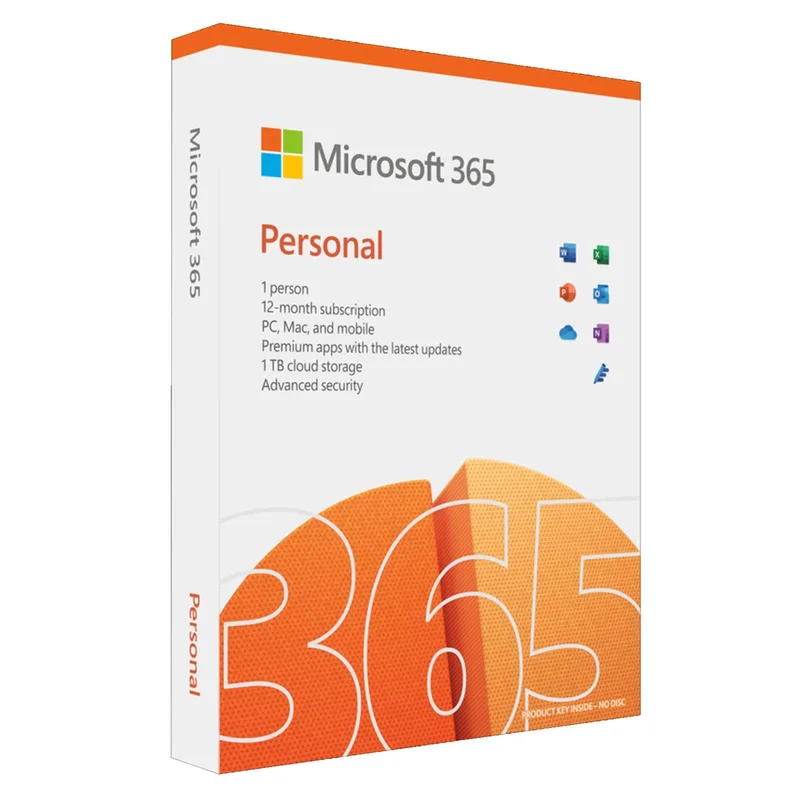
Microsoft Office 365 Personal
About this licence
Microsoft Office 365 Personal provides the latest version of all Office programs for one year with upgrades to new versions included for the duration of the subscription. The licence lets a single user install Office on all their devices and remain signed in on up to five devices at the same time, switching sign-ins between devices as needed.
This package supports installation on Windows and Mac computers, Android and iOS mobile phones, and Android and iOS tablets. It is intended for families, students and home users, with a separate Office 365 Family option available for multi‑user household needs.
- One‑year subscription to the latest Office programs
- Upgrades to new versions included while subscribed
- Install Office on all your devices
- Signed in on up to 5 devices simultaneously
- Supports Windows, Mac, Android and iOS devices
Product details
- Brand
- Microsoft
- Category
- Microsoft Office
- Devices
- 1 user
- Duration
- 1 year
- Platform
- Multi-platform
- License
- Standard
- Delivery
- Instant digital delivery
- Invoice
- EU invoice included
System requirements
- Processor: -If you are using a Windows operating system, you need at least a 1.6 GHz or faster dual-core processor. Memory: -If you are using a 64-bit Windows operating system, the minimum memory requirement is 4 GB of RAM. -If you are using a 32-bit system, this requirement is only 2 GB of RAM. -MacOS also requires a minimum of 4 GB of RAM. Hard disk: -If you are using a Windows operating system, you will need 4 GB of available hard disk space. Vision -If you are using a Windows operating system, you need a screen resolution of at least 1280 x 768 px, higher is always possible. If you are using a 32-bit system, you need hardware acceleration if you want to run in 4K resolution. -For web applications the same limitations apply.
- Graphics card: -If you are using a Windows operating system, you do not specifically need a graphics card. However, if you want to use hardware graphics acceleration, you must have
- DirectX 9 or higher, which also has WDDM requirements. Operating system: -Windows 11, Windows 10, Windows 8.1, Windows Server 2019 and Windows Server 2016 are supported by Microsoft 365. Browser: -There are no strict browser requirements. Microsoft Edge, Safari, Chrome and Mozilla FireFox are compatible with Office 365 and Microsoft 365.
Activation & installation overview
- 1Go to office.com/setup and sign in with your Microsoft account.
- 2Enter the product key from your secure order page.
- 3Download and run the Office installer.
- 4Open any app and activate with the key when prompted.
This is a general activation overview; publisher screens can vary by edition and version.
Additional information
Frequently asked questions
Customer reviews
No reviews yet
Be the first to review this product after your purchase.