
 Microsoft
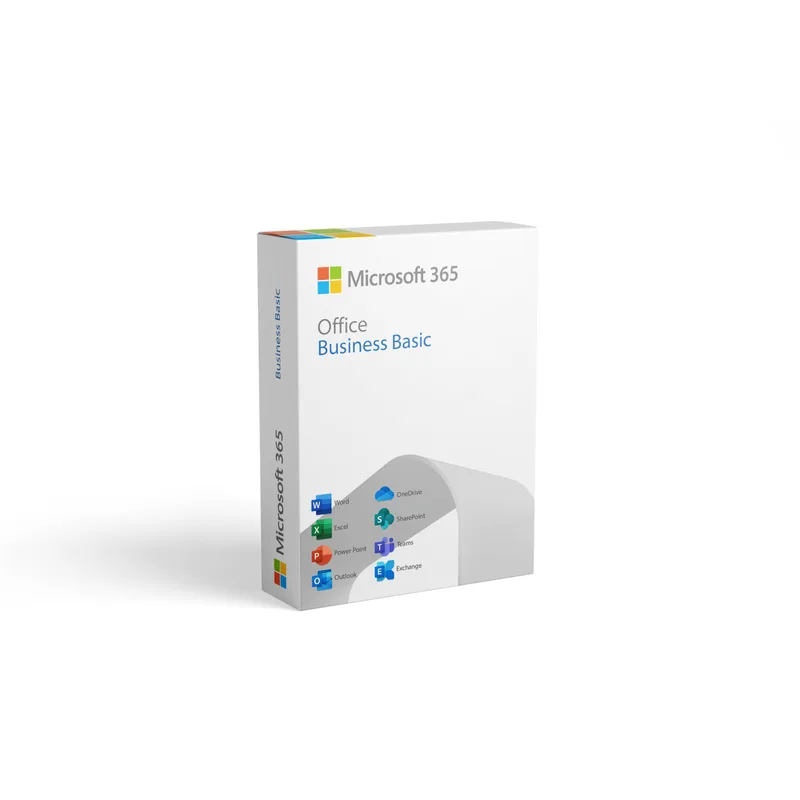
Microsoft Office 365 Business Basic
About this licence
Microsoft Office 365 Business Basic provides online access to Outlook, Word, Excel, PowerPoint and OneNote from any browser, together with business-grade services to run your organisation’s communication and collaboration. The plan includes a 50 GB hosted mailbox, a customisable domain email address and Exchange access from mobile devices, computers or web browsers.
The subscription also includes OneDrive, SharePoint and Microsoft Teams plus tools for scheduling meetings, shared calendars and basic administration tasks such as adding users and restoring deleted accounts. Security and deployment measures are included as part of the offering.
- Access Outlook, Word, Excel, PowerPoint and OneNote from any browser
- 50 GB hosted email mailbox
- Customisable domain email (yourname@yourenterprise.com)
- Exchange access on mobile, desktop and web
- Includes OneDrive, SharePoint and Microsoft Teams
- Admin tools for adding users and restoring deleted accounts
Product details
- Brand
- Microsoft
- Category
- Microsoft Office
- Devices
- 1 user
- Duration
- 1 year
- Platform
- Multi-platform
- License
- Standard
- Delivery
- Instant digital delivery
- Invoice
- EU invoice included
System requirements
PC: 1 gigahertz (GHz) or faster x86- or x64-bit processor with SSE2
OSX: Intel processor
Android: Android KitKat 4.4 or later version and have an ARM-based or Intel x86 processor.
iOS: N/A
Operating System
PC: Windows 11, Windows 10, Windows 8.1, Windows Server 2019, Windows Server 2016
Mac: Latest two versions of macOS
Android: OS version: KitKat (4.4.X) or above
iOS: Office for iPad® and iPhone® requires iOS 10.0 or later. Office for iPad Pro™ requires iOS 10.0 or later.
Memory
PC: 1 GB RAM (32-bit); 2 GB RAM (64-bit)
OSX: 4 GB RAM
Android: 1 GB
iOS: N/A
Hard Disk Space
PC: 3 GB of available disk space
OSX: 6 GB HFS+ hard disk format
Android: N/A
iOS: N/A
Display
PC: 1024 x 768 resolution
OSX: 1280 x 800 resolution
Android: N/A
iOS: N/A
Additional requirements
A touch-enabled device is required to use any multitouch functionality. However, all features and functionality are always available by using a keyboard, mouse, or other standard- or accessible-input device. Note that new touch features are optimized for use with Windows 8 or later.
Product functionality and graphics may vary based on your system configuration. Some features may require additional or advanced hardware or server connectivity.
Internet functionality requires an internet connection.
Microsoft account required.
Activation & installation overview
- 1Go to office.com/setup and sign in with your Microsoft account.
- 2Enter the product key from your secure order page.
- 3Download and run the Office installer.
- 4Open any app and activate with the key when prompted.
This is a general activation overview; publisher screens can vary by edition and version.
Additional information
Frequently asked questions
Customer reviews
No reviews yet
Be the first to review this product after your purchase.