
 Kofax
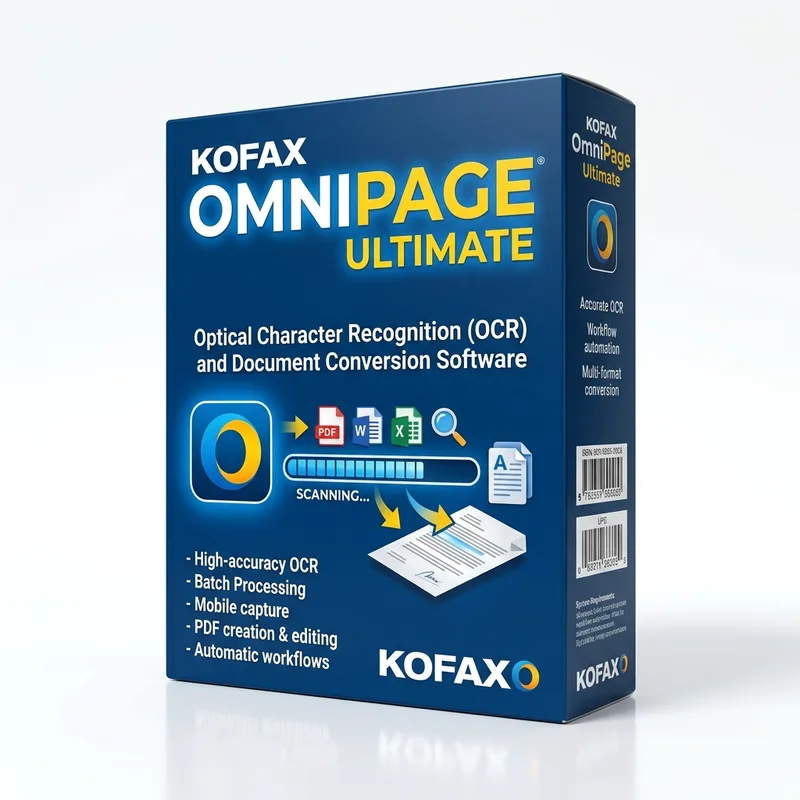
KofaxKofax OmniPage Ultimate
About this licence
Kofax OmniPage Ultimate is professional OCR software that converts scanned documents, images and PDFs into editable, searchable text. It preserves original document layout whenever possible and supports conversion into Word, Excel, searchable PDF and other common formats, making it practical for offices, professionals, students and businesses that need to digitise paper records and reduce manual retyping.
This product is a lifetime licence for 1 PC, multilingual and non-transferable after a single activation. Delivery is digital, and the software includes workflow automation for scanning and document conversion tasks to help speed repetitive processes and support digital archiving.
- Accurate OCR recognition for scanned documents, images and PDFs
- Convert scans into Word, Excel, searchable PDF and other formats
- Preserves original document layout whenever possible
- Workflow automation for scanning and document conversion
- Multilingual support for international documents
- Lifetime licence for 1 PC with single, non-transferable activation; digital delivery
Product details
- Brand
- Kofax
- Category
- PC Tools and PC optimisation
- Devices
- 1 PC
- Duration
- Lifetime
- Platform
- Windows
- License
- Standard
- Delivery
- Instant digital delivery
- Invoice
- EU invoice included
System requirements
- Operating system: Windows compatible with Kofax OmniPage Ultimate.
- Processor: Intel Pentium or higher, or equivalent.
- Memory: minimum 1 GB RAM; 2 GB or more recommended.
- Disk space: at least 3 GB available for installation and temporary files.
- Display: 1024 × 768 resolution or higher.
- TWAIN, WIA or ISIS compatible scanner for direct scanning.
- Internet connection for download, activation and updates where applicable.
Activation & installation overview
- 1Download the installer from the vendor’s official website.
- 2Run the installer and follow the on-screen steps.
- 3Enter your license key when prompted to activate.
- 4Restart if requested — you’re ready to go.
This is a general activation overview; publisher screens can vary by edition and version.
Frequently asked questions
Customer reviews
No reviews yet
Be the first to review this product after your purchase.