
 Foxit
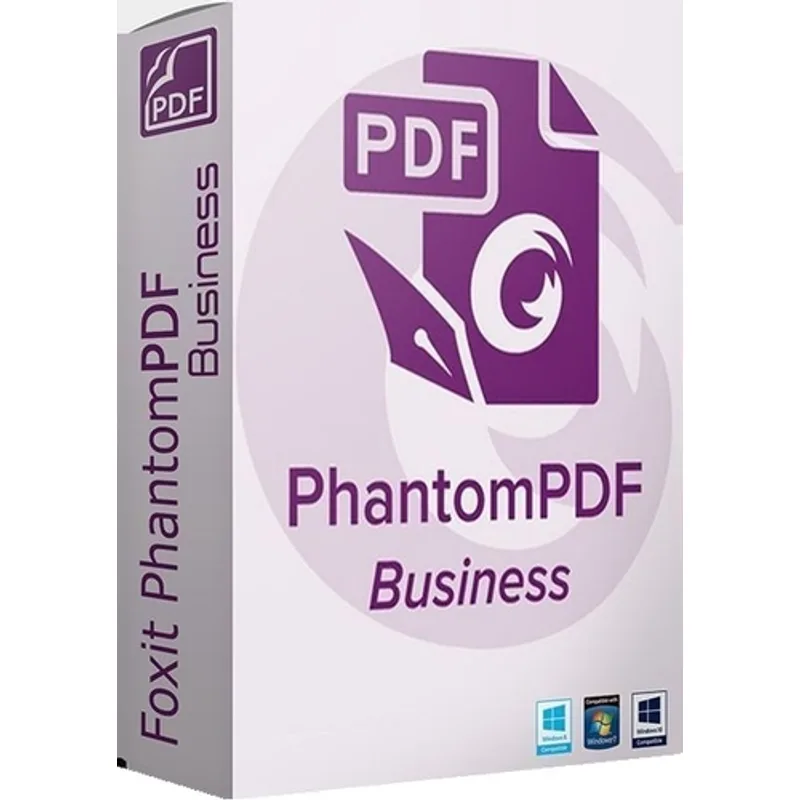
FoxitFoxit PhantomPDF 7
About this licence
Foxit PhantomPDF 7 is a professional PDF editor for Windows that provides tools to create, edit, convert, annotate, organise and protect PDF documents. Designed for office work, business administration and study, it supports familiar desktop workflows without a subscription and is supplied as a digital delivery.
This purchase is a lifetime, multilingual licence for one Windows PC and is valid only for Windows 7, Windows 8 and Windows 10. The licence is permanent, non-transferable after the single activation, and includes features for editing text and images, converting files, adding comments and applying document security.
- Create and edit PDFs with text, image and page tools
- Convert PDFs to common office formats and create PDFs from existing documents
- Annotate with comments, highlights, notes, stamps, signatures and form fields
- Merge, split, reorder, rotate and organise PDF pages
- Protect documents with passwords, permissions and redaction tools
- Lifetime multilingual licence for one Windows PC (Windows 7, 8, 10); non-transferable after activation
Product details
- Brand
- Foxit
- Category
- PC Tools and PC optimisation
- Devices
- 1 device
- Duration
- Lifetime
- Platform
- Windows
- License
- Standard
- Delivery
- Instant digital delivery
- Invoice
- EU invoice included
System requirements
- Operating system: Windows 7, Windows 8 or Windows 10.
- Product only for Windows.
- Processor: 1.3 GHz or faster processor.
- Memory: 512 MB RAM minimum; 1 GB or more recommended.
- Disk space: at least 1 GB available for installation.
- Display: 1024 x 768 resolution or higher.
- Internet connection for download and activation.
Activation & installation overview
- 1Download the installer from the vendor’s official website.
- 2Run the installer and follow the on-screen steps.
- 3Enter your license key when prompted to activate.
- 4Restart if requested — you’re ready to go.
This is a general activation overview; publisher screens can vary by edition and version.
Frequently asked questions
Customer reviews
No reviews yet
Be the first to review this product after your purchase.