
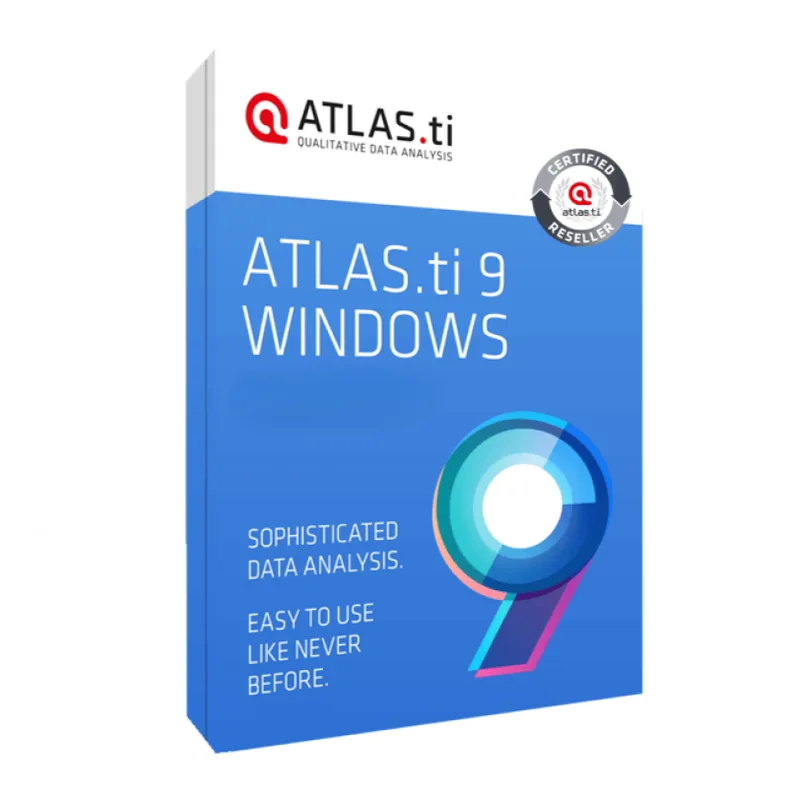
Atlas.ti 9
About this licence
Atlas.ti 9 is professional qualitative data analysis software for Windows designed for researchers, universities, consultants and teams who need to organise, code and interpret large collections of information. Work with interviews, PDFs, documents, notes, survey answers, images, audio, video and other research material in a single structured workspace to keep complex projects organised and traceable.
This Atlas.ti 9 licence is permanent and valid for one Windows PC with one activation; it is multilingual. Delivery is digital. The licence cannot be transferred or reinstalled on the same PC.
- Code and classify qualitative data from documents, PDFs, multimedia and notes
- Build categories, memos and quotations to organise research projects
- Visualise relationships with network views and visual analysis tools
- Search, filter and compare coded material to identify patterns
- Suitable for thesis work, interviews, case studies and market research
- Permanent licence for one Windows PC with one activation; multilingual
Product details
- Brand
- Atlas.ti
- Category
- PC Tools and PC optimisation
- Devices
- 1 device
- Duration
- 1 year
- Platform
- Windows
- License
- Standard
- Delivery
- Instant digital delivery
- Invoice
- EU invoice included
System requirements
- Operating system: Microsoft Windows 10 or Windows 11.
- System type: 64-bit Windows PC recommended.
- Processor: Intel or AMD dual-core processor or better.
- Memory: 4 GB RAM minimum; 8 GB or more recommended for larger projects.
- Storage: free disk space for installation and research project files.
- Display: 1366 x 768 minimum; Full HD recommended.
- Internet connection may be required for download, activation and license validation.
Activation & installation overview
- 1Download the installer from the vendor’s official website.
- 2Run the installer and follow the on-screen steps.
- 3Enter your license key when prompted to activate.
- 4Restart if requested — you’re ready to go.
This is a general activation overview; publisher screens can vary by edition and version.
Frequently asked questions
Customer reviews
No reviews yet
Be the first to review this product after your purchase.