
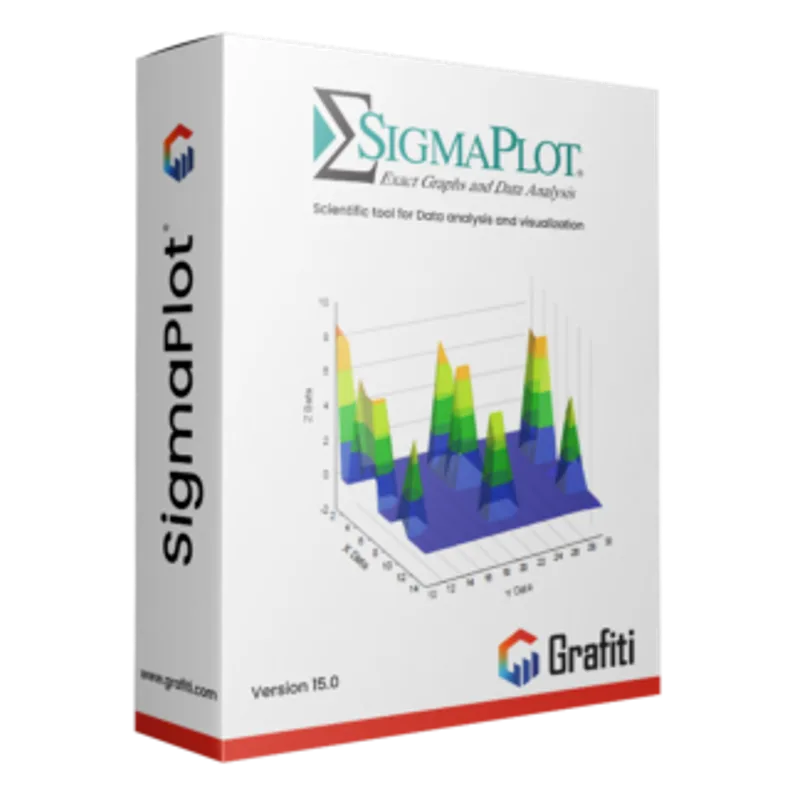
SigmaPlot 14
About this licence
SigmaPlot 14 is professional scientific graphing and data analysis software for scientists, engineers, laboratories, universities and technical teams. This permanent SigmaPlot 14 licence is valid for one PC, is English-language, and is compatible with 64-bit Windows environments. Delivery is digital.
Create publication-quality 2D and 3D graphs from spreadsheets, worksheets and imported data, then perform regression, curve fitting, descriptive statistics and common statistical tests in the same workspace. Wizard-based workflows and extensive customization for axes, labels, symbols, legends and colours support reproducible visualisation for reports, theses and publications.
- Permanent licence valid for 1 PC
- Compatible with 64-bit Windows environments
- Create precise 2D and 3D scientific graphs from spreadsheets and imported data
- Perform regression, curve fitting, descriptive statistics and common statistical tests
- Customize axes, labels, symbols, legends, colours and graph layouts
- Wizard-based workflows to speed graph creation and analysis
Product details
- Brand
- SigmaPlot
- Category
- PC Tools and PC optimisation
- Devices
- 1 PC
- Duration
- 1 year
- Platform
- Windows
- License
- Standard
- Delivery
- Instant digital delivery
- Invoice
- EU invoice included
System requirements
- Operating system: 64-bit Windows environment.
- System type: 1 Windows PC.
- Processor: 2 GHz x64 processor or faster recommended.
- Memory: 8 GB RAM recommended for 64-bit systems.
- Storage: at least 1 GB of free disk space for installation plus space for data and project files.
- Display: 1366 x 768 resolution or better.
- Internet connection may be required for download, activation and license validation.
- Microsoft Office 2010 or later recommended for Office integration features.
Activation & installation overview
- 1Download the installer from the vendor’s official website.
- 2Run the installer and follow the on-screen steps.
- 3Enter your license key when prompted to activate.
- 4Restart if requested — you’re ready to go.
This is a general activation overview; publisher screens can vary by edition and version.
Frequently asked questions
Customer reviews
No reviews yet
Be the first to review this product after your purchase.