
 Microsoft
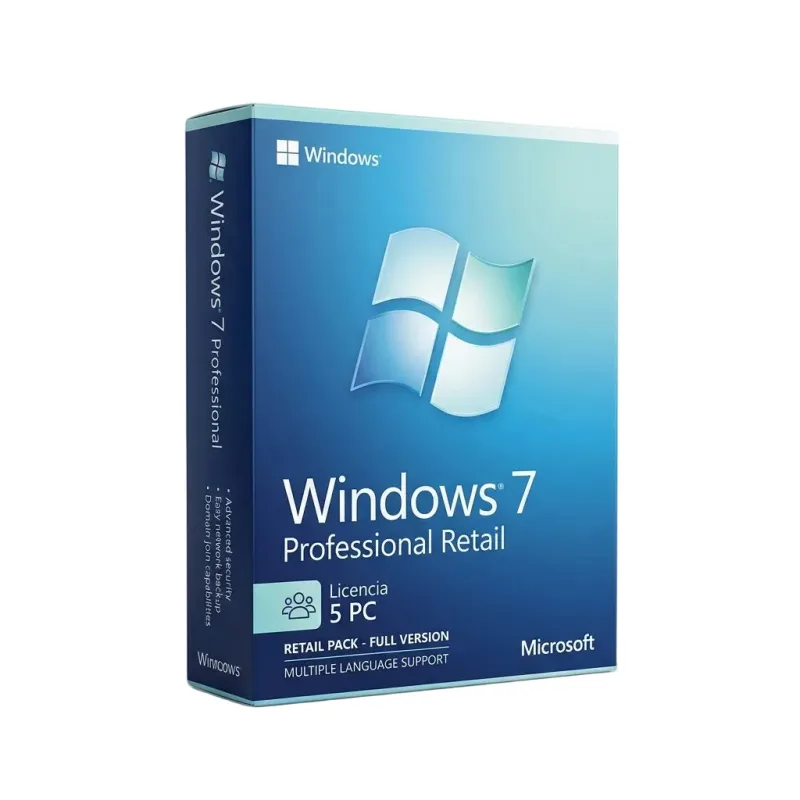
Windows 7 Professional
One-time payment
€14.04
1
Instant digital delivery
14-day money-back guarantee
Genuine licence, EU invoice included
K
✓ Official invoiceSold by Kiaveo
Verified EU reseller · since 2022
About this licence
Windows 7 Professional is a 2009 edition of Microsoft's Windows 7 designed for office and business computers. It includes the functionality of Home Premium and adds business-focused capabilities such as XP Mode, the ability to join a corporate domain and improved backup options for home or business networks.
The Windows 7 Pro licence is sold as a perpetual licence: you pay once, activate and retain the licence permanently. The edition also provides advanced backup capabilities, enhanced file protection and localised network printing to support office workflows.
What's included
- Perpetual (one-time) licence — activate and keep permanently
- Includes Home Premium functionality plus additional business features
- XP Mode for legacy application compatibility
- Domain join and Group Policy controls for corporate networks
- Remote Desktop Host and location-aware printing
- Advanced backup capabilities and improved file protection
Product details
- Brand
- Microsoft
- Category
- Windows
- Devices
- 1 PC
- Duration
- Lifetime
- Platform
- Windows
- License
- Standard
- Delivery
- Instant digital delivery
- Invoice
- EU invoice included
System requirements
As of 17/11/2022, the requirements are as follows:
Processor required
32-bit (x86) or 64-bit (x64) at 1GHz or higher.
Memory required
1 gigabyte (GB) (32-bits) or 2 GB RAM (64-bits).
Hard disk space required
16 GB (32 bits) o 20 GB (64 bits).
Graphics device
DirectX 9 with WDDM 1.0 driver or higher.
Network
Internet access.
Additional memory
Depending on the resolution, video playback may require additional memory and advanced graphics hardware. But we invite you to read the list of requirements for Windows 7 Pro directly on Microsoft's official website.
32-bit (x86) or 64-bit (x64) at 1GHz or higher.
Memory required
1 gigabyte (GB) (32-bits) or 2 GB RAM (64-bits).
Hard disk space required
16 GB (32 bits) o 20 GB (64 bits).
Graphics device
DirectX 9 with WDDM 1.0 driver or higher.
Network
Internet access.
Additional memory
Depending on the resolution, video playback may require additional memory and advanced graphics hardware. But we invite you to read the list of requirements for Windows 7 Pro directly on Microsoft's official website.
Activation & installation overview
- 1Download the Media Creation Tool from Microsoft’s official site.
- 2Create install media or upgrade in place (matching edition).
- 3Complete setup — choose ‘I don’t have a key’ if asked.
- 4Settings → Activation → Change product key, then enter your key.
This is a general activation overview; publisher screens can vary by edition and version.
Additional information
You can find more information on the official product website. If you have any questions left, we will be happy to help you through our live online chat right now.
Frequently asked questions
Customer reviews
No reviews yet
Be the first to review this product after your purchase.