
 Microsoft
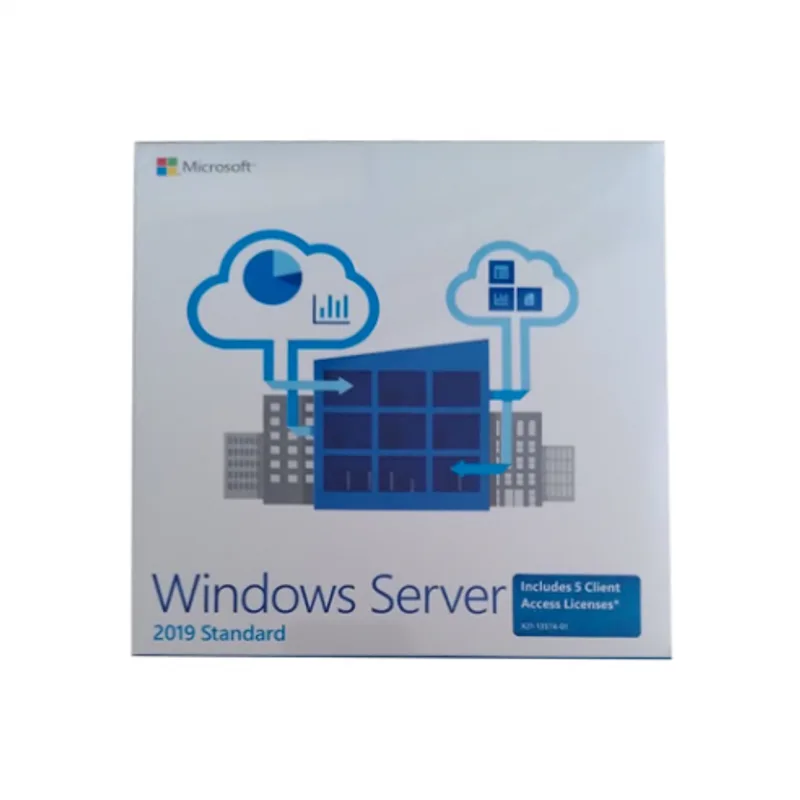
Windows Server 2019 Standard
About this licence
Windows Server 2019 Standard lets you turn a computer into a company server, providing a central connection point for your organisation’s devices and accessing up-to-date business data such as customer lists and supplier prices. It is positioned for small and medium-sized enterprises and offers business intelligence tools to support day-to-day operations.
This ninth edition of the Windows Server family enables a single machine to act as a print server, domain controller, web server and file server, and can be used as a company database so all authorised computers share the same current information. The edition includes two virtualization rights for Hyper-V virtual machines or containers.
- Designed for small and medium-sized enterprises
- Creates a central server for device connections and shared data
- Functions as print server, domain controller, web server and file server
- Provides business intelligence (BI) tools
- Two virtualization rights for Hyper-V virtual machines or containers
Product details
- Brand
- Microsoft
- Category
- Servers
- Duration
- Lifetime
- Platform
- Windows
- License
- Standard
- Delivery
- Instant digital delivery
- Invoice
- EU invoice included
System requirements
PC: 1,4 GHz 64 bits
Network adapter
Compliant with the PCI Express architecture specification
An Ethernet adapter with a throughput of at least 1 gigabit per second
Memory required
512 MB or 2 GB for the server with the "desktop screen" installation option
Hard disk space required
32 GB of free disk space
Graphics card and monitor
1.024 x 768 píxeles
Also for the BIOS
UEFI system with secure boot (UEFI 2.3.1c) for certain functions But these requirements can change often, so you can find the current requirements for Windows Server 2019 on Microsoft's website. If you have any question about the requirements, please contact us.
Activation & installation overview
- 1Download the Media Creation Tool from Microsoft’s official site.
- 2Create install media or upgrade in place (matching edition).
- 3Complete setup — choose ‘I don’t have a key’ if asked.
- 4Settings → Activation → Change product key, then enter your key.
This is a general activation overview; publisher screens can vary by edition and version.
Additional information
Frequently asked questions
Customer reviews
No reviews yet
Be the first to review this product after your purchase.