
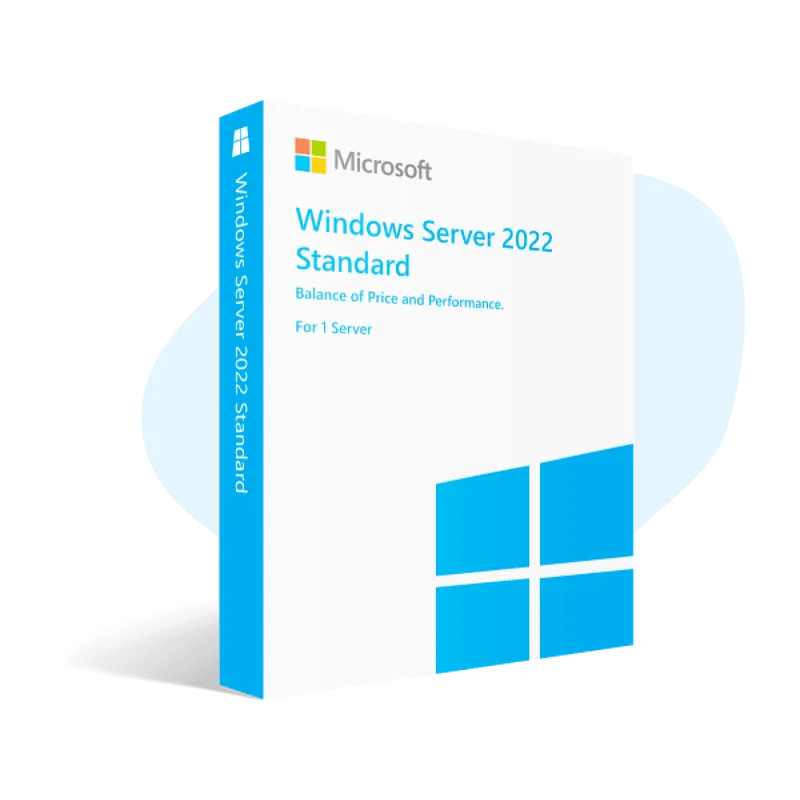
 Microsoft
Windows Server 2022 Essentials
About this licence
Windows Server 2022 Essentials is a specialised edition of Windows Server designed for small businesses, supporting up to 25 users and 50 devices. It provides a full server experience without the need to purchase additional CALs, making it suitable for organisations with modest infrastructure needs.
This edition permits deployment of two virtual environments under one Hyper-V host license and includes advanced data protection, mixed cloud support and remote access capabilities. It does not include features such as storage replication or unlimited virtualisation, so organisations should assess requirements against these limitations.
- Supports up to 25 users and 50 devices
- No additional CALs required under its 10-core restriction
- Allows 2 virtual environments on one Hyper-V host license
- Offers advanced data protection and mixed cloud support
- Includes robust remote access capabilities
- Does not provide storage replication or unlimited virtual environments
Product details
- Brand
- Microsoft
- Category
- Servers
- Devices
- 25 devices
- Duration
- Lifetime
- Platform
- Windows
- License
- Standard
- Delivery
- Instant digital delivery
- Invoice
- EU invoice included
System requirements
- Processor: 1.4 GHz 64-bit CPU supporting hardware virtualisation, with Second Level Address Translation (SLAT). RAM: 512 MB (2 GB minimum recommended for running in a production environment).
- Disk space: 32 GB (more is recommended if you have 16 GB RAM or more).
- Hard disk controller: PCI Express adapter that supports the PCI Express 3.0 specification.
- Network adapters and controllers: An Ethernet adapter that supports at least the PCI Express specification. Other: DVD-ROM drive if installing operating system software from DVD media. Monitor with a resolution of 1024 x 768 or higher. Keyboard and mouse (or other compatible pointing device).
Activation & installation overview
- 1Download the Media Creation Tool from Microsoft’s official site.
- 2Create install media or upgrade in place (matching edition).
- 3Complete setup — choose ‘I don’t have a key’ if asked.
- 4Settings → Activation → Change product key, then enter your key.
This is a general activation overview; publisher screens can vary by edition and version.
Additional information
Frequently asked questions
Customer reviews
No reviews yet
Be the first to review this product after your purchase.