
 Ashampoo
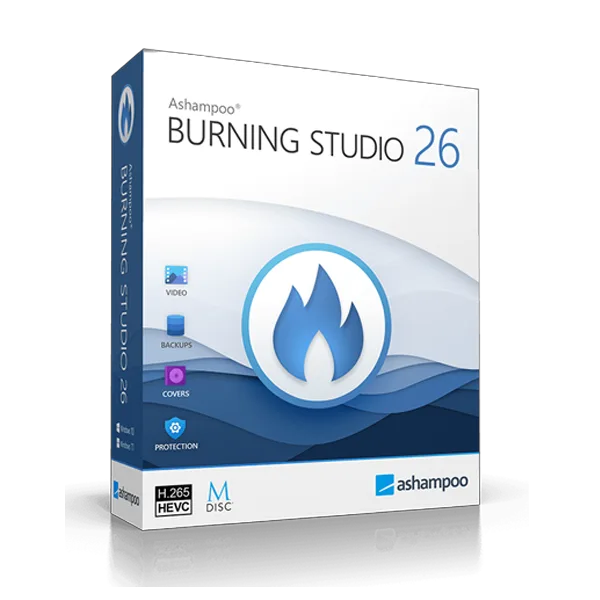
Ashampoo Burning Studio 26
About this licence
Ashampoo Burning Studio 26 as a genuine licence key with secure delivery through your order page. After payment you receive your original licence key together with the official download link and simple activation instructions.
Every purchase includes a proper EU invoice. If anything is unclear during installation or activation, our support team is happy to help.
- Genuine licence key
- secure delivery through your order page
- Official download source
- Step-by-step activation guide
- EU invoice included
Product details
- Brand
- Ashampoo
- Category
- PC Tools and PC optimisation
- Devices
- 1 device
- Duration
- 1 year
- Platform
- Windows
- License
- Standard
- Region
- EU
- Delivery
- Instant digital delivery
- Invoice
- EU invoice included
System requirements
Product-specific requirements have not yet been verified. Check the publisher’s compatibility information before purchase or ask support to confirm your setup.
Activation & installation overview
- 1Download the installer from the vendor’s official website.
- 2Run the installer and follow the on-screen steps.
- 3Enter your license key when prompted to activate.
- 4Restart if requested — you’re ready to go.
This is a general activation overview; publisher screens can vary by edition and version.
Additional information
Ashampoo Burning Studio 26: Comprehensive Disc Burning Solution for All Your Media Requirements
Ashampoo Burning Studio 26 provides professional-grade disc burning capabilities in a user-friendly package. Whether you need to archive crucial data, compile music, or produce video discs, this versatile software manages it all with outstanding reliability and speed.
Key Features
Extensive Disc Support: Burn and copy CDs, DVDs, and Blu-ray discs with support for all common formats. Create data discs, audio CDs, video DVDs, and more with just a few clicks.
Advanced Ripping Capabilities: Extract audio tracks from CDs and save them in popular formats such as MP3, FLAC, or WAV. Digitally preserve your music collection with high-quality conversions.
Disc Spanning: Automatically divide large backups across multiple discs when your data surpasses the capacity of a single disc.
Why Choose Ashampoo Burning Studio 26?
- Intuitive interface suitable for beginners and experts alike
- Fast burning engine with reliable results
- Built-in cover designer for professional-looking disc labels
- Scratch protection for enhanced disc longevity
- Regular updates and dedicated support
Frequently asked questions
Customer reviews
No reviews yet
Be the first to review this product after your purchase.