
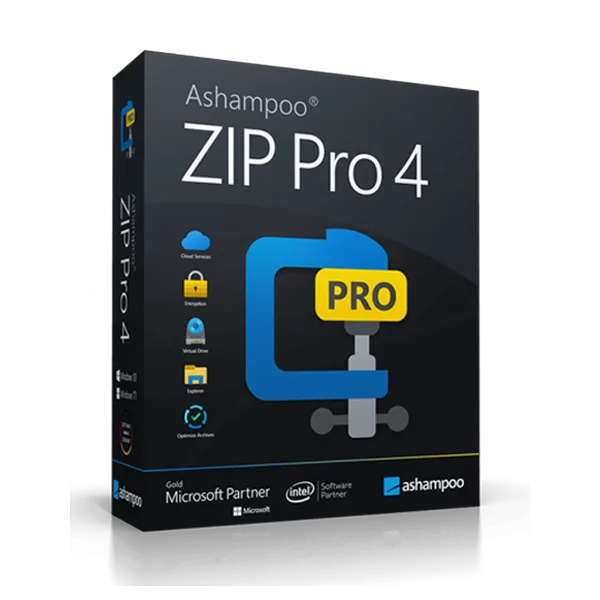
 Ashampoo
Ashampoo Zip Pro 4
About this licence
Ashampoo Zip Pro 4 is a professional file compression and encryption tool that creates, opens and manages archives in over 60 formats, including ZIP, 7Z, RAR, TAR, CAB and ISO. It supports multi-core compression to speed up processing and offers a preview function so you can view archive contents without extracting files.
The program includes military-grade AES-256 encryption to protect sensitive data, Windows Explorer integration for right-click compress and extract actions, and split-archive support to divide large files for easier sharing. It also can repair damaged ZIP and 7Z archives and provides direct upload to cloud services such as Dropbox, Google Drive and OneDrive. secure delivery through your order page after purchase.
- Create, open and manage archives in 60+ formats (ZIP, 7Z, RAR, TAR, CAB, ISO)
- AES-256 encryption for secure, encrypted archives
- Windows Explorer integration for right-click compress/extract
- Multi-core support to accelerate compression tasks
- Split archives for sharing large files; repair ZIP and 7Z archives
- Preview archive contents and upload directly to Dropbox, Google Drive and OneDrive
Product details
- Brand
- Ashampoo
- Category
- PC Tools and PC optimisation
- Devices
- 1 device
- Duration
- 1 year
- Platform
- Windows
- License
- Standard
- Delivery
- Instant digital delivery
- Invoice
- EU invoice included
System requirements
- Operating System: Windows 11, Windows 10, Windows 8.1, Windows 8, Windows 7
- Processor: 1 GHz or faster
- RAM: 2 GB minimum (4 GB recommended)
- Hard Disk Space: 250 MB free space
- Display: 1280 x 768 resolution or higher
- Internet Connection: Required for activation and updates
Activation & installation overview
- 1Download the installer from the vendor’s official website.
- 2Run the installer and follow the on-screen steps.
- 3Enter your license key when prompted to activate.
- 4Restart if requested — you’re ready to go.
This is a general activation overview; publisher screens can vary by edition and version.
Frequently asked questions
Customer reviews
No reviews yet
Be the first to review this product after your purchase.