
 Microsoft
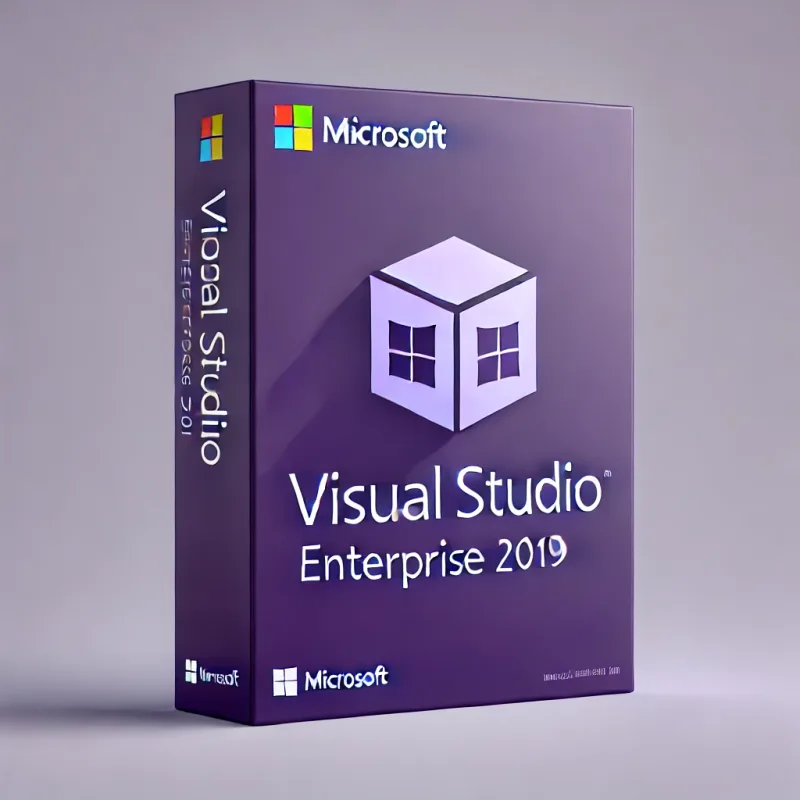
Microsoft Visual Studio Enterprise 2026
About this licence
Microsoft Visual Studio Enterprise 2026 is a comprehensive integrated development environment from Microsoft, designed for professional development teams and enterprises. This premium edition includes all features from Visual Studio Professional and adds advanced testing tools, DevOps capabilities and enterprise-grade collaboration features to support building, testing and deploying applications at scale.
The edition provides enterprise-exclusive capabilities and developer productivity tools such as AI-powered IntelliCode, live unit testing, historical IntelliTrace debugging and advanced code analysis. Additional features include load testing, snapshot and time travel debugging, code clone detection and architecture validation to help teams maintain quality and enforce architectural rules.
- Advanced AI-powered IntelliCode with team model training
- Live Unit Testing for real-time test execution
- IntelliTrace historical debugging with full execution history
- Load testing and built-in performance testing capabilities
- Architecture validation and live dependency validation
- Enterprise-exclusive test impact analysis and code coverage reporting
Product details
- Brand
- Microsoft
- Category
- PC Tools and PC optimisation
- Devices
- 1 device
- Duration
- 1 year
- Platform
- Windows
- License
- Standard
- Delivery
- Instant digital delivery
- Invoice
- EU invoice included
System requirements
Product-specific requirements have not yet been verified. Check the publisher’s compatibility information before purchase or ask support to confirm your setup.
Activation & installation overview
- 1Download the installer from the vendor’s official website.
- 2Run the installer and follow the on-screen steps.
- 3Enter your license key when prompted to activate.
- 4Restart if requested — you’re ready to go.
This is a general activation overview; publisher screens can vary by edition and version.
Frequently asked questions
Customer reviews
No reviews yet
Be the first to review this product after your purchase.