
 Microsoft
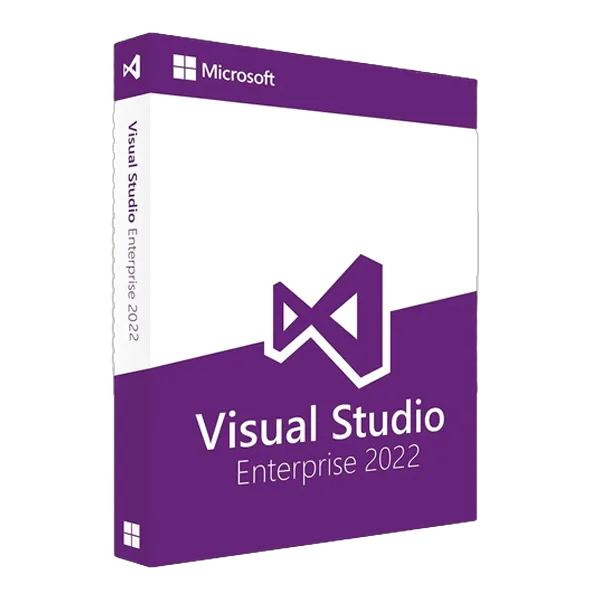
Microsoft Visual Studio Enterprise 2022
About this licence
Microsoft Visual Studio Enterprise 2022 is a comprehensive integrated development environment tailored for large-scale enterprise projects and development teams. It builds on the Professional edition and adds advanced testing, DevOps and architecture tools, plus a 64-bit IDE for improved performance with large solutions.
The Enterprise edition includes AI-assisted IntelliCode, Live Unit Testing, IntelliTrace historical debugging, code clone detection and architecture validation. It supports C#, Visual Basic, F#, C++, Python, JavaScript, TypeScript and frameworks such as .NET 6/7/8, .NET Framework and ASP.NET Core, and includes tools for Azure, mobile development with Xamarin/MAUI and game development with Unity.
- 64-bit IDE for improved performance with large solutions
- IntelliCode AI for code completion and suggestions
- Live Unit Testing and Microsoft Fakes for unit test support
- IntelliTrace for historical debugging and diagnostics
- Architecture validation, dependency diagrams and code clone detection
- Enterprise features: Snapshot Debugger for Azure and Time Travel Debugging
Product details
- Brand
- Microsoft
- Category
- PC Tools and PC optimisation
- Devices
- 1 device
- Duration
- 1 year
- Platform
- Windows
- License
- Standard
- Delivery
- Instant digital delivery
- Invoice
- EU invoice included
System requirements
- Operating System: Windows 11 (version 21H2 or higher), Windows 10 (version 1909 or higher), Windows Server 2022, Windows Server 2019, Windows Server 2016
- Processor: Quad-core or better (1.8 GHz minimum, 2.5 GHz+ recommended)
- RAM: 8 GB minimum (16 GB recommended for large solutions)
- Hard Disk Space: SSD with 20-50 GB free space (depends on features installed)
- Display: 1920 x 1080 or higher resolution (WXGA 1366 x 768 minimum)
- Graphics: DirectX 11 compatible GPU
- Internet Connection: Required for activation, updates, and some features
Activation & installation overview
- 1Download the installer from the vendor’s official website.
- 2Run the installer and follow the on-screen steps.
- 3Enter your license key when prompted to activate.
- 4Restart if requested — you’re ready to go.
This is a general activation overview; publisher screens can vary by edition and version.
Frequently asked questions
Customer reviews
No reviews yet
Be the first to review this product after your purchase.