
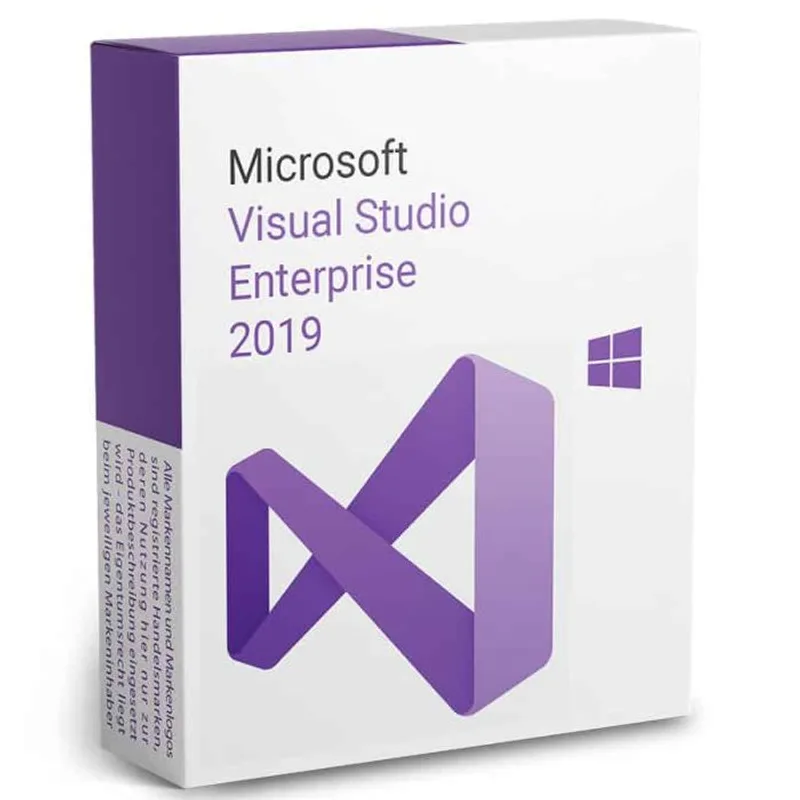
 Microsoft
Visual Studio 2019 Enterprise
About this licence
Microsoft Visual Studio 2019 Enterprise is an integrated development environment from Microsoft that provides tools for the full software development lifecycle. It supports development on Windows, Linux and macOS and works with a range of programming languages including Visual Basic, .NET, PHP, C++, Java, Python, Node, Unity and Ruby.
The Enterprise edition is suitable for both experienced professional developers and those new to programming and can be used to create web applications, Windows and mobile apps, analytics and Big Data solutions, and video games. After purchase you receive an email with a download link and guaranteed activation; manufacturer support is available.
- Integrated development environment for end-to-end software development
- Compatible with Windows, Linux and macOS
- Supports Visual Basic, .NET, PHP, C++, Java, Python, Node, Unity and Ruby
- Can be used to develop web, Windows, mobile, analytics/Big Data and game projects
- Automates tasks such as code review, error checking and compilation options
- Download link and guaranteed activation provided by email after purchase
Product details
- Brand
- Microsoft
- Category
- PC Tools and PC optimisation
- Devices
- 1 device
- Duration
- 1 year
- Platform
- Windows
- License
- Standard
- Delivery
- Instant digital delivery
- Invoice
- EU invoice included
System requirements
- Minimum system requirements
.
Supported operating systems:
-Windows 8.1 (x86 and x64).
-Windows 8 (x86 and x64)
-Windows 7 SP1 (x86 and x64)
-Windows Server 2008 R2 SP1 (x64)
-Windows Server 2012 (x64)
-Windows Server 2012 R2 (x64)
Hardware requirements:
-1.6 GHz processor or higher -1 GB (32-bit) or 2 GB (64-bit) of RAM (add 512 MB to the host if running in a virtual machine) -3 GB of available hard disk space -5400 RPM hard drive - - DirectX 9 compatible video card with 1024 x 768 or higher screen resolution.
Other requirements:
. -On Windows 8.1 and Windows Server 2012 R2, KB2883200 (available from Windows Update) is required.
Activation & installation overview
- 1Download the installer from the vendor’s official website.
- 2Run the installer and follow the on-screen steps.
- 3Enter your license key when prompted to activate.
- 4Restart if requested — you’re ready to go.
This is a general activation overview; publisher screens can vary by edition and version.
Additional information
Frequently asked questions
Customer reviews
No reviews yet
Be the first to review this product after your purchase.