
 Microsoft
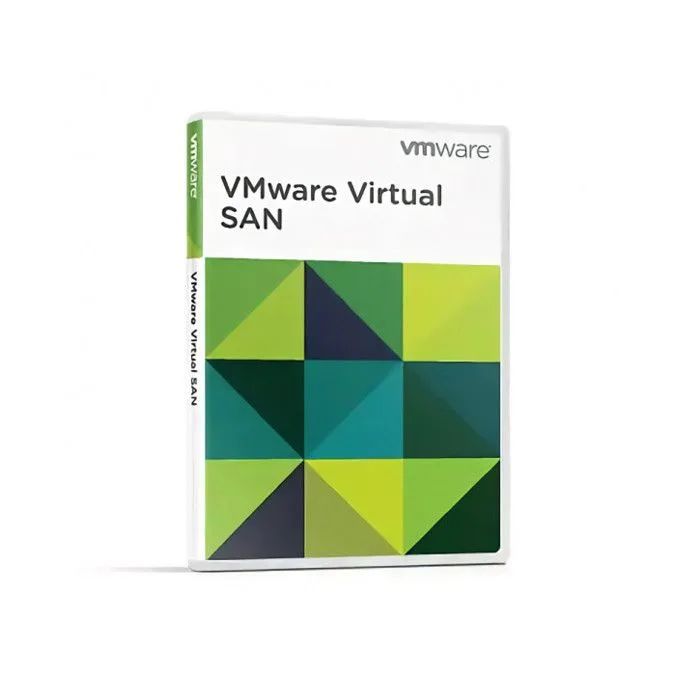
VMware vSAN 8 - Advanced for Retail and Branch Offices - 1 Device - Lifetime
About this licence
VMware vSAN 8 - Advanced for Retail and Branch Offices provides a lifetime licence key for a hyper-converged, software-defined storage solution tailored to distributed retail and branch environments. The product integrates natively with the VMware ecosystem to simplify storage management and offers built-in high availability and data protection to support continuity and disaster recovery.
This licence supports scalable clusters from 2 to 64 nodes and both all‑flash and hybrid storage configurations with encryption for data at rest and in transit. Space-saving deduplication and compression are included. The lifetime licence is a one-time purchase; activation is completed by entering the licence key in your vSphere/vCenter vSAN cluster configuration.
- Lifetime licence key — one-time purchase, no recurring fees
- Native vSphere integration for seamless management
- High availability with built-in data protection and disaster recovery
- Scales from 2 to 64 nodes per cluster
- Supports all‑flash and hybrid storage configurations
- Encryption for data at rest and in transit; deduplication and compression
Product details
- Brand
- Microsoft
- Category
- PC Tools and PC optimisation
- Devices
- 1 device
- Duration
- Lifetime
- Platform
- Windows
- License
- Retail
- Delivery
- Instant digital delivery
- Invoice
- EU invoice included
System requirements
Minimum
- 1.6 GHz, 2-core processor
- 4 GB RAM (2 GB for 32-bit)
- 4 GB free disk space
- Windows 10/11 or the three latest macOS versions
Recommended
- Dual-core 2 GHz+
- 8 GB RAM
- DirectX 10 graphics, 1280×768
Compatibility guidance for this product family. Confirm the exact edition with the publisher before purchase.
Activation & installation overview
- 1Go to office.com/setup and sign in with your Microsoft account.
- 2Enter the product key from your secure order page.
- 3Download and run the Office installer.
- 4Open any app and activate with the key when prompted.
This is a general activation overview; publisher screens can vary by edition and version.
Frequently asked questions
Customer reviews
No reviews yet
Be the first to review this product after your purchase.