
 Parallels
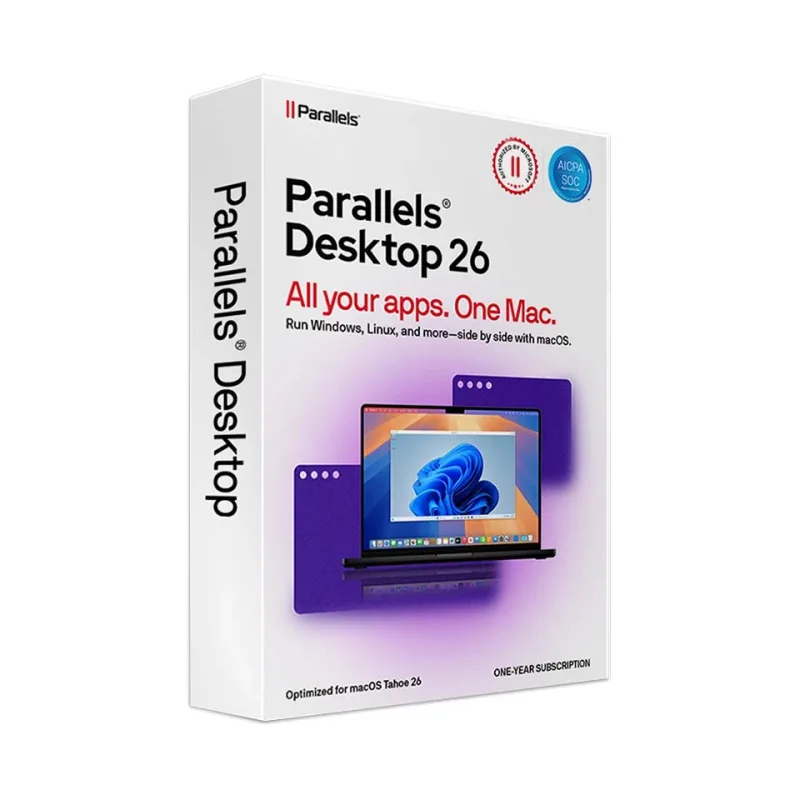
Parallels Desktop 26
About this licence
Parallels Desktop 26 for Mac lets you run Windows, Linux and other operating systems on your Mac without rebooting. Designed for both Apple Silicon and Intel-based Macs, it offers seamless integration so Windows apps run side-by-side with macOS applications, with Coherence Mode enabling Windows apps to behave like native Mac apps.
This release is optimised for the latest macOS versions and Apple Silicon M1–M4 chips, with up to 25% faster performance than previous versions, improved graphics and resource management, and faster virtual machine startup and shutdown. New and improved capabilities include enhanced ARM-to-x86 translation, AI-powered performance tuning, TPM 2.0 support for Windows 11 and a redesigned user interface. The product is delivered digitally; you will receive a licence key and download instructions by email.
- Run Windows, Linux and other OSes on Mac without rebooting
- Supports Apple Silicon (M1–M4) and Intel-based Macs
- Coherence Mode to use Windows apps alongside macOS apps
- Up to 25% faster than previous versions with improved graphics
- Includes TPM 2.0 support for Windows 11 and enhanced ARM-to-x86 translation
- secure delivery through your order page
Product details
- Brand
- Parallels
- Category
- PC Tools and PC optimisation
- Devices
- 1 device
- Duration
- 1 year
- Platform
- Windows
- License
- Standard
- Delivery
- Instant digital delivery
- Invoice
- EU invoice included
System requirements
- Graphics: Apple M1, M2, M3, M4 chip. Intel, AMD Radeon or NVIDIA graphics card Operating System: - macOS Sequoia 15 or later - macOS Sonoma 14 or later - macOS Ventura 13 or later
- Recommended for best performance:
- Processor: Apple M2 chip or later; Intel Core i5 or better RAM: 8 GB minimum (16 GB recommended)
- Storage: 16 GB free disk space for Parallels Desktop + space for virtual machines (minimum 16 GB per VM) Note: Internet connection required for product activation and updates.
Activation & installation overview
- 1Download the installer from the vendor’s official website.
- 2Run the installer and follow the on-screen steps.
- 3Enter your license key when prompted to activate.
- 4Restart if requested — you’re ready to go.
This is a general activation overview; publisher screens can vary by edition and version.
Additional information
Frequently asked questions
Customer reviews
No reviews yet
Be the first to review this product after your purchase.