
 Parallels
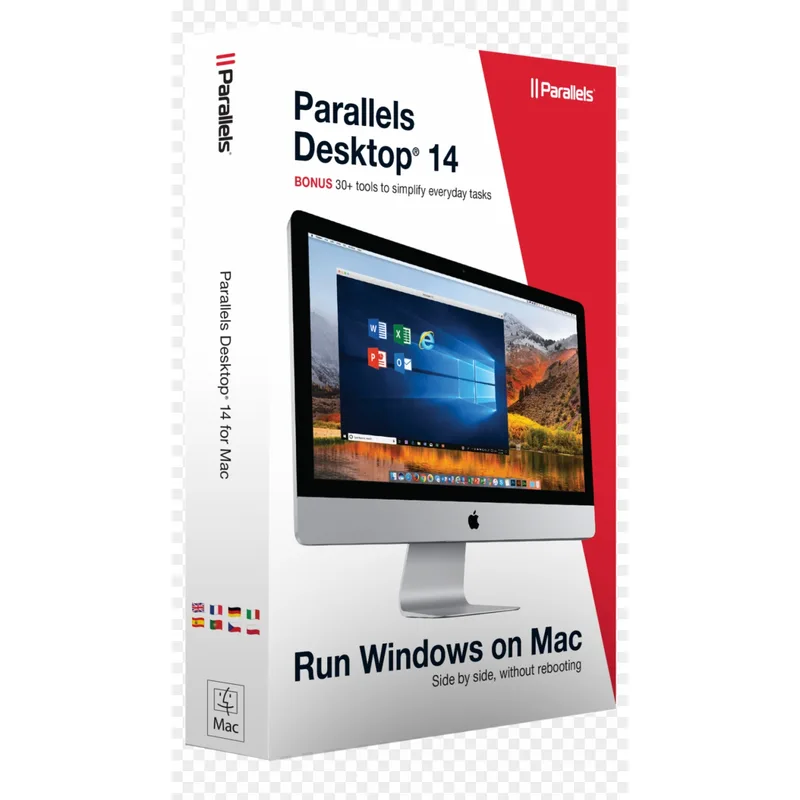
Parallels Desktop 14
About this licence
Parallels Desktop 14 for Mac lets you run Windows, Linux and other operating systems on your Intel-based Mac without rebooting. It provides a virtualization environment with a built-in assistant to simplify installation and a permanent licence key delivered digitally.
The product offers seamless integration between macOS and guest systems, including Coherence Mode to use Windows apps alongside Mac apps, shared folders, copy & paste and drag & drop. System requirements include an Intel Core processor, macOS High Sierra 10.13 or later, at least 4 GB RAM (8 GB recommended) and 50 GB free disk space for a Windows installation.
- Run Windows, Linux and other OSes on Mac without rebooting
- Built-in assistant for quick installation of guest OSes
- Coherence Mode to run Windows apps alongside macOS apps
- Shared folders, copy & paste and drag & drop between systems
- Designed for Intel-based Macs; requires macOS High Sierra 10.13 or later
- Includes a permanent licence key via digital delivery
Product details
- Brand
- Parallels
- Category
- PC Tools and PC optimisation
- Devices
- 1 device
- Duration
- 1 year
- Platform
- Windows
- License
- Standard
- Delivery
- Instant digital delivery
- Invoice
- EU invoice included
System requirements
- Processor: Intel Core processor Operating System: macOS High Sierra 10.13 or compatible version RAM:
- Minimum 4 GB (8 GB recommended)
- Storage: 50 GB free disk space for Windows installation
Activation & installation overview
- 1Download the installer from the vendor’s official website.
- 2Run the installer and follow the on-screen steps.
- 3Enter your license key when prompted to activate.
- 4Restart if requested — you’re ready to go.
This is a general activation overview; publisher screens can vary by edition and version.
Frequently asked questions
Customer reviews
No reviews yet
Be the first to review this product after your purchase.