
 Kaspersky
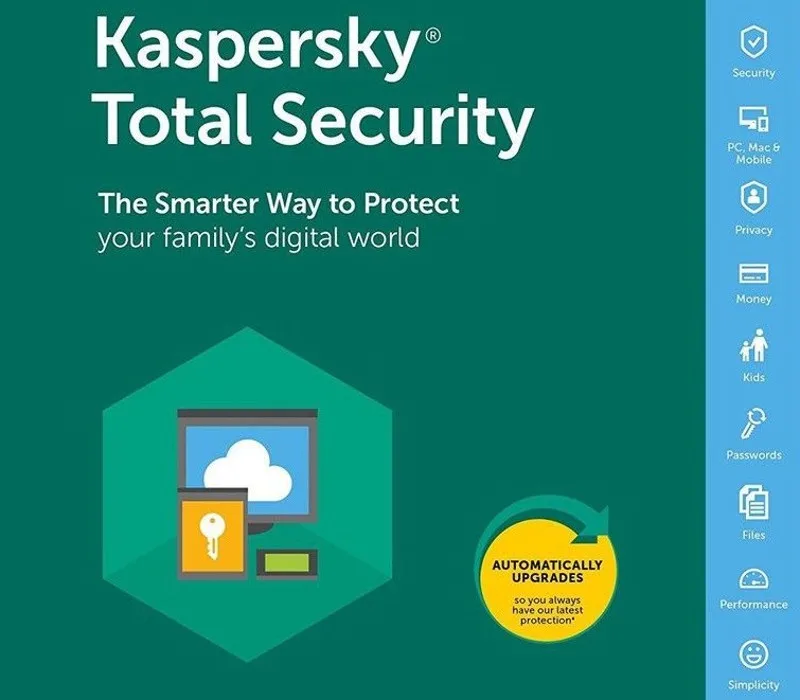
Kaspersky Total Security 2023 EU Key (1 Year / 5 Devices)
Escolha a licença
1 dispositivo
3 dispositivos
5 dispositivos
10 dispositivos
2025 dispositivos
Sobre esta licença
Kaspersky Total Security 2023 EU Key (1 Year / 5 Devices) provides protection against various digital threats. This licence includes antivirus, anti-ransomware, webcam protection, password management, and VPN among its features. It secures online transactions with encryption and protects sensitive personal data. The VPN feature enhances privacy by encrypting internet traffic. After payment, you receive a secure link to access your digital key. The key enables straightforward activation of your security software. Each purchase includes a VAT invoice and activation assistance. The stated licence term applies without automatic renewal.
- Protection against viruses and ransomware
- Secure online payments
- Password and document security
- VPN for encrypted connections
- Webcam protection
- Parental controls
Perguntas frequentes
How will I receive my security key?
You will receive a secure link by email after payment. This provides access to your digital key. The process is designed for quick and secure delivery.
What support is included with my purchase?
Your purchase includes activation support if needed. Assistance is available for the activation process. A valid VAT invoice is also provided.
How long does the licence last?
The licence duration is clearly stated in the product name. There is no automatic renewal included. You can check the exact term in your purchase details.
Detalhes do produto
| Marca | Kaspersky |
|---|---|
| Categoria | Antivírus e Segurança |
| Licença | Standard |
| Entrega | Chave digital — entrega segura na página da encomenda |
| Fatura | Fatura UE incluída |
Requisitos do sistema
Minimum
- 1 GHz processor
- 1 GB RAM
- 1.5 GB free disk space
- Windows 10/11 · active internet connection
Recommended
- 2 GHz+ processor
- 2 GB+ RAM
Orientação de compatibilidade para esta família. Confirme a edição exata com o fabricante antes da compra.
Visão geral de ativação e instalação
- 1Download the installer from the vendor’s official website.
- 2Run the installer and follow the wizard.
- 3Enter your activation/license key when prompted.
- 4Update definitions and run a first full scan.
Esta é uma visão geral; os ecrãs do fabricante podem variar consoante a edição e a versão.
Destaques em Antivírus e Segurança
Ver tudo PandaPanda Dome CompleteAntivírus e Segurança
 ESETESET Internet SecurityAntivírus e Segurança
 ESETESET Smart Security PremiumAntivírus e Segurança
 BitdefenderBitdefender Antivirus Plus (3 MAC -1 Year), Europe OnlyAntivírus e Segurança
 PandaPanda Dome PremiumAntivírus e Segurança
 NortonNorton AntiVirus PlusAntivírus e Segurança
 AvastAvast AntiTrack | 1 PC | 1 YearAntivírus e Segurança
 AVGAVG Internet Security - 10 Devices - 3 YearsAntivírus e Segurança
Avaliações de clientes
Ainda sem avaliações