
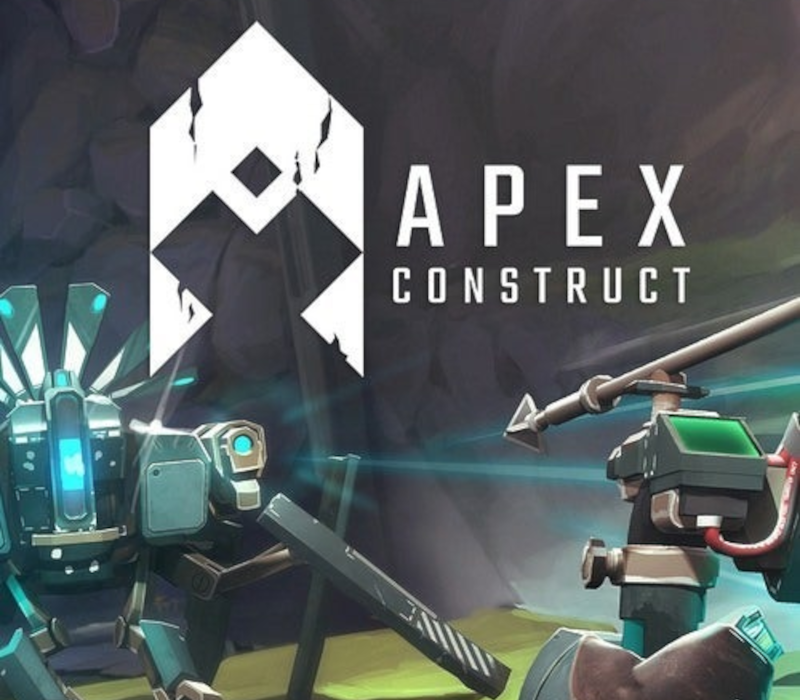
Apex Construct PC Steam CD Key
About this licence
Apex Construct PC Steam CD Key offers a gripping first-person VR action-adventure experience. Set in a shattered future dominated by merciless robots, you play as the last surviving human. Explore a perilous post-apocalyptic world where two powerful AIs are locked in conflict. Uncover secret areas and solve intriguing puzzles to unravel the mystery of mankind's downfall. Master a fluid bow and shield combination to engage a variety of artificial lifeforms. Each purchase includes a valid VAT invoice and activation support for your convenience. Replay missions from your customizable home base to uncover hidden paths and upgrade your equipment. Display your hard-earned achievements and immerse yourself in this lasting VR experience.
- Explore a perilous post-apocalyptic world
- Master bow and shield combat
- Solve intriguing puzzles
- Replay missions and upgrade equipment
- Display achievements in your home base
Frequently asked questions
How do I receive my Apex Construct PC Steam CD Key?
After payment, you will receive a secure order link for your key. The key is delivered digitally, ensuring a quick and secure activation process. Each purchase includes a valid VAT invoice and activation support.
What is included in the purchase?
Your purchase includes the Apex Construct PC Steam CD Key, a valid VAT invoice, and activation support. The key is delivered digitally, allowing for immediate activation and access to the game.
Can I replay missions in Apex Construct?
Yes, you can replay any mission from your customizable home base. This allows you to uncover hidden paths, upgrade your weapons and equipment, and display your hard-earned achievements.
Product details
| Brand | Steam |
|---|---|
| Category | All Games |
| License | Standard |
| Delivery | Digital key — secure order-page delivery |
| Invoice | EU invoice included |
System requirements
Product-specific requirements have not yet been verified. Check the publisher’s compatibility information before purchase or ask support to confirm your setup.
Activation & installation overview
- 1Open your platform (e.g. Steam) and choose ‘Activate a Product’.
- 2Enter the key from your secure order page.
- 3The title is added to your library — download and play.
This is a general activation overview; publisher screens can vary by edition and version.
Top in All Games
See all SteamCyberpunk 2077 | Digital Version | PCAll Games
 SteamGrand Theft Auto IV Complete Edition EU PC Steam CD KeyAll Games
 SteamGrand Theft Auto IV Complete Edition PC Steam CD KeyAll Games
 SteamGrand Theft Auto IV Complete Edition PC Steam GiftAll Games
 AlienAlien: Isolation (Collection)All Games
 SteamGrand Theft Auto III Steam CD KeyAll Games
 NeedNeed for Speed Most Wanted Limited Edition PC EA App CD KeyAll Games
 SteamNBA 2K14 PC Steam CD KeyAll Games
Customer reviews
No reviews yet