
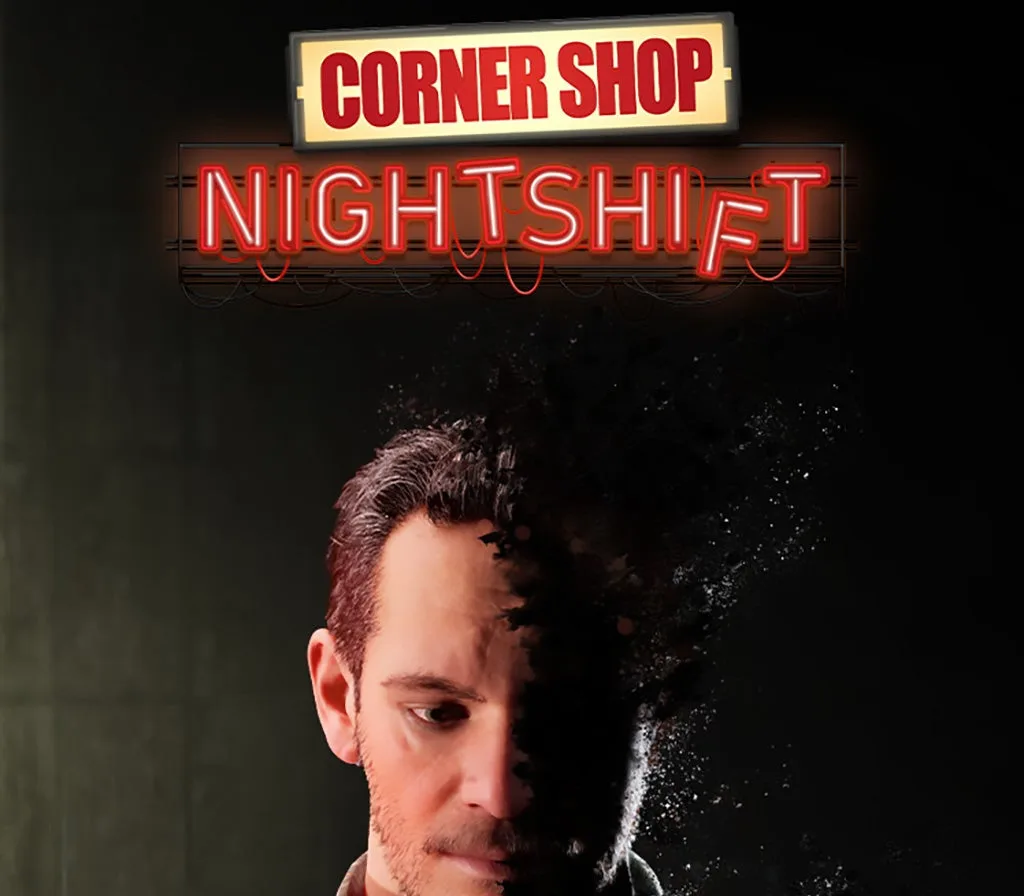
Corner Shop: NightShift PC Steam CD Key
About this licence
Corner Shop: NightShift is a first-person narrative horror simulation set in a failing convenience store. You play as Adam Callahan, a character trying to piece his life back together amidst chaos. The game features Story Mode with approximately 7.5 hours of gameplay and 4 different endings based on player choices. Endless Mode offers infinite gameplay focused on store management and ongoing horror elements. Streamer Mode includes Twitch integration, allowing viewers to trigger various in-game events. The game immerses you in a night shift filled with blackouts, alarms, and unsettling customers. Your tasks include stocking shelves, cleaning, taking deliveries, scanning items, and serving customers. Upgrade the store with cameras, alarms, and stronger locks to manage your time, money, and sanity.
- First-person narrative horror simulation
- Story Mode with 4 different endings
- Endless Mode for infinite gameplay
- Streamer Mode with Twitch integration
- Secure digital key delivery
Frequently asked questions
How do I receive my Corner Shop: NightShift PC Steam CD Key?
After payment, you will receive a secure order link to access your digital key. The key is delivered digitally, ensuring quick and safe access to your product.
What is included in the purchase of Corner Shop: NightShift PC Steam CD Key?
Each purchase includes a genuine software licence, a valid VAT invoice, and activation support. The licence is acquired for lawful resale and ensures you receive a legitimate product.
What support is available for activating Corner Shop: NightShift PC Steam CD Key?
Activation support is included with your purchase. Assistance is available to guide you through the process of activating your digital key and resolving any issues.
Product details
| Brand | Steam |
|---|---|
| Category | All Games |
| License | Standard |
| Delivery | Digital key — secure order-page delivery |
| Invoice | EU invoice included |
System requirements
Product-specific requirements have not yet been verified. Check the publisher’s compatibility information before purchase or ask support to confirm your setup.
Activation & installation overview
- 1Open your platform (e.g. Steam) and choose ‘Activate a Product’.
- 2Enter the key from your secure order page.
- 3The title is added to your library — download and play.
This is a general activation overview; publisher screens can vary by edition and version.
Top in All Games
See all SteamCyberpunk 2077 | Digital Version | PCAll Games
 SteamGrand Theft Auto IV Complete Edition EU PC Steam CD KeyAll Games
 SteamGrand Theft Auto IV Complete Edition PC Steam CD KeyAll Games
 SteamGrand Theft Auto IV Complete Edition PC Steam GiftAll Games
 AlienAlien: Isolation (Collection)All Games
 SteamGrand Theft Auto III Steam CD KeyAll Games
 NeedNeed for Speed Most Wanted Limited Edition PC EA App CD KeyAll Games
 SteamNBA 2K14 PC Steam CD KeyAll Games
Customer reviews
No reviews yet