
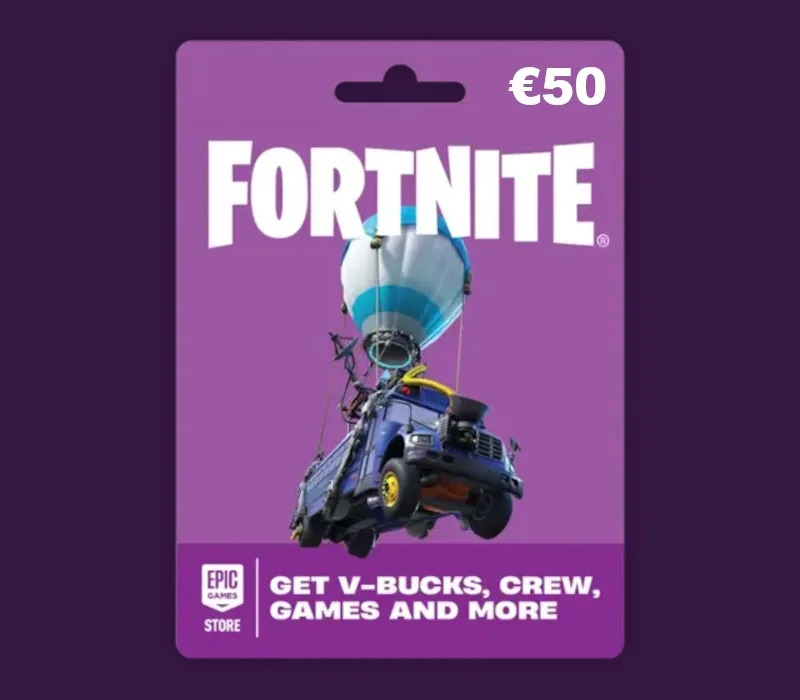
Fortnite EUR 50 PC Epic Games Gift Card EU
About this licence
The Fortnite EUR 50 PC Epic Games Gift Card EU is a digital gift card that adds funds to your Epic Games account balance. These funds can be used to purchase V-Bucks, Fortnite Crew subscriptions, and various in-game items across the Fortnite ecosystem. The card also allows purchases on the Epic Games Store, including games, DLCs, and add-ons for your collection. Funds from this gift card can be used by content creators for purchases on fab.com as well. This gift card is valid for accounts registered in the EU region and must be redeemed through the Epic Games launcher. Each purchase includes a valid VAT invoice and activation support if needed. The funds added to your account do not expire and can be used at your convenience. This is a one-time purchase with no automatic renewal or subscription component.
- Add EUR 50 to your Epic Games account
- Purchase V-Bucks, Crew subscriptions & more
- Valid for Epic Games Store purchases
- delivery timing shown before payment after payment
- Includes VAT invoice & activation support
- EU region activation only
Frequently asked questions
How do I redeem this Fortnite gift card?
You can redeem your Fortnite EUR 50 gift card through the Epic Games launcher. The funds will be added to your Epic Games account balance. This balance can then be used for various purchases across the Fortnite ecosystem and Epic Games Store. Make sure your account is registered in the EU region before redemption.
What can I buy with this gift card?
The EUR 50 balance from this gift card can be used for Fortnite V-Bucks, Crew subscriptions, and in-game items. It also works for purchases on the Epic Games Store, including games and DLCs. Content creators can use these funds for fab.com purchases too. The balance remains in your account until used.
Where is this gift card valid?
This Fortnite gift card is specifically for the EU region. It can only be redeemed on Epic Games accounts registered in European Union countries. The funds cannot be transferred between regions or used with accounts registered outside the EU.
Product details
| Brand | Fortnite |
|---|---|
| Category | All Games |
| License | Standard |
| Delivery | Digital key — secure order-page delivery |
| Invoice | EU invoice included |
System requirements
Product-specific requirements have not yet been verified. Check the publisher’s compatibility information before purchase or ask support to confirm your setup.
Activation & installation overview
- 1Open your platform (e.g. Steam) and choose ‘Activate a Product’.
- 2Enter the key from your secure order page.
- 3The title is added to your library — download and play.
This is a general activation overview; publisher screens can vary by edition and version.
Top in All Games
See all SteamCyberpunk 2077 | Digital Version | PCAll Games
 SteamGrand Theft Auto IV Complete Edition EU PC Steam CD KeyAll Games
 SteamGrand Theft Auto IV Complete Edition PC Steam CD KeyAll Games
 SteamGrand Theft Auto IV Complete Edition PC Steam GiftAll Games
 AlienAlien: Isolation (Collection)All Games
 SteamGrand Theft Auto III Steam CD KeyAll Games
 NeedNeed for Speed Most Wanted Limited Edition PC EA App CD KeyAll Games
 SteamNBA 2K14 PC Steam CD KeyAll Games
Customer reviews
No reviews yet