
 Kaspersky
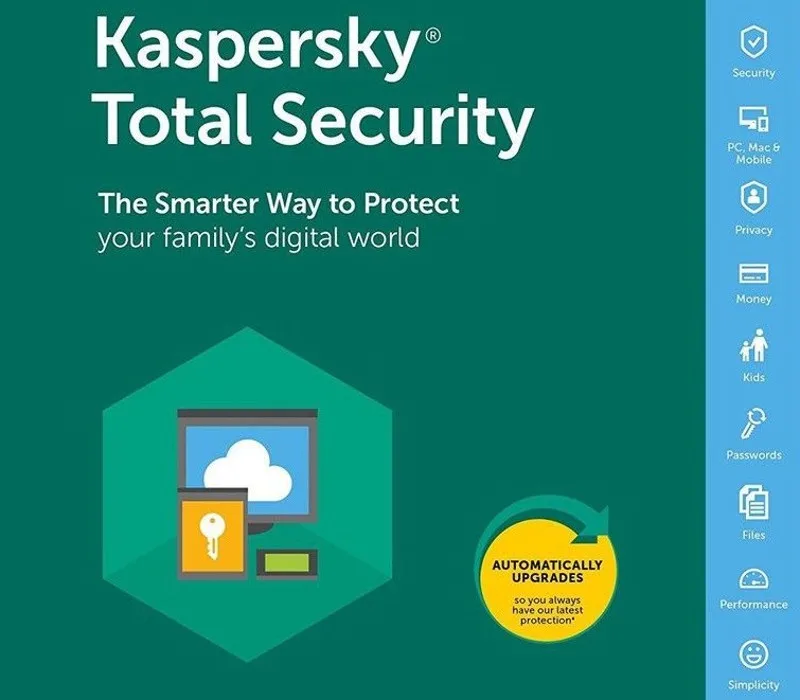
Kaspersky Total Security 2023 EU Key (1 Year / 5 Devices)
Choose your licence
1 device
3 devices
5 devices
10 devices
2025 devices
About this licence
Kaspersky Total Security 2023 EU Key (1 Year / 5 Devices) provides protection against various digital threats. This licence includes antivirus, anti-ransomware, webcam protection, password management, and VPN among its features. It secures online transactions with encryption and protects sensitive personal data. The VPN feature enhances privacy by encrypting internet traffic. The key enables straightforward activation of your security software. Each purchase includes a VAT invoice and activation assistance. The stated licence term applies without automatic renewal.
- Protection against viruses and ransomware
- Secure online payments
- Password and document security
- VPN for encrypted connections
- Webcam protection
- Parental controls
Frequently asked questions
How will I receive my security key?
You will receive a secure link by email after payment. This provides access to your digital key. The process is designed for quick and secure delivery.
What support is included with my purchase?
Your purchase includes activation support if needed. Assistance is available for the activation process. A valid VAT invoice is also provided.
How long does the licence last?
The licence duration is clearly stated in the product name. There is no automatic renewal included. You can check the exact term in your purchase details.
Product details
| Brand | Kaspersky |
|---|---|
| Category | Antivirus and Security |
| License | Standard |
| Delivery | Digital key — secure order-page delivery |
| Invoice | EU invoice included |
System requirements
Minimum
- 1 GHz processor
- 1 GB RAM
- 1.5 GB free disk space
- Windows 10/11 · active internet connection
Recommended
- 2 GHz+ processor
- 2 GB+ RAM
Compatibility guidance for this product family. Confirm the exact edition with the publisher before purchase.
Activation & installation overview
- 1Download the installer from the vendor’s official website.
- 2Run the installer and follow the wizard.
- 3Enter your activation/license key when prompted.
- 4Update definitions and run a first full scan.
This is a general activation overview; publisher screens can vary by edition and version.
Top in Antivirus and Security
See all PandaPanda Dome CompleteAntivirus and Security
 ESETESET Internet SecurityAntivirus and Security
 F-SecureF-Secure Internet SecurityAntivirus and Security
 ESETESET Smart Security PremiumAntivirus and Security
 BitdefenderBitdefender Antivirus Plus (3 MAC -1 Year), Europe OnlyAntivirus and Security
 PandaPanda Dome PremiumAntivirus and Security
 NortonNorton AntiVirus PlusAntivirus and Security
 AvastAvast AntiTrack | 1 PC | 1 YearAntivirus and Security
Customer reviews
No reviews yet