
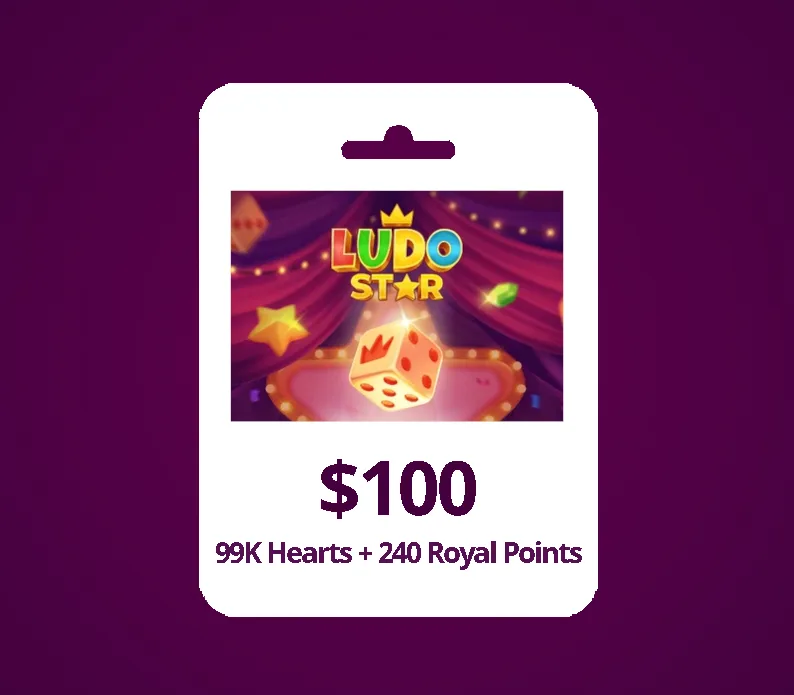
Ludo Star USD 240 Gift Card
About this licence
The Ludo Star USD 240 Gift Card provides players with 99K Hearts and 240 Royal Points to elevate their gameplay. Ludo Star is a modern online multiplayer version of the classic Ludo board game, offering a variety of game modes including Classic, Arrow, and Blitz. Players can enjoy features such as voice chat, quick matches, and social interactions like clubs and gifting. This gift card allows users to play with friends, family, or random players from around the world. Each purchase includes a valid VAT invoice and activation support to ensure a smooth experience. The licence term is controlled by the listed product details, with no automatic renewal or extension unless explicitly stated. Genuine software licences are acquired for lawful resale, providing peace of mind for buyers.
- Includes 99K Hearts and 240 Royal Points
- Multiple game modes: Classic, Arrow, Blitz
- Voice chat and quick matches
- Social features: clubs and gifting
- Secure digital key delivery
Frequently asked questions
How do I receive my Ludo Star USD 240 Gift Card after purchase?
After completing your payment, you will receive a secure order link. This link provides immediate access to your digital key. The process ensures quick and secure delivery of your gift card.
What is included with the Ludo Star USD 240 Gift Card?
The gift card includes 99K Hearts and 240 Royal Points to enhance your gameplay. These can be used in various game modes and social features within Ludo Star. The purchase also comes with a valid VAT invoice and activation support.
Is the Ludo Star USD 240 Gift Card a subscription?
No, the Ludo Star USD 240 Gift Card is not a subscription. The licence term is controlled by the listed product details, and there is no automatic renewal or extension unless explicitly stated. This ensures clarity and transparency for buyers.
Product details
| Brand | Star |
|---|---|
| Category | PC Tools and PC optimisation |
| License | Standard |
| Delivery | Digital key — secure order-page delivery |
| Invoice | EU invoice included |
System requirements
Product-specific requirements have not yet been verified. Check the publisher’s compatibility information before purchase or ask support to confirm your setup.
Activation & installation overview
- 1Open your platform (e.g. Steam) and choose ‘Activate a Product’.
- 2Enter the key from your secure order page.
- 3The title is added to your library — download and play.
This is a general activation overview; publisher screens can vary by edition and version.
Top in PC Tools and PC optimisation
See all RobloxRoblox 200 Robux (Gift Card)PC Tools and PC optimisation
 RobloxRoblox 800 Robux (Gift Card)PC Tools and PC optimisation
 PUBGPUBG Mobile 60 UCPC Tools and PC optimisation
 AshampooAshampoo Privacy Inspector 2PC Tools and PC optimisation
 TheThe Legend of Zelda: Breath of the Wild (EU)PC Tools and PC optimisation
 ZAmazon Gift Card 100 EUR (France)PC Tools and PC optimisation
 AdobeAdobe Premiere Elements 2026 | WIN/MAC | 1 User | 3 YearsPC Tools and PC optimisation
 SuperNew Super Mario Bros. U Deluxe (EU)PC Tools and PC optimisation
Customer reviews
No reviews yet