
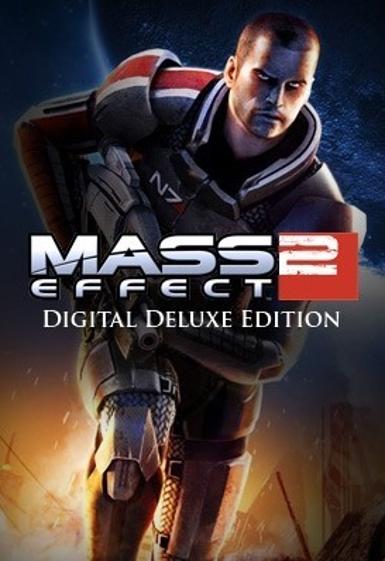
Mass Effect 2 (Digital Delux Edition)
About this licence
Mass Effect 2 (Digital Delux Edition) is a critically acclaimed sci-fi RPG and the second installment in BioWare's legendary trilogy. This edition delivers Commander Shepard's suicide mission to stop the Collectors, featuring deep character relationships, impactful choices, and intense third-person shooter combat. The game expands the rich Mass Effect universe with new squadmates, an upgraded Normandy SR-2, and improved weapon customization. Experience one of gaming's most celebrated narratives where your decisions carry real consequences across the galaxy. Each purchase includes a valid VAT invoice and activation support. Genuine software licences are acquired for lawful resale.
- Legendary sci-fi RPG with impactful choices
- Digital Delux Edition for EA App
- Worldwide activation
- secure delivery through your order page
- Improved combat and weapon systems
Frequently asked questions
What does Worldwide activation mean?
Worldwide activation means the digital key can be activated in any region. This ensures you can play Mass Effect 2 (Digital Delux Edition) regardless of location. Simply redeem the key on the EA App to start your adventure.
How will I receive my digital key?
Your digital key will be delivered according to the timing shown before payment via email after purchase. This allows you to start playing Mass Effect 2 (Digital Delux Edition) right away. Check your inbox including spam or promotions folders for the delivery.
What platform is this edition for?
This edition is exclusively for the EA App. You will need to redeem your digital key on the EA App to access Mass Effect 2 (Digital Delux Edition). The game requires the EA App platform.
Product details
| Brand | Mass |
|---|---|
| Category | All Games |
| Edition | Delux |
| Platform | EA App |
| License | Standard |
| Activation region | Global |
| Delivery | Digital key — secure order-page delivery |
| Invoice | EU invoice included |
System requirements
Product-specific requirements have not yet been verified. Check the publisher’s compatibility information before purchase or ask support to confirm your setup.
Activation & installation overview
- 1Download the installer from the vendor’s official website.
- 2Run the installer and follow the on-screen steps.
- 3Enter your license key when prompted to activate.
- 4Restart if requested — you’re ready to go.
This is a general activation overview; publisher screens can vary by edition and version.
Top in All Games
See all SteamCyberpunk 2077 | Digital Version | PCAll Games
 SteamGrand Theft Auto IV Complete Edition EU PC Steam CD KeyAll Games
 SteamGrand Theft Auto IV Complete Edition PC Steam CD KeyAll Games
 SteamGrand Theft Auto IV Complete Edition PC Steam GiftAll Games
 AlienAlien: Isolation (Collection)All Games
 NeedNeed for Speed Most Wanted Limited Edition PC EA App CD KeyAll Games
 SteamNBA 2K14 PC Steam CD KeyAll Games
 PlayStationPlayStation Plus Essential 3 Months Subscription UKAll Games
Customer reviews
No reviews yet