
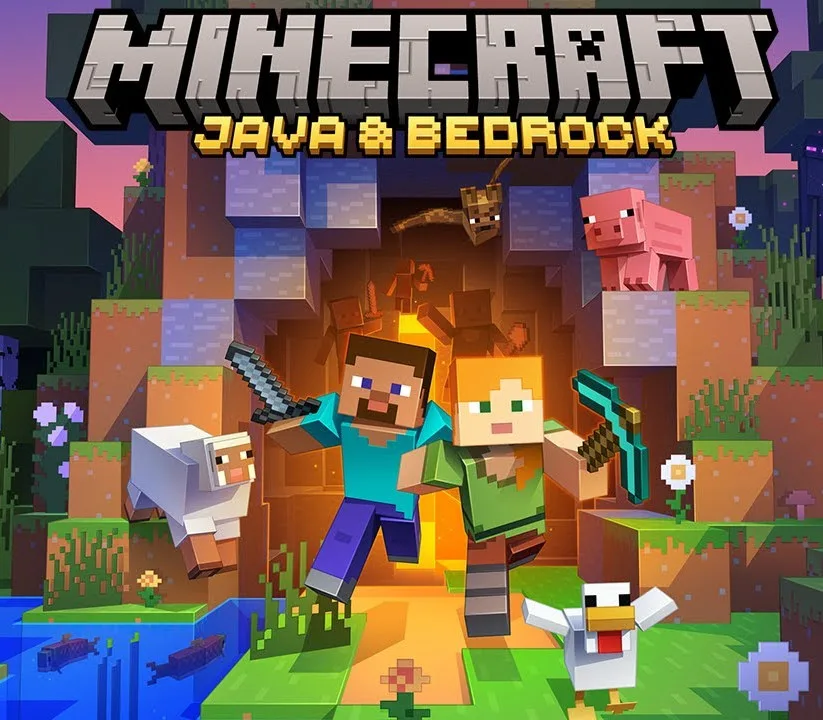
Minecraft: Java & Bedrock Edition ZA PC Windows CD Key
About this licence
Create, explore, survive, repeat. Minecraft: Java Edition and Bedrock Edition are now a package deal for Windows. Minecraft: Java & Bedrock Edition gives you access to both games in one purchase and one unified launcher, making it easier than ever to go from one edition to the other. Cross-play with any Minecrafter by simply switching to the edition your friends have. Now you can enjoy twice the mining and twice the crafting – with more Minecrafters than ever. Explore randomly generated worlds and build amazing things from the simplest of homes to the grandest of castles. Play in creative mode with unlimited resources or mine deep into the world in survival mode, crafting weapons and armour to fend off the dangerous mobs. Scale craggy mountains, unearth elaborate caves and mine large ore veins. Discover lush cave and dripstone cave biomes. Light up your world with candles to show wha
Product details
| Brand | Windows |
|---|---|
| Category | Windows |
| License | Standard |
| Delivery | Delivered after a quick manual verification — typically the same day. |
| Invoice | EU invoice included |
System requirements
Minimum
- 1 GHz processor
- 1 GB RAM (2 GB for 64-bit)
- 16–20 GB disk space
- DirectX 9 / WDDM 1.0
- 800×600 display
Recommended
- 2 GHz+ dual-core
- 8 GB RAM
- 64 GB SSD
Compatibility guidance for this product family. Confirm the exact edition with the publisher before purchase.
Activation & installation overview
- 1Download the Media Creation Tool from Microsoft’s official site.
- 2Create install media or upgrade in place (matching edition).
- 3Complete setup — choose ‘I don’t have a key’ if asked.
- 4Settings → Activation → Change product key, then enter your key.
This is a general activation overview; publisher screens can vary by edition and version.
Top in Windows
See all MicrosoftMicrosoft Windows 11 ProWindows
 MicrosoftWindows 10 ProWindows
 MicrosoftWindows 11 HomeWindows
 MicrosoftWindows 11 Enterprise loT LTSC 2024Windows
 MicrosoftWindows 10 HomeWindows
 WindowsWindows 11 Pro for WORKSTATIONWindows
 MicrosoftWindows 10 Enterprise LTSC 2021Windows
 MicrosoftMicrosoft Windows 11 Pro Full RetailWindows
Frequently asked questions
Customer reviews
No reviews yet