
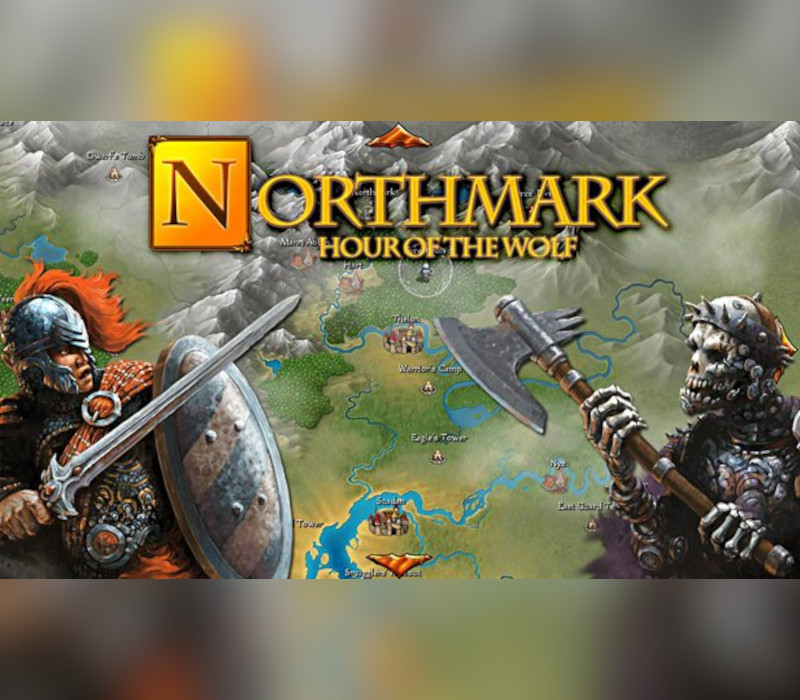
Northmark: Hour of the Wolf PC Steam CD Key
About this licence
Choose your path as a mighty warrior, cunning mage, or powerful druid and engage in arena combat for glory and survival. Explore diverse landscapes, from fiery deserts to deep forests and cold mountain peaks. Journey to the kingdoms of the elves and dwarves, uncovering a chilling mystery that threatens your homeland. Face assassins, thieves, and hideous monsters as you investigate the enigmatic stranger known as The Wolf. The game features an original battle system with over 180 beautifully designed cards. Battle for honor, glory, and gold while saving your homeland from a sinister plot. Engage in arena combat or fight for your life against powerful foes. Explore great cities, lost ruins, and ancient mystic sites sacred to the druids and elves.
- Card-based RPG with over 180 beautiful cards
- Choose from warrior, mage, or druid classes
- Explore diverse landscapes and kingdoms
- Engage in arena combat and strategic battles
- Uncover a chilling mystery and save your homeland
Frequently asked questions
How do I receive my Northmark: Hour of the Wolf PC Steam CD Key?
After completing your purchase, you will receive a secure order link. Follow the link to access your CD key. The key will be delivered digitally, ensuring a quick and secure process.
What is included in the purchase?
Your purchase includes a genuine software licence for Northmark: Hour of the Wolf PC Steam CD Key. You will also receive a valid VAT invoice and activation support to assist with any issues.
How do I activate Northmark: Hour of the Wolf PC Steam CD Key?
To activate the game, use the provided CD key on the designated platform. Follow the activation instructions to complete the process. Ensure you have the necessary account and software ready for activation.
Product details
| Brand | Steam |
|---|---|
| Category | All Games |
| License | Standard |
| Delivery | Digital key — secure order-page delivery |
| Invoice | EU invoice included |
System requirements
Product-specific requirements have not yet been verified. Check the publisher’s compatibility information before purchase or ask support to confirm your setup.
Activation & installation overview
- 1Open your platform (e.g. Steam) and choose ‘Activate a Product’.
- 2Enter the key from your secure order page.
- 3The title is added to your library — download and play.
This is a general activation overview; publisher screens can vary by edition and version.
Top in All Games
See all SteamCyberpunk 2077 | Digital Version | PCAll Games
 SteamGrand Theft Auto IV Complete Edition EU PC Steam CD KeyAll Games
 SteamGrand Theft Auto IV Complete Edition PC Steam CD KeyAll Games
 SteamGrand Theft Auto IV Complete Edition PC Steam GiftAll Games
 AlienAlien: Isolation (Collection)All Games
 SteamGrand Theft Auto III Steam CD KeyAll Games
 NeedNeed for Speed Most Wanted Limited Edition PC EA App CD KeyAll Games
 SteamNBA 2K14 PC Steam CD KeyAll Games
Customer reviews
No reviews yet