
All software
1,198 genuine licences · instant delivery · EU invoice

Details & requirements
Norton AntiVirus Plus is a genuine software licence, sourced through our verified European supply chain and delivered digitally the moment your payment clears — with a plain-language activation guide and a real person to help if anything is unclear. Every anti
- ✓Genuine licence key
- ✓Instant digital delivery by email
- ✓Official download source
- ✓Step-by-step activation guide
- ✓EU invoice included
System requirements ▾
Minimum Requirements
. Operating System :Windows 7, Windows XP, Windows Vista, Windows 8, Windows 8.1, Windows 10 (32 bit or 64 bit) Processor :1 GHz, 300 MHz (Win XP - 300 MHz, Others - 1 GHz) RAM :512 MB, 2 GB, 256 MB, 1 GB (Win XP - 256 MB, Vista - 512 MB, Win 7,8,10 - 1 GB or 2 GB) Hard disk :300 MB Graphics card :- Screen resolution :-Recommended Requirements
Operating System :Windows 7, Windows XP, Windows Vista, Windows 8, Windows 8.1, Windows 10 (32 bit or 64 bit) Processor :1 GHz, 300 MHz (Win XP - 300 MHz, Others - 1 GHz) RAM :512 MB, 2 GB, 256 MB, 1 GB (Win XP - 256 MB, Vista - 512 MB, Win 7,8,10 - 1 GB or 2 GB) Hard disk :300 MB Graphics card :- Screen resolution :-Installation guide ▾
- Download the installer from the vendor’s official website.
- Run the installer and follow the wizard.
- Enter your activation/license key when prompted.
- Update definitions and run a first full scan.

Details & requirements
Panda Dome Advanced is a genuine software licence, sourced through our verified European supply chain and delivered digitally the moment your payment clears — with a plain-language activation guide and a real person to help if anything is unclear. Every antivi
- ✓1-year licence options for 1 or 3 devices
- ✓Compatible with Windows, Mac, Android and iOS
- ✓Real-time antivirus, anti-malware and anti-spyware
- ✓Firewall and Wi‑Fi protection to monitor network connections
- ✓VPN included (150 MB/day)
System requirements ▾
Minimum
- 1 GHz processor
- 1 GB RAM
- 1.5 GB free disk space
- Windows 10/11 · active internet connection
Recommended
- 2 GHz+ processor
- 2 GB+ RAM
Installation guide ▾
- Download the installer from the vendor’s official website.
- Run the installer and follow the wizard.
- Enter your activation/license key when prompted.
- Update definitions and run a first full scan.

Details & requirements
Panda Dome Complete is a genuine software licence, sourced through our verified European supply chain and delivered digitally the moment your payment clears — with a plain-language activation guide and a real person to help if anything is unclear. Every antivi
- ✓Cloud-based detection technology by Panda Security
- ✓Advanced malware protection for files, apps and networks
- ✓Includes privacy tools, password management and system optimisation
- ✓Lightweight architecture that runs in real time without slowing systems
- ✓Automatic background protection with an intuitive interface
System requirements ▾
Minimum
- 1 GHz processor
- 1 GB RAM
- 1.5 GB free disk space
- Windows 10/11 · active internet connection
Recommended
- 2 GHz+ processor
- 2 GB+ RAM
Installation guide ▾
- Download the installer from the vendor’s official website.
- Run the installer and follow the wizard.
- Enter your activation/license key when prompted.
- Update definitions and run a first full scan.
Details & requirements
Panda Dome Essential is a genuine software licence, sourced through our verified European supply chain and delivered digitally the moment your payment clears — with a plain-language activation guide and a real person to help if anything is unclear. Every antiv
- ✓Real-time antivirus, anti-malware and anti-spyware
- ✓Firewall and Wi‑Fi protection
- ✓VPN included (150 MB/day)
- ✓Anti-phishing protection and safe browsing
- ✓Dark Web Scanner
System requirements ▾
Minimum
- 1 GHz processor
- 1 GB RAM
- 1.5 GB free disk space
- Windows 10/11 · active internet connection
Recommended
- 2 GHz+ processor
- 2 GB+ RAM
Installation guide ▾
- Download the installer from the vendor’s official website.
- Run the installer and follow the wizard.
- Enter your activation/license key when prompted.
- Update definitions and run a first full scan.
Details & requirements
Panda Dome Premium is a genuine software licence, sourced through our verified European supply chain and delivered digitally the moment your payment clears — with a plain-language activation guide and a real person to help if anything is unclear. Every antivir
- ✓Includes unlimited VPN traffic
- ✓24/7 premium technical support
- ✓Cloud-based real-time detection
- ✓Continuous real-time antivirus, antimalware and antispyware scanning
- ✓Licence durations: 1 or 2 years
System requirements ▾
Minimum
- 1 GHz processor
- 1 GB RAM
- 1.5 GB free disk space
- Windows 10/11 · active internet connection
Recommended
- 2 GHz+ processor
- 2 GB+ RAM
Installation guide ▾
- Download the installer from the vendor’s official website.
- Run the installer and follow the wizard.
- Enter your activation/license key when prompted.
- Update definitions and run a first full scan.
Details & requirements
Microsoft 365 Apps for Business is a genuine software licence, sourced through our verified European supply chain and delivered digitally the moment your payment clears — with a plain-language activation guide and a real person to help if anything is unclear.
- ✓Desktop apps: Outlook, Word, Excel, PowerPoint, OneNote (Access & Publisher for PC only)
- ✓Licence intended for small and medium-sized businesses
- ✓Annual licence
- ✓Supports PC, Mac, Android and iPhone devices
- ✓1 TB OneDrive cloud storage
System requirements ▾
PC: 1 gigahertz (GHz) or faster x86- or x64-bit processor with SSE2
Mac: Intel processor
Android: Android KitKat 4.4 or later version and have an ARM-based or Intel x86 processor.
iOS: N/A
Operating system
PC: Windows 11, Windows 10, Windows 8.1, Windows Server 2019, Windows Server 2016
Mac: Latest two versions of macOS
Android: OS version: KitKat (4.4.X) or above
iOS: Office for iPad® and iPhone® requires iOS 10.0 or later. Office for iPad Pro™ requires iOS 10.0 or later.
Memory
PC: 1 GB RAM (32-bit); 2 GB RAM (64-bit)
Mac: 4 GB RAM
Android: 1 GB
iOS: N/A
Hard Disk Space
PC: 3 GB of available disk space
Mac: 6 GB HFS+ hard disk format
Android: N/A
iOS: N/A
Display
PC: 1024 x 768 resolution
Mac: 1280 x 800 resolution
Android: N/A
iOS: N/A
Additional requirements
A touch-enabled device is required to use any multi-touch functionality. However, all features and functionality are always available by using a keyboard, mouse, or other standard- or accessible-input device. Note that new touch features are optimized for use with Windows 8 or later.
Product functionality and graphics may vary based on your system configuration. Some features may require additional or advanced hardware or server connectivity.
Internet functionality requires an internet connection.
Microsoft account required.
Installation guide ▾
- Go to office.com/setup and sign in with your Microsoft account.
- Enter the product key from your email.
- Download and run the Office installer.
- Open any app and activate with the key when prompted.
Details & requirements
Microsoft 365 Business Premium is a genuine software licence, sourced through our verified European supply chain and delivered digitally the moment your payment clears — with a plain-language activation guide and a real person to help if anything is unclear. E
- ✓Maximum version of Office family applications
- ✓Cloud services with comprehensive security against advanced threats
- ✓Intended for medium-sized businesses (up to 300 employees)
- ✓Monthly or annual licence options
- ✓Use Office on up to 5 mobiles, 5 tablets and 5 PCs/Macs per user
System requirements ▾
PC: 1 gigahertz (GHz) or faster x86-bit or x64-bit processor with SSE2 instruction set
Mac: Intel processor
Required Operating System
PC: Windows 11 Pro. Windows 10 Pro version 2004 or higher.
Windows 10 Pro upgrade rights are included with Microsoft 365 Business Premium if the target machines are presently running Windows 8.1 Pro.
Windows 11 upgrade rights require an eligible Windows 10 Pro, version 2004 or higher PC.
Required Memory
PC: 2 GB RAM
Mac: 4 GB RAM
Required Hard Disk Space
19 GB for 32-bit OS, 23 GB for 64-bit OS of available disk space
Required Display
PC: 1024 x 768 resolution
Mac: 1280 x 800 resolution
Graphics
PC: Graphics hardware acceleration requires a DirectX 10 graphics card
Multi-touch
A touch-enabled device is required to use any multitouch functionality. However, all features and functionality are always available by using a keyboard, mouse, or other standard- or accessible-input device. Note that new touch features are optimized for use with Windows 8 or later
Additional system requirements
Internet functionality requires an internet connection
Microsoft account required
Installation guide ▾
- Go to office.com/setup and sign in with your Microsoft account.
- Enter the product key from your email.
- Download and run the Office installer.
- Open any app and activate with the key when prompted.
Details & requirements
Microsoft 365 Business Standard is a genuine software licence, sourced through our verified European supply chain and delivered digitally the moment your payment clears — with a plain-language activation guide and a real person to help if anything is unclear.
- ✓Desktop apps: Word, Excel, PowerPoint, Outlook, OneNote
- ✓Access and Publisher included on Windows
- ✓50 GB hosted business email with personalised address
- ✓Up to 1 TB OneDrive cloud storage
- ✓Microsoft Teams for collaboration
System requirements ▾
PC: 1 gigahertz (GHz) or faster x86- or x64-bit processor with SSE2
Mac: Intel processor
Android: Android KitKat 4.4 or later version and have an ARM-based or Intel x86 processor.
iOS: N/A
Operating System
PC: Windows 11, Windows 10, Windows 8.1, Windows Server 2019, Windows Server 2016
Mac: Latest two versions of macOS
Android: OS version: KitKat (4.4.X) or above
iOS: Office for iPad® and iPhone® requires iOS 10.0 or later. Office for iPad Pro™ requires iOS 10.0 or later.
Memory
PC: 1 GB RAM (32-bit); 2 GB RAM (64-bit)
OSX: 4 GB RAM
Android: 1 GB
iOS: N/A
Hard Disk Space
PC: 3 GB of available disk space
OSX: 6 GB HFS+ hard disk format
Android: N/A
iOS: N/A
Display
PC: 1024 x 768 resolution
OSX: 1280 x 800 resolution
Android: N/A
iOS: N/A
Additional requirements
A touch-enabled device is required to use any multitouch functionality. However, all features and functionality are always available by using a keyboard, mouse, or other standard- or accessible-input device. Note that new touch features are optimized for use with Windows 8 or later.
Product functionality and graphics may vary based on your system configuration. Some features may require additional or advanced hardware or server connectivity.
Internet functionality requires an internet connection.
Microsoft account required.
Installation guide ▾
- Go to office.com/setup and sign in with your Microsoft account.
- Enter the product key from your email.
- Download and run the Office installer.
- Open any app and activate with the key when prompted.
Details & requirements
Microsoft Access 2016 is a genuine software licence, sourced through our verified European supply chain and delivered digitally the moment your payment clears — with a plain-language activation guide and a real person to help if anything is unclear. Every micr
- ✓Import from Excel, XML, dBASE and PDF files
- ✓Connects to SQL databases and supports BigInt data type
- ✓Templates for project management, administration and ERP
- ✓Create database-based mobile apps with SharePoint connection
- ✓Share and collaborate via OneDrive and SharePoint
System requirements ▾
Installation guide ▾
- Go to office.com/setup and sign in with your Microsoft account.
- Enter the product key from your email.
- Download and run the Office installer.
- Open any app and activate with the key when prompted.

Details & requirements
Microsoft Access 2019 is a genuine software licence, sourced through our verified European supply chain and delivered digitally the moment your payment clears — with a plain-language activation guide and a real person to help if anything is unclear. Every micr
- ✓Creates and manages complex databases
- ✓Imports data from Excel, XML, BASE, PDF and e-mail
- ✓Uses macros and filters to evaluate imported data
- ✓Handles large strings of numbers for calculations
- ✓Configurable reports for business or private use
System requirements ▾
Installation guide ▾
- Go to office.com/setup and sign in with your Microsoft account.
- Enter the product key from your email.
- Download and run the Office installer.
- Open any app and activate with the key when prompted.
Details & requirements
Microsoft Access 2021 is a genuine software licence, sourced through our verified European supply chain and delivered digitally the moment your payment clears — with a plain-language activation guide and a real person to help if anything is unclear. Every micr
- ✓Powerful database management for organising and analysing information
- ✓Intuitive interface with tools for creating custom databases
- ✓Designed for professionals, small businesses and data analysts
- ✓Fully compatible with Windows
- ✓Permanent licence with no recurring subscription
System requirements ▾
Minimum
- 1.6 GHz, 2-core processor
- 4 GB RAM (2 GB for 32-bit)
- 4 GB free disk space
- Windows 10/11 or the three latest macOS versions
Recommended
- Dual-core 2 GHz+
- 8 GB RAM
- DirectX 10 graphics, 1280×768
Installation guide ▾
- Go to office.com/setup and sign in with your Microsoft account.
- Enter the product key from your email.
- Download and run the Office installer.
- Open any app and activate with the key when prompted.
 -36%
-36%Details & requirements
Microsoft Access 2024 is a genuine software licence, sourced through our verified European supply chain and delivered digitally the moment your payment clears — with a plain-language activation guide and a real person to help if anything is unclear. Every micr
- ✓Latest Microsoft Access release for database management
- ✓Create and organise custom database applications
- ✓Store and manage data with intuitive tools
- ✓Suitable for small businesses, academic projects and large corporations
- ✓License activates a single device only
System requirements ▾
System requirements — Access 2024
Component RequirementOperating system Windows 10, Windows 11, Windows Server 2022, or Windows Server 2025
Processor 1.6 GHz dual-core, x86 or x64; 2.0 GHz recommended
Memory 4 GB RAM (64-bit) or 2 GB RAM (32-bit)
Storage 4 GB available disk space
Display 1280 × 768 resolution, DirectX 9+ GPU with WDDM 2.0+
.NET .NET 4.6.2 or later required for some features
Internet Required for activation and updates
Architecture 32-bit and 64-bit installers, multilingual
As of 2026-04-30. Microsoft Access 2024 (Office 2024 / Office LTSC 2024) is Windows-only — there is no Mac edition of Access at all (it has never been released for Mac). Mainstream support runs through 9 October 2029.
Installation guide ▾
- Go to office.com/setup and sign in with your Microsoft account.
- Enter the product key from your email.
- Download and run the Office installer.
- Open any app and activate with the key when prompted.
Details & requirements
Microsoft Excel 2016/2019 is a genuine software licence, sourced through our verified European supply chain and delivered digitally the moment your payment clears — with a plain-language activation guide and a real person to help if anything is unclear. Every
- ✓Windows only
- ✓Perform basic and complex numerical operations
- ✓Create charts and dynamic tables for data analysis
- ✓Build complex financial models
- ✓Verify accuracy of accounting data
System requirements ▾
PowerPoint 2016
. Operating System: Windows 10, Windows 8.1, Windows 8, Windows 7 Service Pack 1, Windows Server 2016, Windows Server 2012 R2, Windows Server 2012 or Windows Server 2008 R2 Processor: 1 GHz or faster RAM: 2 GB of RAM Hard Disk: 3 GB of available space Display: 1024 x 768 Graphics: DirectX 10 for graphics hardware acceleration NET version: NET 3.5 requiredPowerPoint 2019
. Operating system: Windows 10, Windows Server 2019 or Windows 10 LTSC 2019 Processor: 1.6 GHz or faster, 2-core. 2GHz or faster recommended RAM: 4 GB (64-bit); 2 GB (32-bit) Hard Disk: 4 GB of available space Display: 1280 x 768 Graphics: DirectX 9 or later NET version: Some features require NET 3.5 or 4.6 and higherInstallation guide ▾
- Go to office.com/setup and sign in with your Microsoft account.
- Enter the product key from your email.
- Download and run the Office installer.
- Open any app and activate with the key when prompted.
Details & requirements
Microsoft Excel 2021 is a genuine software licence, sourced through our verified European supply chain and delivered digitally the moment your payment clears — with a plain-language activation guide and a real person to help if anything is unclear. Every micro
- ✓Performs calculations, data analysis and charting
- ✓Real-time collaboration capabilities
- ✓Improved performance on Windows-based systems
- ✓Visual refresh with revamped ribbon and Monoline icons
- ✓XLOOKUP function for easier searching in tables or ranges
System requirements ▾
System requirements — Excel 2021
Component RequirementOperating system Windows 10 or Windows 11
Processor 1.6 GHz dual-core or faster
Memory 4 GB RAM (64-bit) or 2 GB RAM (32-bit)
Storage 4 GB available disk space
Display 1280 × 768 resolution; DirectX 9+ with WDDM 2.0 or higher
.NET .NET 4.6.2 or later required for some features
Internet Required for activation and updates
Microsoft account May be required for some features
As of 2026-06-13. This licence is for Windows only; the Mac edition of Excel 2021 is sold separately. Mainstream support ended October 2023; extended support ends 14 October 2026.
Installation guide ▾
- Go to office.com/setup and sign in with your Microsoft account.
- Enter the product key from your email.
- Download and run the Office installer.
- Open any app and activate with the key when prompted.
 -39%
-39%Details & requirements
Microsoft Excel 2024 is a genuine software licence, sourced through our verified European supply chain and delivered digitally the moment your payment clears — with a plain-language activation guide and a real person to help if anything is unclear. Every micro
- ✓Advanced formulas and functions for accounting, statistics, finance and reporting
- ✓PivotTables and charts for data analysis and presentation
- ✓Professional environment for budgets, forecasting and reporting
- ✓Modern interface to help you work faster and stay organised
- ✓Multi-language support for international users and teams
System requirements ▾
System requirements — Excel 2024
Component RequirementOperating system Windows 10, Windows 11, Windows Server 2022, or Windows Server 2025
Processor 1.6 GHz dual-core, x86 or x64; 2.0 GHz recommended
Memory 4 GB RAM (64-bit) or 2 GB RAM (32-bit)
Storage 4 GB available disk space
Display 1280 × 768 resolution, DirectX 9+ GPU with WDDM 2.0+
.NET .NET 4.6.2 or later required for some features
Internet Required for activation and updates
Architecture 32-bit and 64-bit installers, multilingual
As of 2026-04-29. Microsoft Excel 2024 (Office 2024 / Office LTSC 2024) is Windows-only on this licence; the Mac edition of Excel 2024 is sold separately. Mainstream support runs through 9 October 2029.
Installation guide ▾
- Go to office.com/setup and sign in with your Microsoft account.
- Enter the product key from your email.
- Download and run the Office installer.
- Open any app and activate with the key when prompted.
Details & requirements
Microsoft Office 2010 Professional Plus is a genuine software licence, sourced through our verified European supply chain and delivered digitally the moment your payment clears — with a plain-language activation guide and a real person to help if anything is u
- ✓Includes Access for database management
- ✓Includes InfoPath for creating and filling electronic forms
- ✓Includes SharePoint integration for collaboration
- ✓Includes text editing and presentation programmes
- ✓Suitable for use at home, school or in the office
System requirements ▾
Installation guide ▾
- Go to office.com/setup and sign in with your Microsoft account.
- Enter the product key from your email.
- Download and run the Office installer.
- Open any app and activate with the key when prompted.
Details & requirements
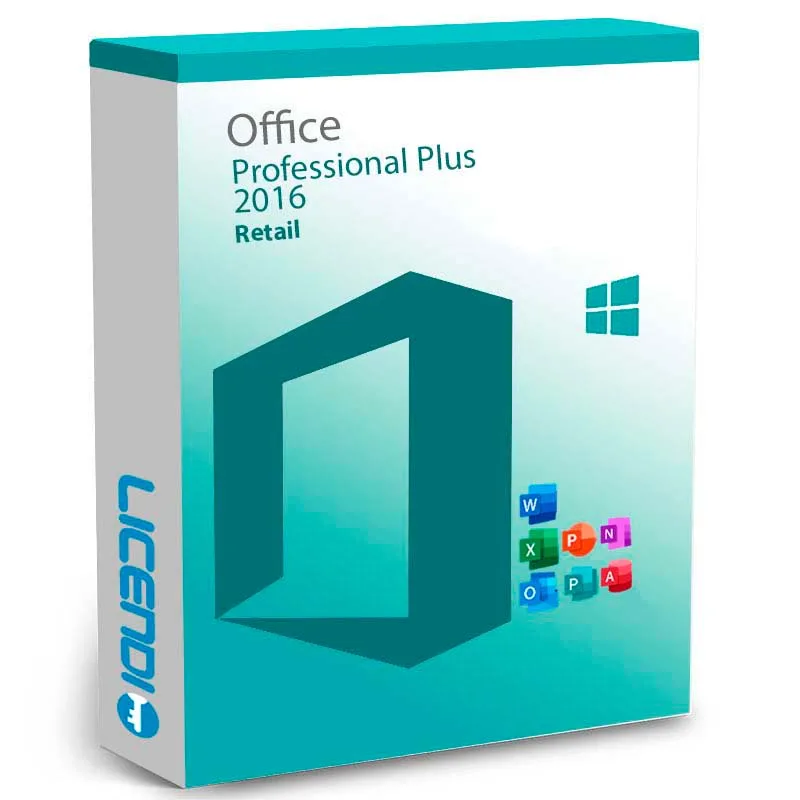
Microsoft Office 2016 Professional Plus is a genuine software licence, sourced through our verified European supply chain and delivered digitally the moment your payment clears — with a plain-language activation guide and a real person to help if anything is u
- ✓Perpetual licence for Windows 10 or 11
- ✓Includes Word, Excel, PowerPoint and OneNote 2016
- ✓Includes Outlook, Publisher and Access 2016
- ✓Includes Skype for Business 2016 desktop client
- ✓Licence options: OEM (single activation) or Retail (transferable)
System requirements ▾
Operating system Windows 10 or Windows 11
Processor 1.6 GHz or faster, 2 cores
Memory 4 GB RAM (64-bit) or 2 GB RAM (32-bit)
Hard disk 4.0 GB free space
Display 1280 × 768 resolution
Architecture 32-bit or 64-bit
As of 2026-04-21. Office 2016 Professional Plus is a Windows-only product — not available for macOS. Extended support for Office 2016 ended on 14 October 2025; existing keys continue to activate.
Installation guide ▾
- Go to office.com/setup and sign in with your Microsoft account.
- Enter the product key from your email.
- Download and run the Office installer.
- Open any app and activate with the key when prompted.
 Bestseller
Microsoft Office 2019 Professional Plus
Details & requirements
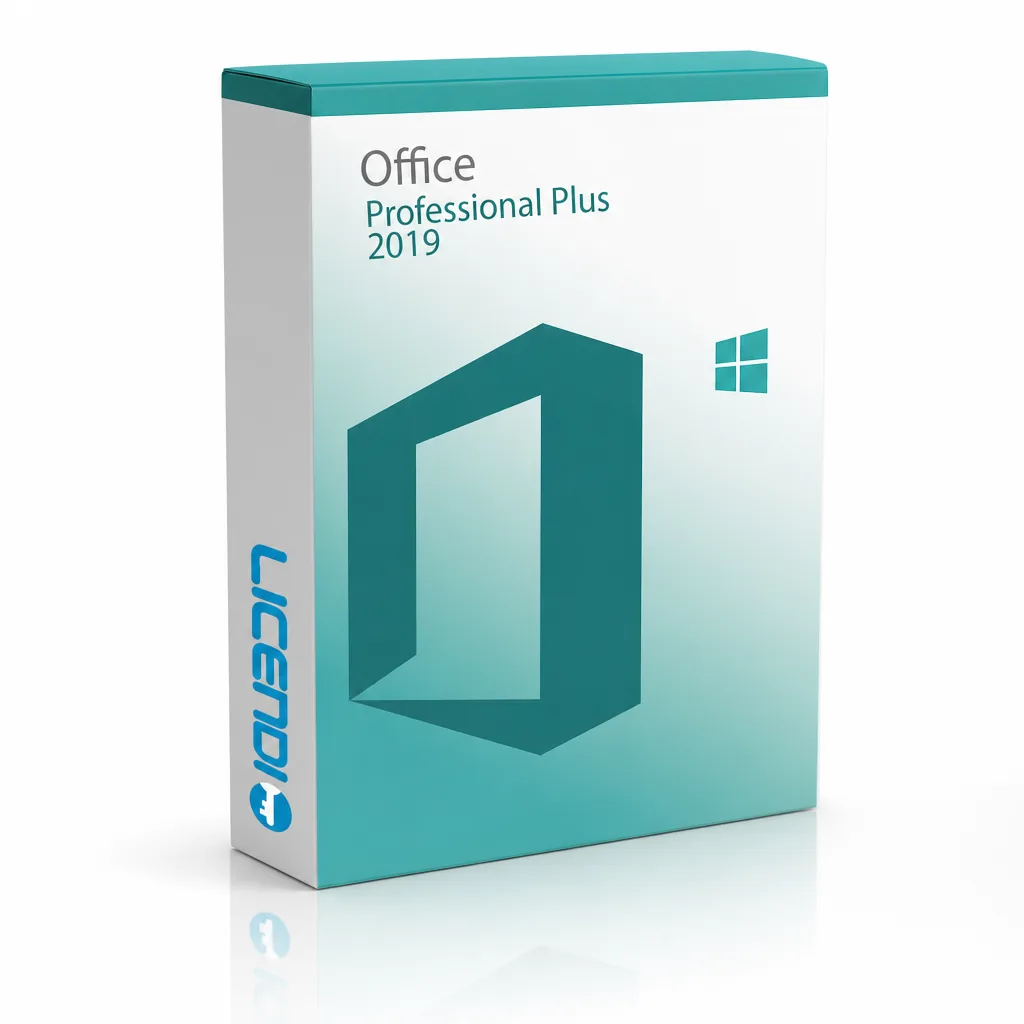
Microsoft Office 2019 Professional Plus is a genuine software licence, sourced through our verified European supply chain and delivered digitally the moment your payment clears — with a plain-language activation guide and a real person to help if anything is u
- ✓Permanent licence for a single PC
- ✓Includes Word, Excel and PowerPoint
- ✓Also includes OneNote, Outlook, Publisher, Access and Skype for Business
- ✓New features: pencil box, pressure-sensitive tools and learning enhancements
- ✓Security updates included
System requirements ▾
Installation guide ▾
- Go to office.com/setup and sign in with your Microsoft account.
- Enter the product key from your email.
- Download and run the Office installer.
- Open any app and activate with the key when prompted.
Details & requirements
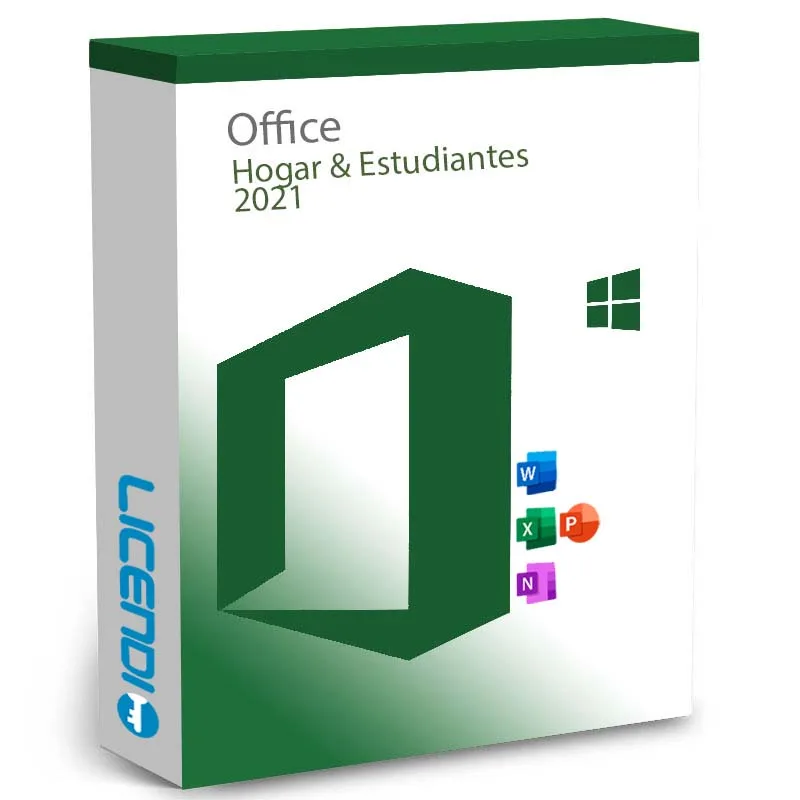
Microsoft Office 2021 Home & Student is a genuine software licence, sourced through our verified European supply chain and delivered digitally the moment your payment clears — with a plain-language activation guide and a real person to help if anything is uncl
- ✓Perpetual (one-time purchase) licence
- ✓For 1 PC or Mac
- ✓Compatible with Windows 10 / 11 and current macOS
- ✓Includes Word, Excel and PowerPoint
- ✓Digital delivery — product key by email
System requirements ▾
Installation guide ▾
- Go to office.com/setup and sign in with your Microsoft account.
- Enter the product key from your email.
- Download and run the Office installer.
- Open any app and activate with the key when prompted.
 Bestseller
Microsoft Office 2021 Professional Plus
Details & requirements
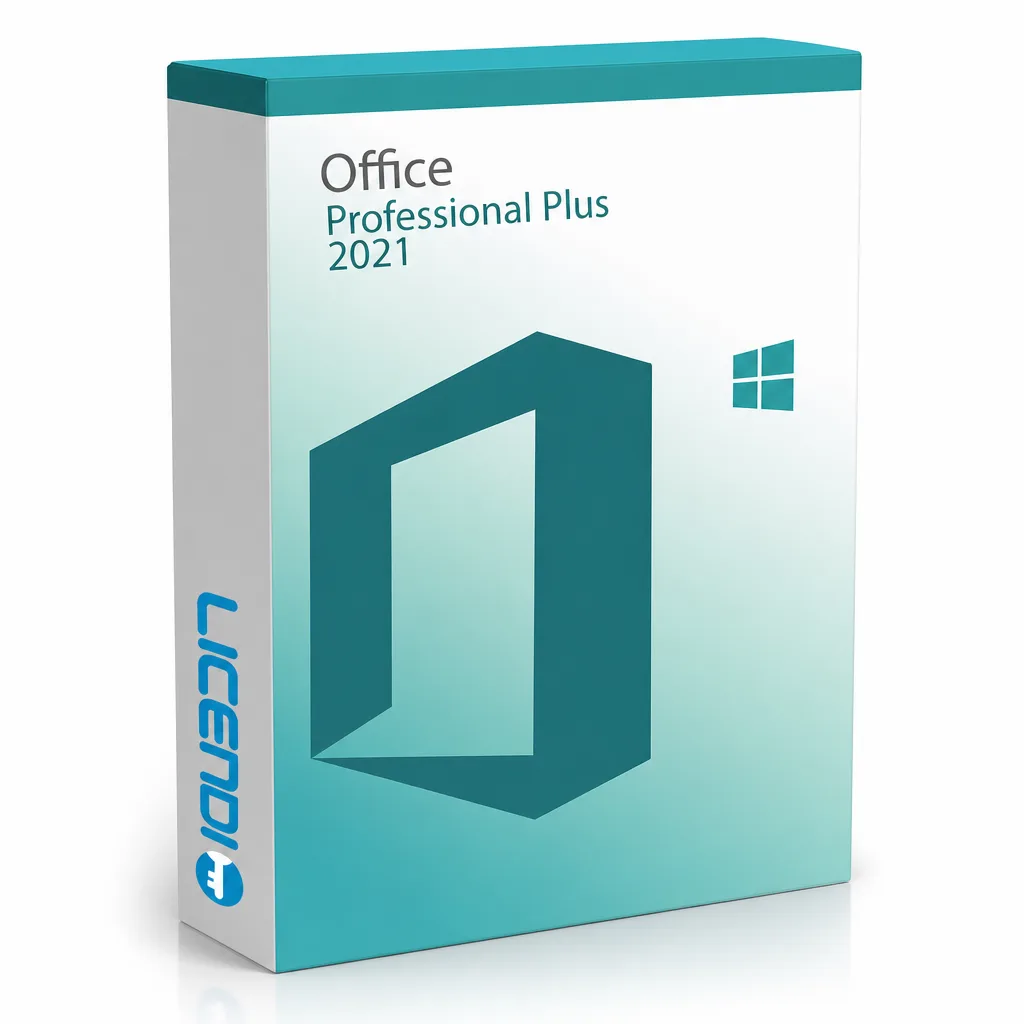
Microsoft Office 2021 Professional Plus is a genuine software licence, sourced through our verified European supply chain and delivered digitally the moment your payment clears — with a plain-language activation guide and a real person to help if anything is u
- ✓Perpetual licence — one-time purchase, no subscription
- ✓Platform: Windows only (Windows 10 or 11)
- ✓Includes Word, Excel, PowerPoint, OneNote, Outlook, Publisher, Access, Teams (separate download)
- ✓Delivery: digital key by email (instant during office hours, within 24 hours otherwise)
- ✓Licence variants: Bound (transferable) or OEM (single activation)
System requirements ▾
As of 2026-04-20 the requirements are as follows:
Processor 1.6 GHz or faster, 2 coresOperating system Windows 10, Windows 11, or Windows Server 2019/2022
Memory 4 GB RAM (64-bit) or 2 GB RAM (32-bit)
Hard disk 4.0 GB of available disk space
Display 1280 × 768 resolution
Internet Required for activation and cloud features
Requirements change over time — the latest official list is on the Microsoft Office 2021 deployment site.
Installation guide ▾
- Go to office.com/setup and sign in with your Microsoft account.
- Enter the product key from your email.
- Download and run the Office installer.
- Open any app and activate with the key when prompted.
Details & requirements
Microsoft Office 2024 Home and Business is a genuine software licence, sourced through our verified European supply chain and delivered digitally the moment your payment clears — with a plain-language activation guide and a real person to help if anything is u
- ✓Perpetual licence — one payment, no subscription
- ✓Includes Word, Excel, PowerPoint and Outlook 2024
- ✓Sold as separate Windows or Mac editions (select at checkout)
- ✓Windows edition: for 1 Windows 10 or Windows 11 PC; Mac edition: for 1 Mac (three most recent macOS versions)
- ✓Licence bound to your Microsoft account; transferable by removing from the old device
System requirements ▾
As of 2026-04-30 the requirements are as follows:
Windows MacOperating system Windows 10 or Windows 11 One of the three most recent versions of macOS
Processor 1.6 GHz or faster, 2 cores Intel or Apple silicon
Memory 4 GB RAM 4 GB RAM
Hard disk 4.0 GB available disk space 10 GB available disk space (HFS+ or APFS)
Display 1280 × 768 resolution 1280 × 800 resolution
Graphics DirectX 9 or later, with WDDM 2.0 or higher driver No specific requirement
.NET .NET 4.6.2 or later (for some features) n/a
Microsoft account Required for activation and licence binding Required for activation and licence binding
Internet Required for activation and updates Required for activation and updates
Requirements change over time — the latest official list is on the Microsoft Office 2024 deployment site.
Installation guide ▾
- Go to office.com/setup and sign in with your Microsoft account.
- Enter the product key from your email.
- Download and run the Office installer.
- Open any app and activate with the key when prompted.
Details & requirements
Microsoft Office 2024 Professional Plus LTSC is a genuine software licence, sourced through our verified European supply chain and delivered digitally the moment your payment clears — with a plain-language activation guide and a real person to help if anything
- ✓Includes Word, Excel, PowerPoint, Outlook, OneNote and Access
- ✓Perpetual licence — one‑time purchase, use indefinitely
- ✓LTSC channel for long‑term servicing and fewer feature changes
- ✓Three purchase tiers: 1 PC (device‑locked), 5 PCs, 50 PCs (volume licences)
- ✓Released October 2024; mainstream support through 9 October 2029
System requirements ▾
System requirements — Office 2024 Professional Plus LTSC
Component RequirementOperating system Windows 10, Windows 11, Windows Server 2022, or Windows Server 2025
Processor 1.6 GHz dual-core, x86 or x64; 2.0 GHz recommended
Memory 4 GB RAM (64-bit) or 2 GB RAM (32-bit)
Storage 4 GB available disk space
Display 1280 × 768 resolution, DirectX 9+ GPU with WDDM 2.0+
.NET .NET 4.6.2 or later required for some features
Internet Required for activation and updates; not required for daily use
Architecture 32-bit and 64-bit installers, multilingual
As of 2026-04-30. Microsoft Office 2024 Professional Plus LTSC is Windows-only on this licence; Office 2024 for Mac is sold separately under different SKUs. Mainstream support runs through 9 October 2029.
Installation guide ▾
- Go to office.com/setup and sign in with your Microsoft account.
- Enter the product key from your email.
- Download and run the Office installer.
- Open any app and activate with the key when prompted.
Details & requirements
Microsoft Office 2024 Standard LTSC is a genuine software licence, sourced through our verified European supply chain and delivered digitally the moment your payment clears — with a plain-language activation guide and a real person to help if anything is uncle
- ✓Perpetual one-time licence for a desktop Windows installation
- ✓Includes Word, Excel, PowerPoint, Outlook and OneNote
- ✓No Microsoft 365 subscription or connection required
- ✓LTSC edition: feature-frozen at release
- ✓Security updates provided during Microsoft mainstream support
System requirements ▾
System requirements — Office 2024 Standard LTSC
Component RequirementOperating system Windows 10, Windows 11, Windows Server 2022, or Windows Server 2025
Processor 1.6 GHz dual-core, x86 or x64; 2.0 GHz recommended
Memory 4 GB RAM (64-bit) or 2 GB RAM (32-bit)
Storage 4 GB available disk space
Display 1280 × 768 resolution, DirectX 9+ GPU with WDDM 2.0+
.NET .NET 4.6.2 or later required for some features
Internet Required for activation and updates; not required for daily use
Architecture 32-bit and 64-bit installers, multilingual
As of 2026-04-30. Microsoft Office 2024 Standard LTSC is Windows-only on this licence; Office 2024 for Mac is sold separately under different SKUs. Mainstream support runs through 9 October 2029.
Installation guide ▾
- Go to office.com/setup and sign in with your Microsoft account.
- Enter the product key from your email.
- Download and run the Office installer.
- Open any app and activate with the key when prompted.
Microsoft Office 365 Business Basic
Details & requirements
Microsoft Office 365 Business Basic is a genuine software licence, sourced through our verified European supply chain and delivered digitally the moment your payment clears — with a plain-language activation guide and a real person to help if anything is uncle
- ✓Access Outlook, Word, Excel, PowerPoint and OneNote from any browser
- ✓50 GB hosted email mailbox
- ✓Customisable domain email (yourname@yourenterprise.com)
- ✓Exchange access on mobile, desktop and web
- ✓Includes OneDrive, SharePoint and Microsoft Teams
System requirements ▾
PC: 1 gigahertz (GHz) or faster x86- or x64-bit processor with SSE2
OSX: Intel processor
Android: Android KitKat 4.4 or later version and have an ARM-based or Intel x86 processor.
iOS: N/A
Operating System
PC: Windows 11, Windows 10, Windows 8.1, Windows Server 2019, Windows Server 2016
Mac: Latest two versions of macOS
Android: OS version: KitKat (4.4.X) or above
iOS: Office for iPad® and iPhone® requires iOS 10.0 or later. Office for iPad Pro™ requires iOS 10.0 or later.
Memory
PC: 1 GB RAM (32-bit); 2 GB RAM (64-bit)
OSX: 4 GB RAM
Android: 1 GB
iOS: N/A
Hard Disk Space
PC: 3 GB of available disk space
OSX: 6 GB HFS+ hard disk format
Android: N/A
iOS: N/A
Display
PC: 1024 x 768 resolution
OSX: 1280 x 800 resolution
Android: N/A
iOS: N/A
Additional requirements
A touch-enabled device is required to use any multitouch functionality. However, all features and functionality are always available by using a keyboard, mouse, or other standard- or accessible-input device. Note that new touch features are optimized for use with Windows 8 or later.
Product functionality and graphics may vary based on your system configuration. Some features may require additional or advanced hardware or server connectivity.
Internet functionality requires an internet connection.
Microsoft account required.
Installation guide ▾
- Go to office.com/setup and sign in with your Microsoft account.
- Enter the product key from your email.
- Download and run the Office installer.
- Open any app and activate with the key when prompted.