
All software
1,198 genuine licences · instant delivery · EU invoice
Stellar Windows Data Recovery 8 Professional
Details & requirements
Stellar Windows Data Recovery 8 Professional is a genuine software licence, sourced through our verified European supply chain and delivered digitally the moment your payment clears — with a plain-language activation guide and a real person to help if anything
- ✓Genuine licence key
- ✓Instant digital delivery by email
- ✓Official download source
- ✓Step-by-step activation guide
- ✓EU invoice included
System requirements ▾
Installation guide ▾
- Download the Media Creation Tool from Microsoft’s official site.
- Create install media or upgrade in place (matching edition).
- Complete setup — choose ‘I don’t have a key’ if asked.
- Settings → Activation → Change product key, then enter your key.
VMware vSAN 8 - Advanced for Retail and Branch Offices - 1 Device - Lifetime
Details & requirements
VMware vSAN 8 - Advanced for Retail and Branch Offices - 1 Device - Lifetime is a genuine software licence, sourced through our verified European supply chain and delivered digitally the moment your payment clears — with a plain-language activation guide and a
- ✓Lifetime licence key — one-time purchase, no recurring fees
- ✓Native vSphere integration for seamless management
- ✓High availability with built-in data protection and disaster recovery
- ✓Scales from 2 to 64 nodes per cluster
- ✓Supports all‑flash and hybrid storage configurations
System requirements ▾
Minimum
- 1.6 GHz, 2-core processor
- 4 GB RAM (2 GB for 32-bit)
- 4 GB free disk space
- Windows 10/11 or the three latest macOS versions
Recommended
- Dual-core 2 GHz+
- 8 GB RAM
- DirectX 10 graphics, 1280×768
Installation guide ▾
- Go to office.com/setup and sign in with your Microsoft account.
- Enter the product key from your email.
- Download and run the Office installer.
- Open any app and activate with the key when prompted.
Details & requirements
Visual Studio 2017 Enterprise is a genuine software licence, sourced through our verified European supply chain and delivered digitally the moment your payment clears — with a plain-language activation guide and a real person to help if anything is unclear. Ev
- ✓Integrated development environment for end-to-end software development
- ✓Supports Visual Basic, .NET, PHP, C++, Java, Python, Node, Unity and Ruby
- ✓Compatible with Windows, Linux and macOS
- ✓Suitable for both veteran professionals and beginners
- ✓Can be used to create web, Windows, mobile, analytics, big data and game projects
System requirements ▾
Additional Requirements and Instructions
. Administrator rights are required to install or upgrade Visual Studio. Refer to the Visual Studio Administrator's Guide for additional considerations and instructions on how to install, deploy, upgrade, and configure Visual Studio in an organization. .NET framework 4.5.2 or higher is required to install Visual Studio. Visual Studio requires .NET Framework 4.7.2 to run, but will be installed during setup. Windows 10 Enterprise and Windows 10 S LTSC edition are not supported for development. To build applications that run on Windows 10 LTSC and Windows 10 S, you can use Visual Studio 2017. Internet Explorer 11 or Microsoft Edge are required for Internet-related scenarios. Some features may not work unless these solutions or later versions are installed. Visual Studio is not supported in virtualized environments, such as Microsoft App-V or MSIX for Windows or third-party application virtualization technologies. Running Visual Studio in a virtual machine environment requires a full Windows operating system. Multiple users running Visual Studio simultaneously is not supported. The Minimum Server Interface and Server Core options are not supported when running Windows Server. Windows containers are not supported, except with Visual Studio Build Tools 2017. For emulator support, Windows 8.1 Pro or Enterprise (x64) editions are required. A processor that supports Second Level Address Translation (SLAT) is also required. Universal Windows application development, including design, editing and debugging, requires Windows 10. Windows Server 2016 and Windows Server 2012 R2 can be used to create universal Windows applications from the command line. Team Foundation Server 2017 Office Integration requires Office 2016, Office 2013 or Office 2010. Xamarin.Android requires a 64-bit edition of Windows and 64-bit Java Development Kit (JDK). PowerShell 3.0 or later version on Windows 7 SP1 is required to install mobile development with C++, JavaScript or .NET workloads.Installation guide ▾
- Download the installer from the vendor’s official website.
- Run the installer and follow the on-screen steps.
- Enter your license key when prompted to activate.
- Restart if requested — you’re ready to go.
Details & requirements
Visual Studio 2017 Professional is a genuine software licence, sourced through our verified European supply chain and delivered digitally the moment your payment clears — with a plain-language activation guide and a real person to help if anything is unclear.
- ✓Integrated development environment by Microsoft
- ✓Compatible with Windows, Linux and macOS
- ✓Supports Visual Basic, .NET, PHP, C++, Java, Python, Node, Unity and Ruby
- ✓Suitable for professional and beginner developers
- ✓Can be used for web, desktop, mobile, big data and game development
System requirements ▾
Minimum system requirements
. Supported operating systems: -Windows 10 version 1507 or later: Home, Professional, Education and Enterprise (LTSC and S are not supported). -Windows Server 2016: Standard and Datacenter -Windows 8.1 (with update 2919355): Core, Professional and Enterprise -Windows Server 2012 R2 (with update 2919355): Essentials, Standard and Datacenter -Windows 7 SP1 (with latest Windows updates): Home Premium, Professional, Enterprise and Ultimate Hardware 1.8 GHz processor or higher. Dual core or higher recommended. 2 GB of RAM; 4 GB of RAM recommended (minimum of 2.5 GB if running in a virtual machine) Hard disk space: up to 130 GB of available space, depending on installed features; typical installations require between 20 and 50 GB of free space. Hard disk speed: For improved performance, install Windows and Visual Studio on a solid state drive (SSD). Video card that supports a minimum display resolution of 720p (1280 x 720); Visual Studio will work best with a resolution of WXGA (1366 x 768) or higher. Supported languages Visual Studio is available in Czech, Chinese (Simplified), Chinese (Traditional), English, French, German, Italian, Japanese, Korean, Polish, Portuguese (Brazil), Russian, Spanish, and Turkish. You can select the Visual Studio language during installation. The Visual Studio installer is available in the same fourteen languages and matches the Windows language, if available. Note: Visual Studio 2017 Office integration for Team Foundation Server is available in all ten languages supported by Visual Studio Team Foundation Server 2017.Additional Requirements and Instructions
. Administrator rights are required to install or upgrade Visual Studio. Refer to the Visual Studio Administrator's Guide for additional considerations and instructions on how to install, deploy, upgrade, and configure Visual Studio in an organization. .NET framework 4.5.2 or higher is required to install Visual Studio. Visual Studio requires .NET Framework 4.7.2 to run, but will be installed during setup. Windows 10 Enterprise and Windows 10 S LTSC edition are not supported for development. To build applications that run on Windows 10 LTSC and Windows 10 S, you can use Visual Studio 2017. Internet Explorer 11 or Microsoft Edge are required for Internet-related scenarios. Some features may not work unless these solutions or later versions are installed. Visual Studio is not supported in virtualized environments, such as Microsoft App-V or MSIX for Windows or third-party application virtualization technologies. Running Visual Studio in a virtual machine environment requires a full Windows operating system. Multiple users running Visual Studio simultaneously is not supported. The Minimal Server Interface and Server Core options are not supported when running Windows Server. Windows containers are not supported, except with Visual Studio Build Tools 2017. For emulator support, Windows 8.1 Pro or Enterprise (x64) editions are required. A processor that supports Second Level Address Translation (SLAT) is also required. Universal Windows application development, including design, editing and debugging, requires Windows 10. Windows Server 2016 and Windows Server 2012 R2 can be used to create universal Windows applications from the command line. Team Foundation Server 2017 Office Integration requires Office 2016, Office 2013 or Office 2010. Xamarin.Android requires a 64-bit edition of Windows and 64-bit Java Development Kit (JDK). PowerShell 3.0 or later version on Windows 7 SP1 is required to install mobile development with C++, JavaScript or .NET workloads.Installation guide ▾
- Download the installer from the vendor’s official website.
- Run the installer and follow the on-screen steps.
- Enter your license key when prompted to activate.
- Restart if requested — you’re ready to go.
Details & requirements
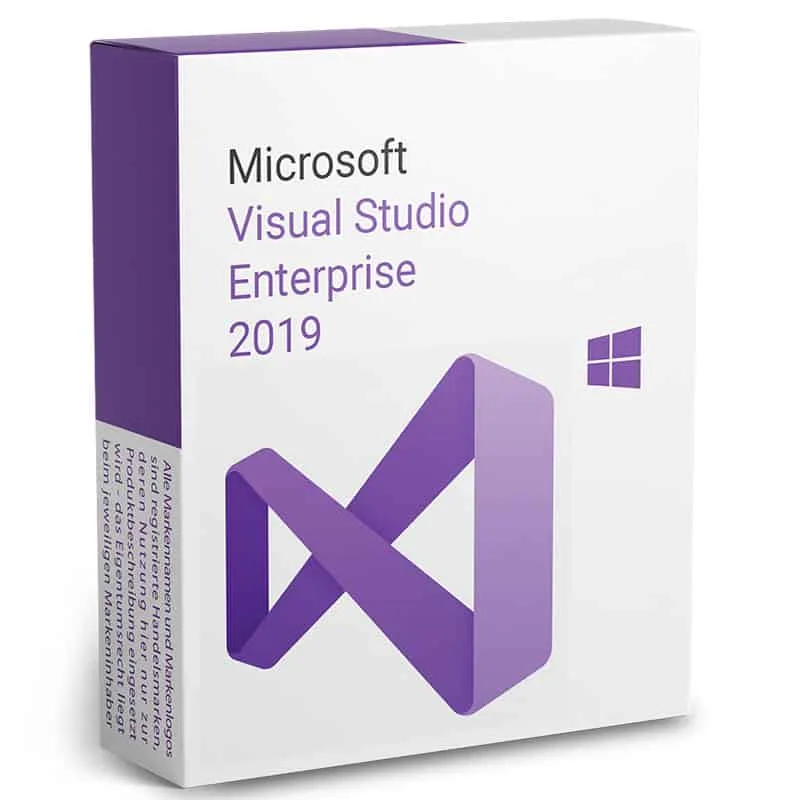
Visual Studio 2019 Enterprise is a genuine software licence, sourced through our verified European supply chain and delivered digitally the moment your payment clears — with a plain-language activation guide and a real person to help if anything is unclear. Ev
- ✓Integrated development environment for end-to-end software development
- ✓Compatible with Windows, Linux and macOS
- ✓Supports Visual Basic, .NET, PHP, C++, Java, Python, Node, Unity and Ruby
- ✓Can be used to develop web, Windows, mobile, analytics/Big Data and game projects
- ✓Automates tasks such as code review, error checking and compilation options
System requirements ▾
Minimum system requirements
. Supported operating systems: -Windows 8.1 (x86 and x64). -Windows 8 (x86 and x64) -Windows 7 SP1 (x86 and x64) -Windows Server 2008 R2 SP1 (x64) -Windows Server 2012 (x64) -Windows Server 2012 R2 (x64)Hardware requirements:
-1.6 GHz processor or higher -1 GB (32-bit) or 2 GB (64-bit) of RAM (add 512 MB to the host if running in a virtual machine) -3 GB of available hard disk space -5400 RPM hard drive -DirectX 9 compatible video card with 1024 x 768 or higher screen resolution.Other requirements:
. -On Windows 8.1 and Windows Server 2012 R2, KB2883200 (available from Windows Update) is required.Installation guide ▾
- Download the installer from the vendor’s official website.
- Run the installer and follow the on-screen steps.
- Enter your license key when prompted to activate.
- Restart if requested — you’re ready to go.
Details & requirements
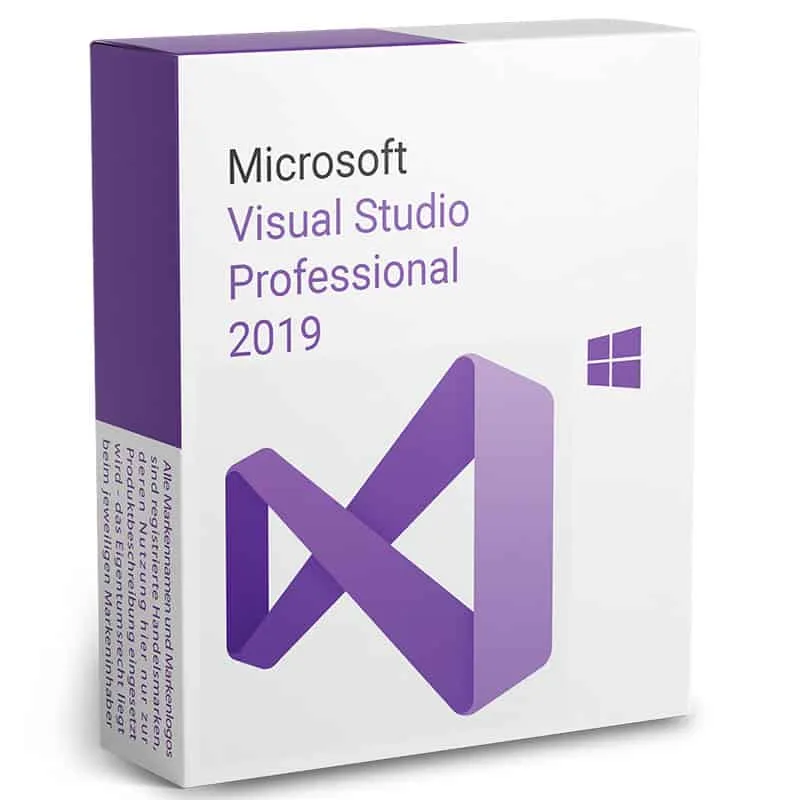
Visual Studio 2019 Professional is a genuine software licence, sourced through our verified European supply chain and delivered digitally the moment your payment clears — with a plain-language activation guide and a real person to help if anything is unclear.
- ✓Integrated development environment by Microsoft
- ✓Compatible with Windows, Linux and macOS
- ✓Supports multiple languages: Visual Basic, .NET, PHP, C++, Java, Python, Node, Unity, Ruby
- ✓Suitable for web, Windows, mobile, analytics and game development
- ✓Includes automation for code review, error checking and compilation
System requirements ▾
Minimum system requirements
Supported operating systems: -Windows 8.1 (x86 and x64) -Windows 8 (x86 and x64) -Windows 7 SP1 (x86 and x64) -Windows Server 2008 R2 SP1 (x64) -Windows Server 2012 (x64) -Windows Server 2012 R2 (x64) Hardware Requirements: -Processor at 1.6 GHz or higher -1 GB (32-bit) or 2 GB (64-bit) of RAM (add 512 MB to host if running in a virtual machine) -3 GB of available hard disk space -5400RPM hard drive -DirectX 9 compatible video card with screen resolution of 1024 x 768 or higher.Other requirements:
-On Windows 8.1 and Windows Server 2012 R2, KB2883200 is required (available on Windows Update)Installation guide ▾
- Download the installer from the vendor’s official website.
- Run the installer and follow the on-screen steps.
- Enter your license key when prompted to activate.
- Restart if requested — you’re ready to go.
Details & requirements
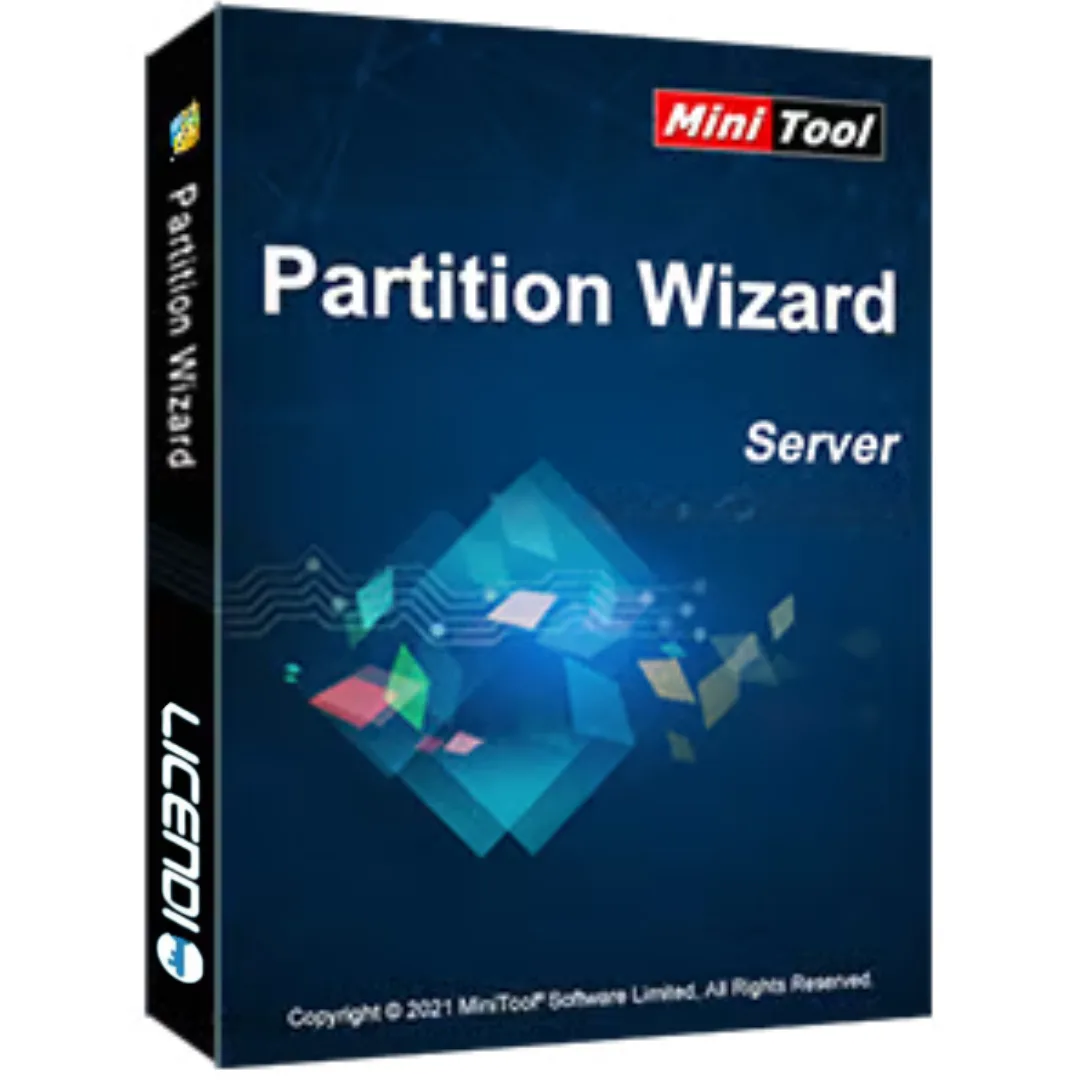
MiniTool Partition Wizard Server is a genuine software licence, sourced through our verified European supply chain and delivered digitally the moment your payment clears — with a plain-language activation guide and a real person to help if anything is unclear.
- ✓Version 8.1 specifically
- ✓Create, resize, move, merge, split and format partitions
- ✓Migrate operating systems and clone disks
- ✓Convert FAT to NTFS
- ✓Disk analysis and storage optimisation tools
System requirements ▾
- Operating System: Windows Server editions and compatible Windows desktop versions
- Processor: 1 GHz or faster
- RAM: 2 GB minimum
- Hard Disk Space: 300 MB free space
- Storage Support: Compatible with HDD, SSD, RAID and supported server storage configurations
- Internet Connection: Required for activation and updates
Installation guide ▾
- Download the installer from the vendor’s official website.
- Run the installer and follow the on-screen steps.
- Enter your license key when prompted to activate.
- Restart if requested — you’re ready to go.
Details & requirements
NVivo 10 is a genuine software licence, sourced through our verified European supply chain and delivered digitally the moment your payment clears — with a plain-language activation guide and a real person to help if anything is unclear. Every pc tools and pc o
- ✓Qualitative data analysis for Windows
- ✓Import interviews, articles, PDFs, spreadsheets, notes and multimedia
- ✓Code material using nodes, cases, classifications and thematic structures
- ✓Run queries to compare responses and explore relationships
- ✓Create models, charts and visualisations to present findings
System requirements ▾
- Operating system: Microsoft Windows XP SP3, Windows Vista SP2, Windows 7 or later Windows versions compatible with NVivo 10.
- System type: Windows PC only.
- Processor: 1.2 GHz single-core processor minimum; 2.0 GHz dual-core processor or faster recommended.
- Memory: 2 GB RAM minimum; 4 GB RAM or more recommended for larger projects.
- Storage: about 5 GB free disk space for installation plus space for research project files.
- Display: 1024 x 768 minimum; higher resolution recommended.
- Internet connection may be required for download, activation and license validation.
Installation guide ▾
- Download the installer from the vendor’s official website.
- Run the installer and follow the on-screen steps.
- Enter your license key when prompted to activate.
- Restart if requested — you’re ready to go.
Details & requirements
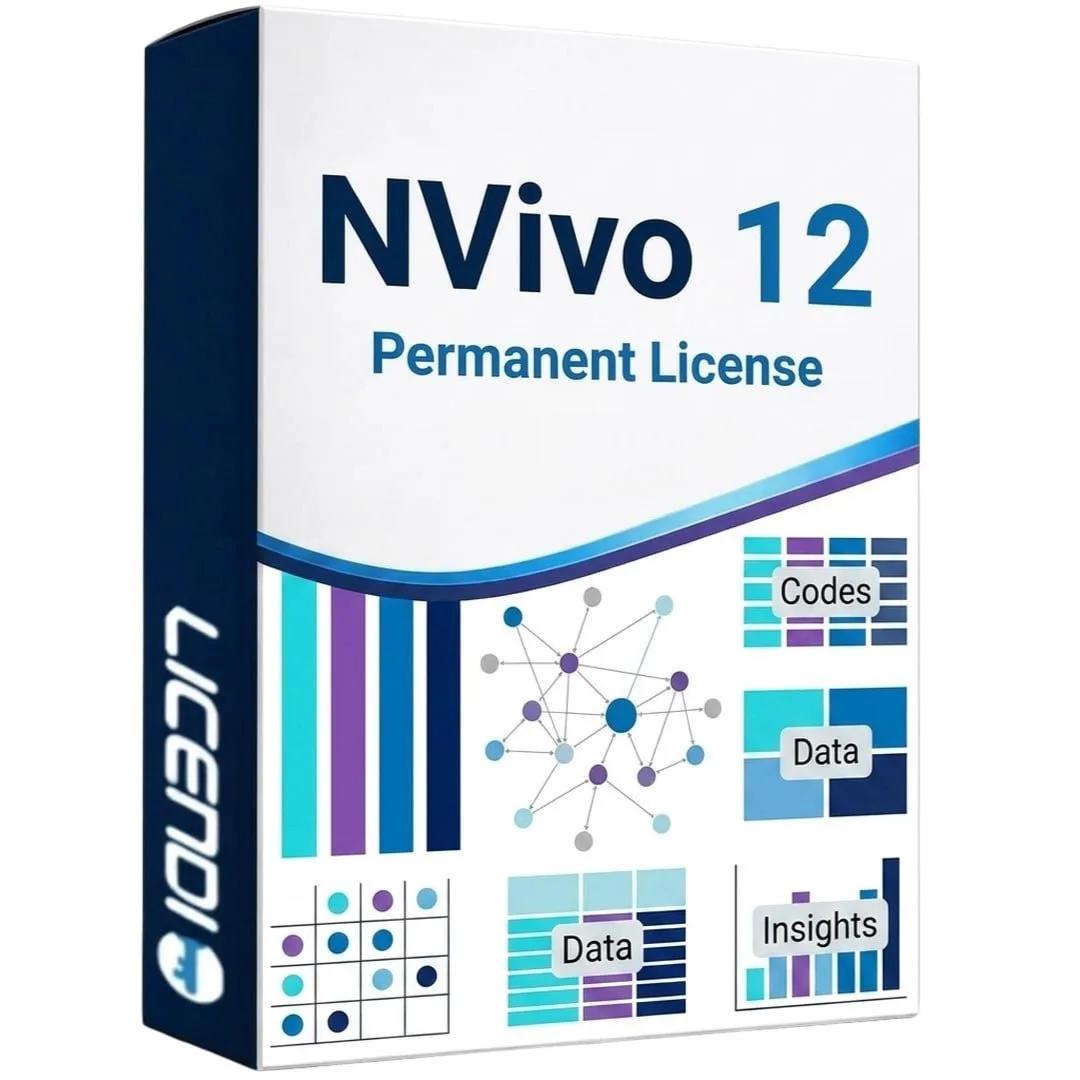
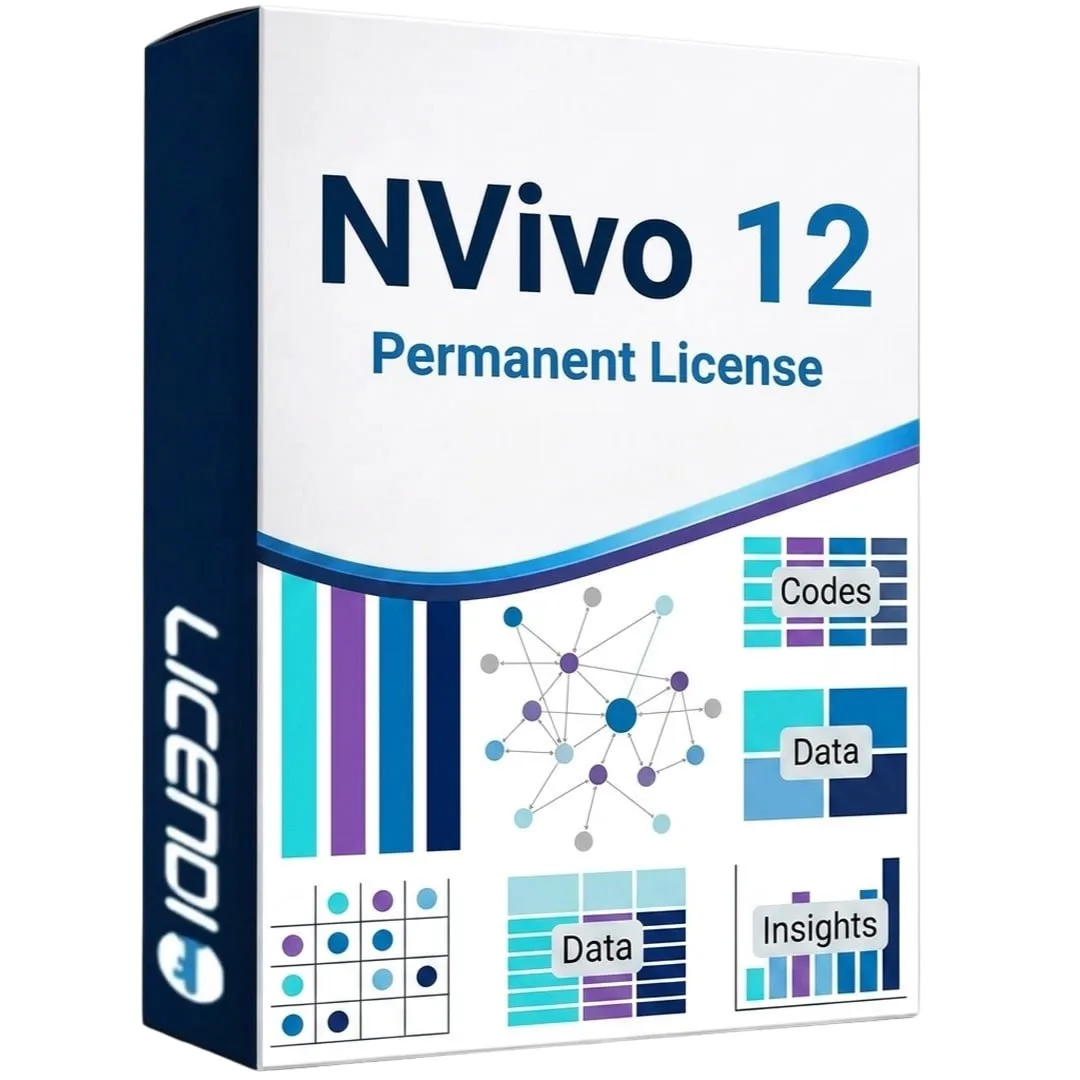
Nvivo 12 is a genuine software licence, sourced through our verified European supply chain and delivered digitally the moment your payment clears — with a plain-language activation guide and a real person to help if anything is unclear. Every pc tools and pc o
- ✓Import interviews, articles, PDFs, spreadsheets, notes and multimedia into one project
- ✓Code material using nodes, cases, classifications and thematic structures
- ✓Run queries to identify patterns, compare responses and explore relationships
- ✓Create models, charts and visualisations to communicate findings
- ✓Manage literature reviews, academic and market research, and customer feedback analysis
System requirements ▾
- Choose the correct license variant for your operating system: Windows 32-bit, Windows 64-bit or Mac.
- Windows minimum: Microsoft Windows 7 SP1 or later, 1.2 GHz single-core processor for 32-bit or 1.4 GHz single-core processor for 64-bit, 2 GB RAM, 1024 x 768 display and about 5 GB free disk space.
- Windows recommended: 2.0 GHz dual-core processor or faster, 4 GB RAM or more, 1680 x 1050 display or higher and about 8 GB free disk space.
- Mac minimum: Intel-based Mac, OS X 10.11 or later, 4 GB RAM, 1280 x 800 display and about 3 GB free disk space.
- Mac recommended: Intel Core i5/i7/Xeon, 8 GB RAM, 1440 x 900 display and SSD storage.
- Internet connection may be required for download, activation, license validation and online features.
Installation guide ▾
- Download the installer from the vendor’s official website.
- Run the installer and follow the on-screen steps.
- Enter your license key when prompted to activate.
- Restart if requested — you’re ready to go.
Details & requirements
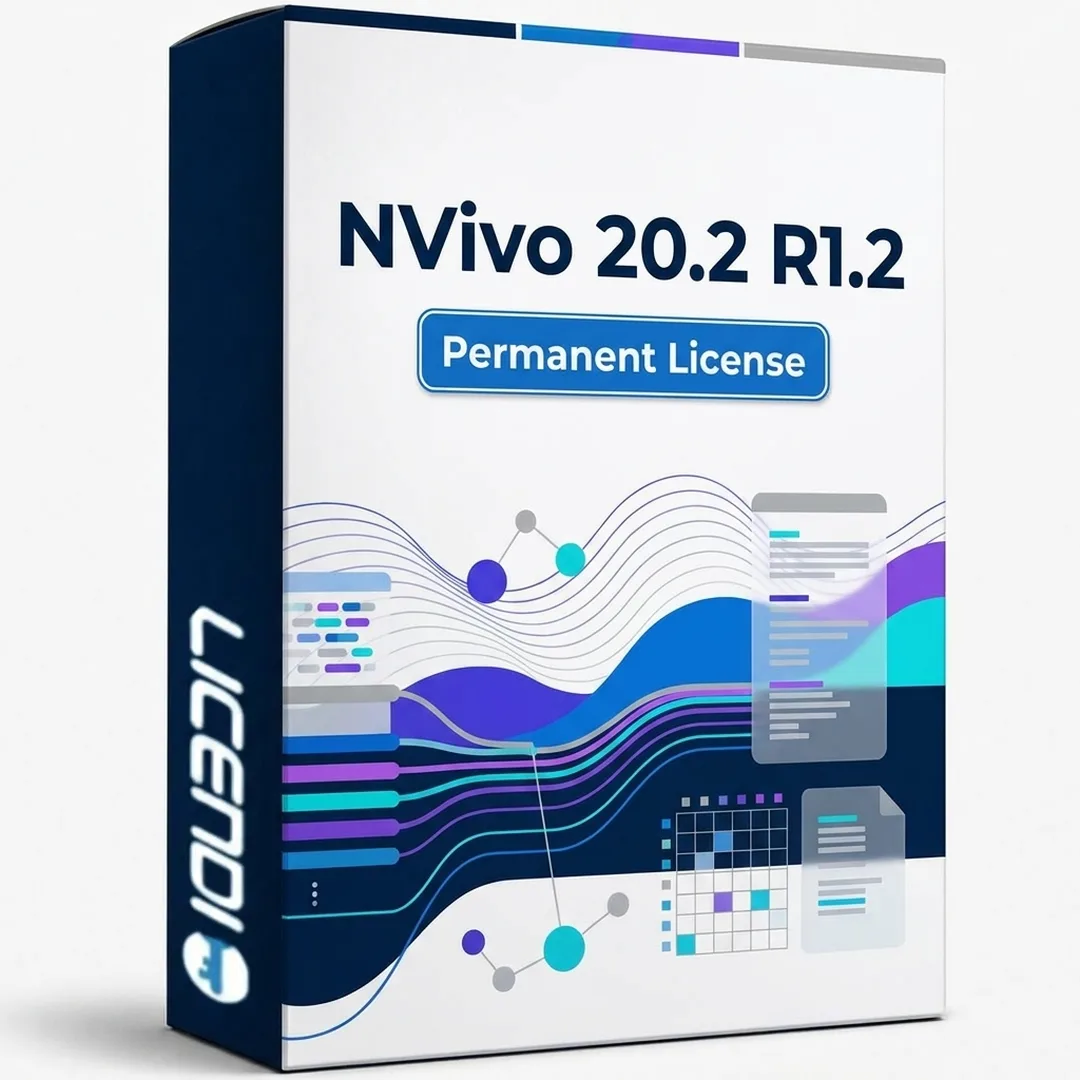
Nvivo 20.2 R1.2 is a genuine software licence, sourced through our verified European supply chain and delivered digitally the moment your payment clears — with a plain-language activation guide and a real person to help if anything is unclear. Every pc tools a
- ✓Permanent licence valid for 1 PC with one activation
- ✓Supports Windows 8.1 or later (64-bit)
- ✓Import interviews, articles, PDFs, spreadsheets, notes, images, audio and video
- ✓Code material with nodes, cases, classifications and thematic structures
- ✓Queries, coding comparison and visual tools to identify patterns
System requirements ▾
- Operating system: Windows 8.1 or later, 64-bit.
- System type: 1 Windows PC.
- Processor: 2.0 GHz dual-core processor or faster recommended.
- Memory: 4 GB RAM minimum; 8 GB RAM or more recommended for larger projects.
- Storage: at least 5 GB free disk space for installation plus space for research project files.
- Display: 1366 x 768 minimum; higher resolution recommended.
- Internet connection may be required for download, activation and license validation.
Installation guide ▾
- Download the installer from the vendor’s official website.
- Run the installer and follow the on-screen steps.
- Enter your license key when prompted to activate.
- Restart if requested — you’re ready to go.
Details & requirements
Nitro Pro 12 is a genuine software licence, sourced through our verified European supply chain and delivered digitally the moment your payment clears — with a plain-language activation guide and a real person to help if anything is unclear. Every pc tools and
- ✓Create PDFs from 300+ file formats including Office documents, images and web pages
- ✓Edit text, images and pages directly in PDF files
- ✓Convert PDFs to and from Word, Excel and PowerPoint while preserving layout
- ✓Electronically sign documents with eIDAS and ESIGN compliant eSignatures
- ✓OCR converts scanned documents into searchable, editable PDFs
System requirements ▾
Installation guide ▾
- Download the installer from the vendor’s official website.
- Run the installer and follow the on-screen steps.
- Enter your license key when prompted to activate.
- Restart if requested — you’re ready to go.
Details & requirements
Nitro Pro 13 is a genuine software licence, sourced through our verified European supply chain and delivered digitally the moment your payment clears — with a plain-language activation guide and a real person to help if anything is unclear. Every pc tools and
- ✓Create PDFs from 300+ file formats including Office, images and web pages
- ✓Edit text, images and pages directly in PDFs
- ✓Convert PDFs to/from Word, Excel, PowerPoint while preserving layout
- ✓OCR converts scanned documents into searchable, editable PDFs
- ✓eSignatures compliant with eIDAS and ESIGN
System requirements ▾
Installation guide ▾
- Download the installer from the vendor’s official website.
- Run the installer and follow the on-screen steps.
- Enter your license key when prompted to activate.
- Restart if requested — you’re ready to go.
Details & requirements
Nitro Pro 14 is a genuine software licence, sourced through our verified European supply chain and delivered digitally the moment your payment clears — with a plain-language activation guide and a real person to help if anything is unclear. Every pc tools and
- ✓Create PDFs from 300+ file formats including Office documents and images
- ✓Edit text, images and pages directly in PDFs with intuitive tools
- ✓Convert PDFs to/from Word, Excel and PowerPoint while retaining layout
- ✓Batch convert multiple files simultaneously
- ✓eSignatures compliant with eIDAS and ESIGN; request and track signatures
System requirements ▾
Installation guide ▾
- Download the installer from the vendor’s official website.
- Run the installer and follow the on-screen steps.
- Enter your license key when prompted to activate.
- Restart if requested — you’re ready to go.
Details & requirements
Nuance Power PDF 2.1 is a genuine software licence, sourced through our verified European supply chain and delivered digitally the moment your payment clears — with a plain-language activation guide and a real person to help if anything is unclear. Every pc to
- ✓Create, edit and convert PDF files
- ✓Convert PDFs into editable documents for office workflows
- ✓Annotation, review and commenting tools
- ✓Merge documents and organise PDF pages
- ✓Security options for protecting documents and managing permissions
System requirements ▾
- Operating system: compatible with Microsoft Windows versions, including Windows 7 SP1, Windows 8.1, and Windows 10.
- Windows-only product.
- Processor: 1 GHz or higher.
- Memory: minimum 1 GB RAM; 2 GB or more recommended.
- Disk space: at least 1 GB available.
- Display: 1024 × 768 resolution or higher.
- Internet connection required for download and activation.
Installation guide ▾
- Download the installer from the vendor’s official website.
- Run the installer and follow the on-screen steps.
- Enter your license key when prompted to activate.
- Restart if requested — you’re ready to go.
Details & requirements
PSCAD 4.5 (permanente) is a genuine software licence, sourced through our verified European supply chain and delivered digitally the moment your payment clears — with a plain-language activation guide and a real person to help if anything is unclear. Every pc
- ✓Lifetime licence for 1 Windows PC
- ✓Single activation only; non-transferable and non-reinstallable
- ✓Simulation environment for electrical power systems and complex circuits
- ✓Visual modelling with diagrams, electrical components and control blocks
- ✓Analysis of transients, waveforms, grid events and dynamic behaviour
System requirements ▾
- Operating system: compatible Microsoft Windows version.
- Windows only product.
- Processor: 1 GHz Intel/AMD processor or higher; multi-core recommended.
- Memory: minimum 2 GB RAM; 4 GB or more recommended for larger projects.
- Disk space: at least 1 GB available for installation and project files.
- Display: 1024 × 768 resolution or higher.
- Internet connection for download, activation and license validation.
Installation guide ▾
- Download the installer from the vendor’s official website.
- Run the installer and follow the on-screen steps.
- Enter your license key when prompted to activate.
- Restart if requested — you’re ready to go.
Details & requirements
Parallels Desktop 14 is a genuine software licence, sourced through our verified European supply chain and delivered digitally the moment your payment clears — with a plain-language activation guide and a real person to help if anything is unclear. Every pc to
- ✓Run Windows, Linux and other OSes on Mac without rebooting
- ✓Built-in assistant for quick installation of guest OSes
- ✓Coherence Mode to run Windows apps alongside macOS apps
- ✓Shared folders, copy & paste and drag & drop between systems
- ✓Designed for Intel-based Macs; requires macOS High Sierra 10.13 or later
System requirements ▾
Installation guide ▾
- Download the installer from the vendor’s official website.
- Run the installer and follow the on-screen steps.
- Enter your license key when prompted to activate.
- Restart if requested — you’re ready to go.
Details & requirements
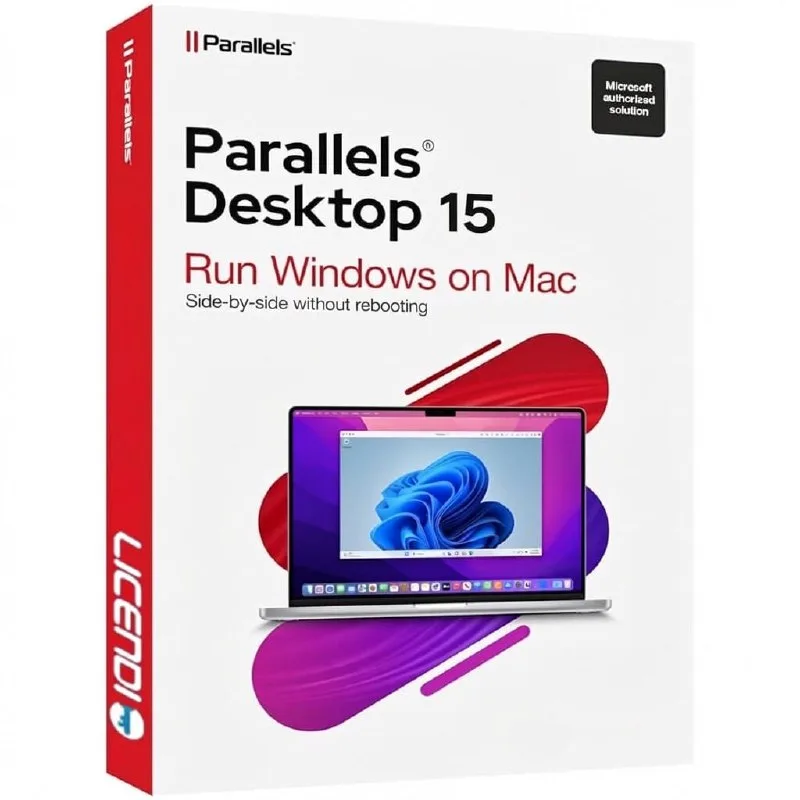
Parallels Desktop 15 is a genuine software licence, sourced through our verified European supply chain and delivered digitally the moment your payment clears — with a plain-language activation guide and a real person to help if anything is unclear. Every pc to
- ✓Run Windows 10 and earlier versions on your Mac
- ✓Full support for DirectX 11
- ✓Coherence mode for using Windows apps alongside Mac apps
- ✓Drag-and-drop file exchange between macOS and Windows
- ✓Compatible with macOS Catalina and earlier
System requirements ▾
Installation guide ▾
- Download the installer from the vendor’s official website.
- Run the installer and follow the on-screen steps.
- Enter your license key when prompted to activate.
- Restart if requested — you’re ready to go.
Details & requirements
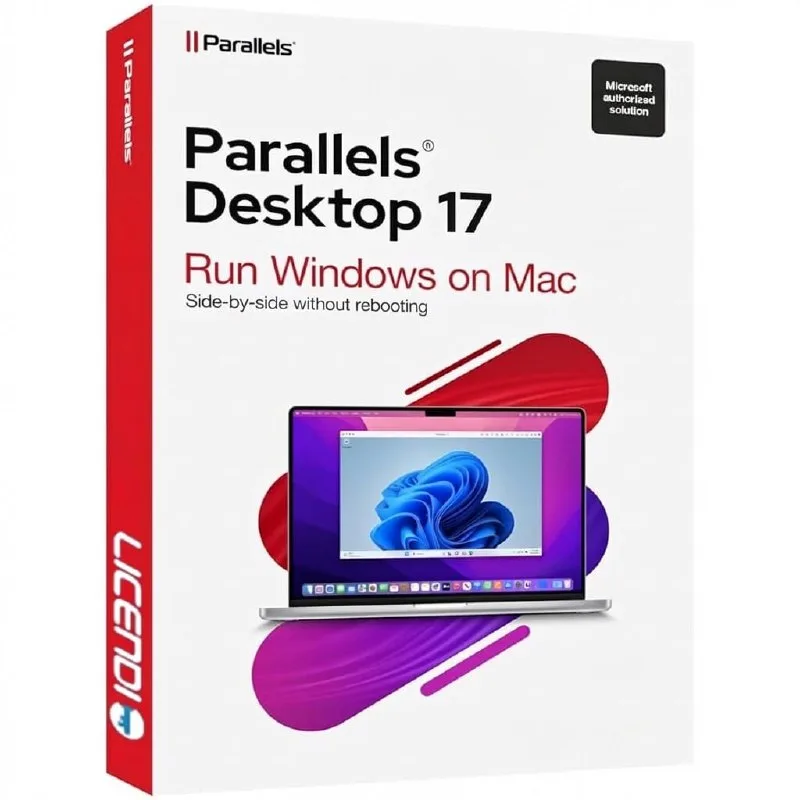
Parallels Desktop 17 is a genuine software licence, sourced through our verified European supply chain and delivered digitally the moment your payment clears — with a plain-language activation guide and a real person to help if anything is unclear. Every pc to
- ✓Native support for Apple M1 chips
- ✓Run Windows 11 and earlier versions on your Mac
- ✓Full support for DirectX 11 and OpenGL
- ✓Coherence mode to use Windows apps alongside Mac apps
- ✓Compatibility with macOS Monterey and earlier versions
System requirements ▾
Installation guide ▾
- Download the installer from the vendor’s official website.
- Run the installer and follow the on-screen steps.
- Enter your license key when prompted to activate.
- Restart if requested — you’re ready to go.
Details & requirements
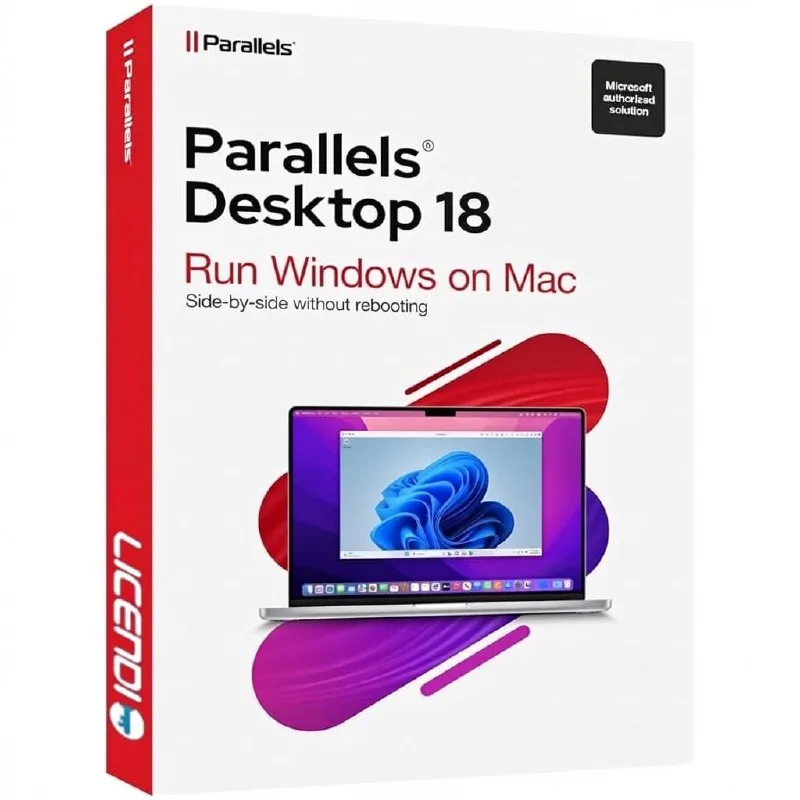
Parallels Desktop 18 is a genuine software licence, sourced through our verified European supply chain and delivered digitally the moment your payment clears — with a plain-language activation guide and a real person to help if anything is unclear. Every pc to
- ✓Optimised support for Apple M1 and M2
- ✓Compatible with Windows 11 and earlier
- ✓Improved graphics performance with DirectX 11 and OpenGL
- ✓Coherence Mode for Mac–Windows integration
- ✓Compatible with macOS Ventura and earlier
System requirements ▾
Installation guide ▾
- Download the installer from the vendor’s official website.
- Run the installer and follow the on-screen steps.
- Enter your license key when prompted to activate.
- Restart if requested — you’re ready to go.
Details & requirements
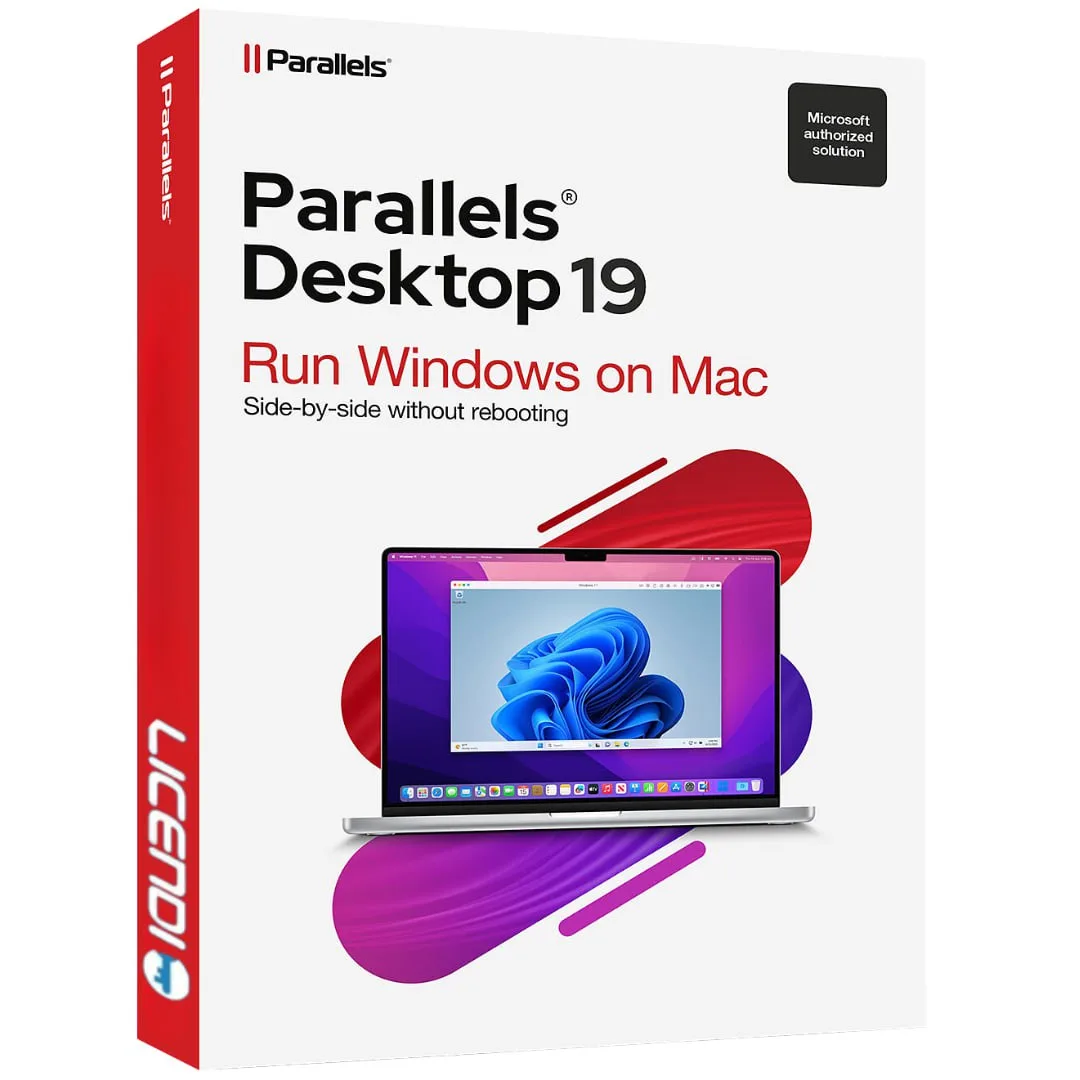
Parallels Desktop 19 Business is a genuine software licence, sourced through our verified European supply chain and delivered digitally the moment your payment clears — with a plain-language activation guide and a real person to help if anything is unclear. Ev
- ✓Centralized management for deploying and managing virtual machines
- ✓Enterprise-level security features and compliance tools
- ✓Full Apple Silicon support for M1, M2 and M3 chips
- ✓Flexible volume licensing options for businesses
- ✓24/7 priority premium business support
System requirements ▾
Installation guide ▾
- Download the installer from the vendor’s official website.
- Run the installer and follow the on-screen steps.
- Enter your license key when prompted to activate.
- Restart if requested — you’re ready to go.
Details & requirements
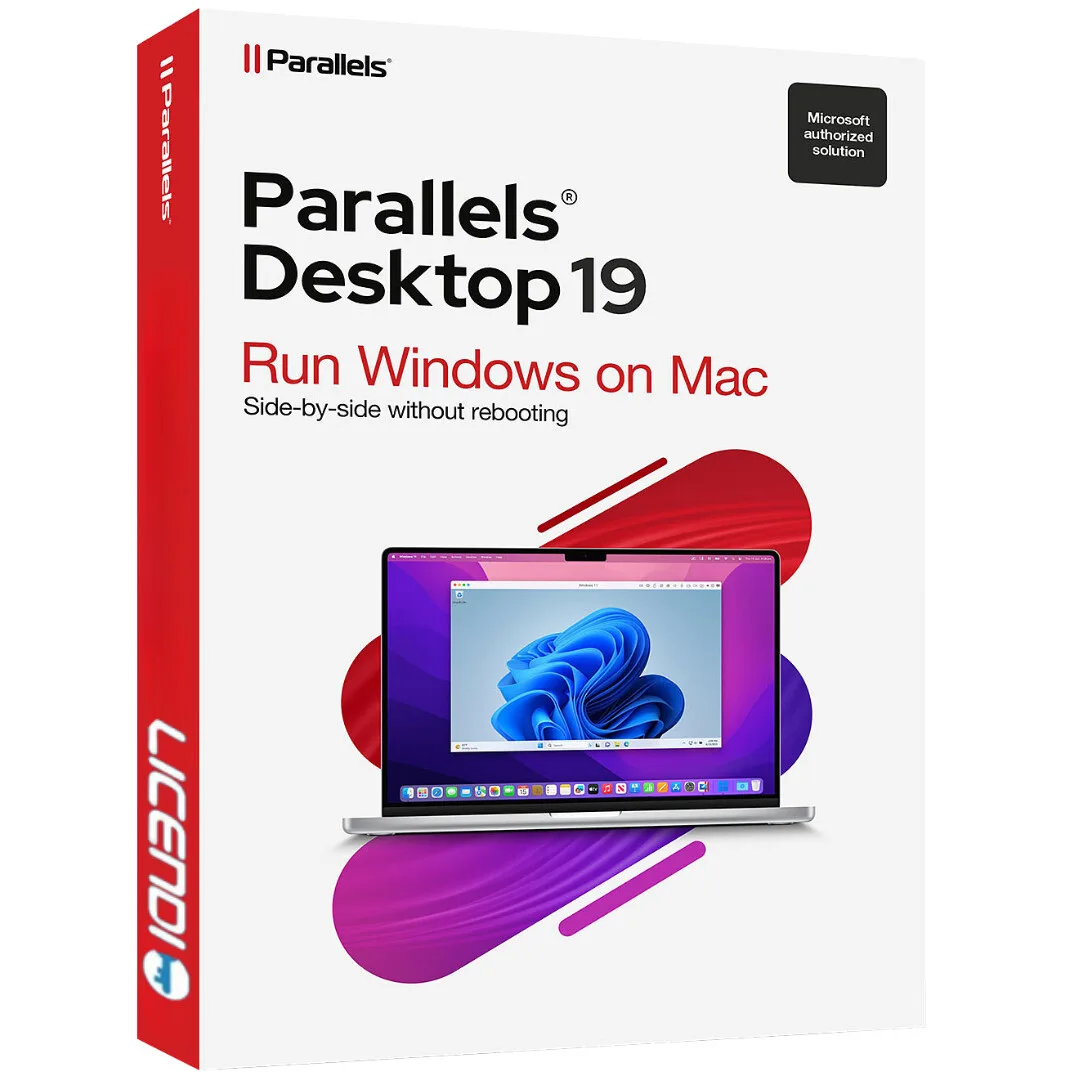
Parallels Desktop 19 Pro is a genuine software licence, sourced through our verified European supply chain and delivered digitally the moment your payment clears — with a plain-language activation guide and a real person to help if anything is unclear. Every p
- ✓Professional virtualization solution for Mac
- ✓Optimized performance for demanding applications
- ✓Full support for Apple Silicon: M1, M2 and M3
- ✓Coherence Mode to use Windows apps as native Mac applications
- ✓Advanced networking configuration options
System requirements ▾
Installation guide ▾
- Download the installer from the vendor’s official website.
- Run the installer and follow the on-screen steps.
- Enter your license key when prompted to activate.
- Restart if requested — you’re ready to go.
Details & requirements
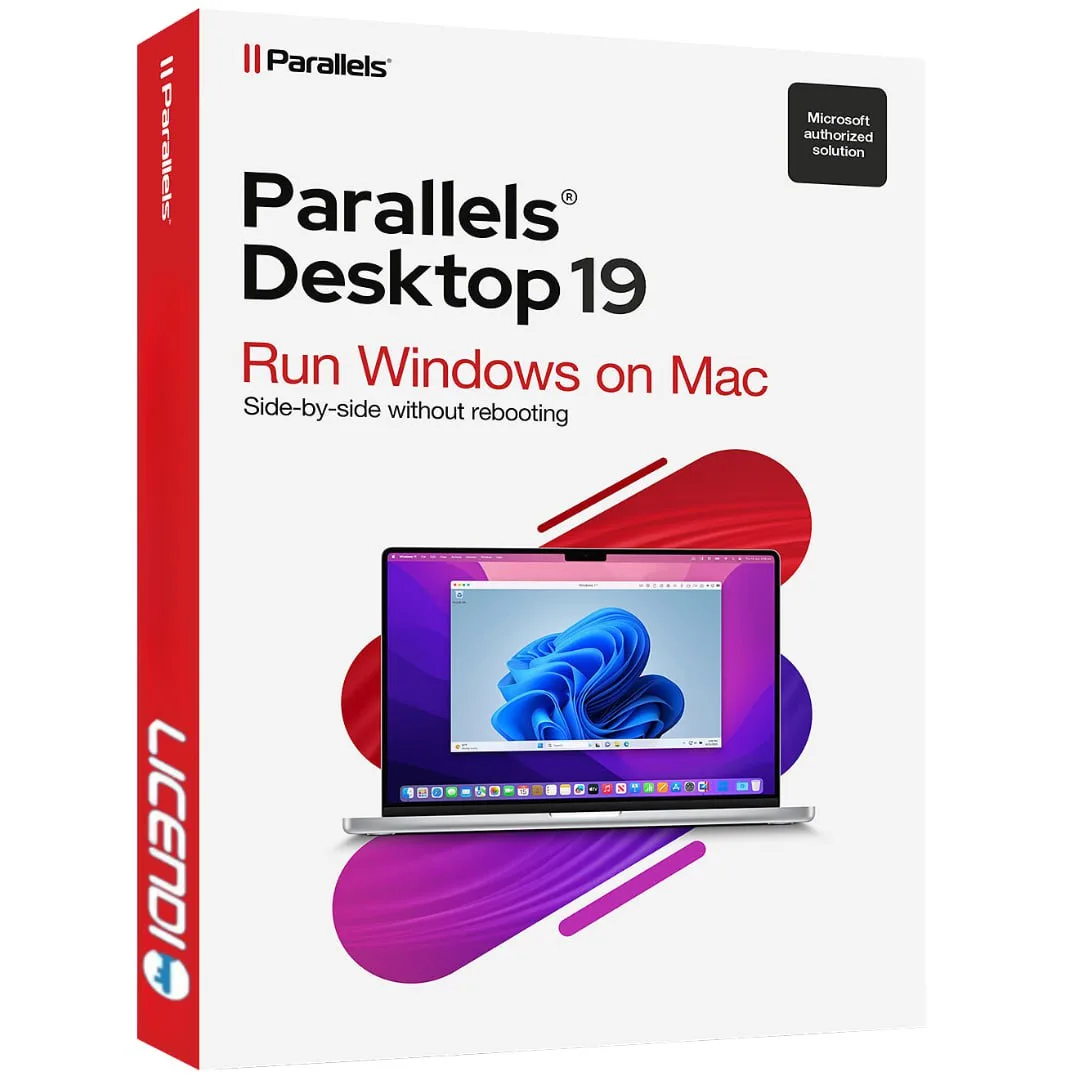
Parallels Desktop 19 Standard is a genuine software licence, sourced through our verified European supply chain and delivered digitally the moment your payment clears — with a plain-language activation guide and a real person to help if anything is unclear. Ev
- ✓Run Windows, Linux and other OSes on Mac without rebooting
- ✓Built-in assistant to install Windows 11 in just a few clicks
- ✓Coherence Mode to use Windows apps alongside macOS apps
- ✓Supports macOS Sonoma, Ventura, Monterey and Apple M-series chips (M1, M2, M3)
- ✓Shared folders, copy & paste and drag & drop between macOS and Windows
System requirements ▾
Installation guide ▾
- Download the installer from the vendor’s official website.
- Run the installer and follow the on-screen steps.
- Enter your license key when prompted to activate.
- Restart if requested — you’re ready to go.
Details & requirements
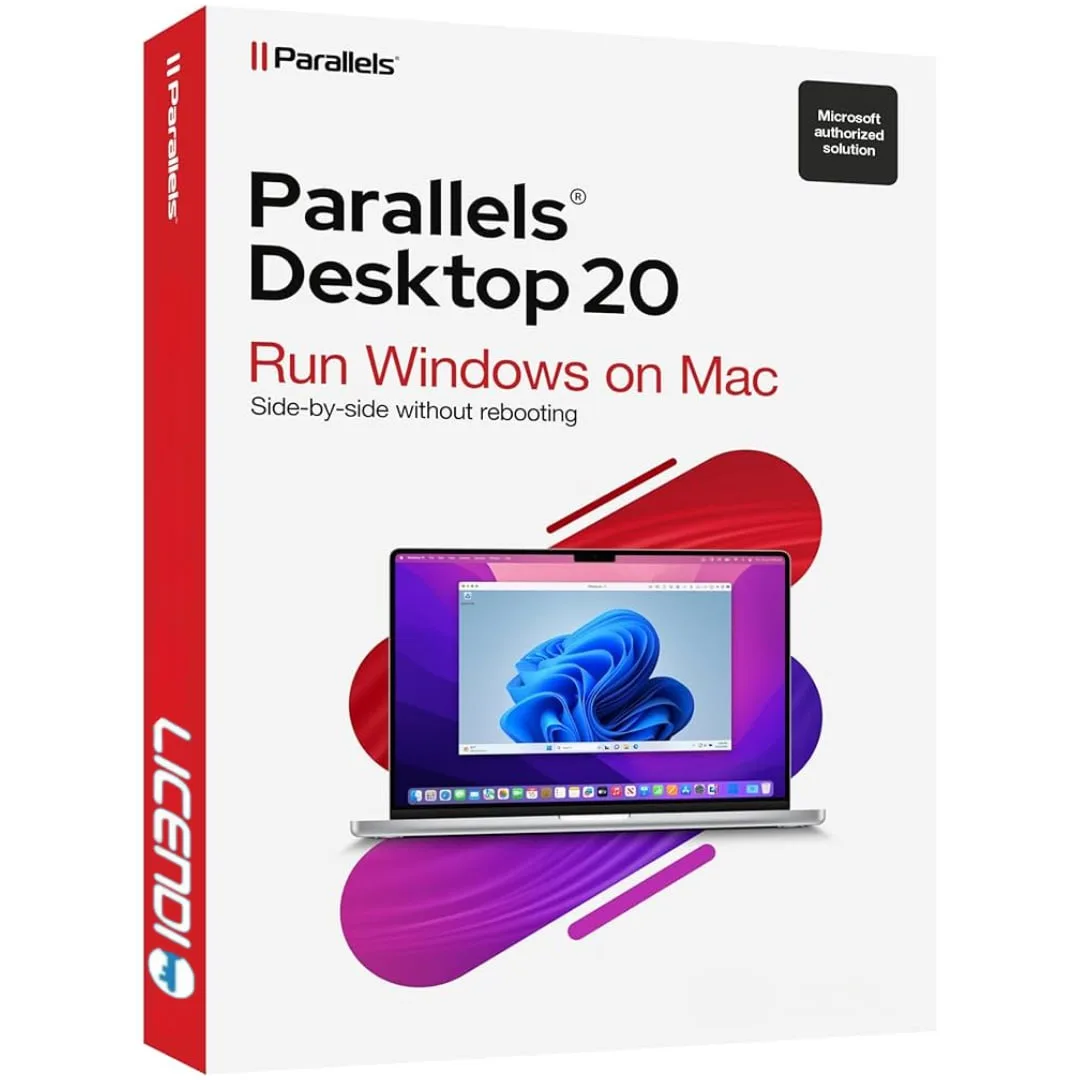
Parallels Desktop 20 1D/1Y is a genuine software licence, sourced through our verified European supply chain and delivered digitally the moment your payment clears — with a plain-language activation guide and a real person to help if anything is unclear. Every
- ✓1-year subscription licence valid for 1 device
- ✓Run Windows, Linux and other OSes on macOS without rebooting
- ✓Optimised for Apple Silicon (M1–M4) and Intel Core processors
- ✓Coherence Mode to use Windows apps like native Mac apps
- ✓Shared folders, copy & paste and drag & drop between macOS and guest OS
System requirements ▾
Installation guide ▾
- Download the installer from the vendor’s official website.
- Run the installer and follow the on-screen steps.
- Enter your license key when prompted to activate.
- Restart if requested — you’re ready to go.
Details & requirements
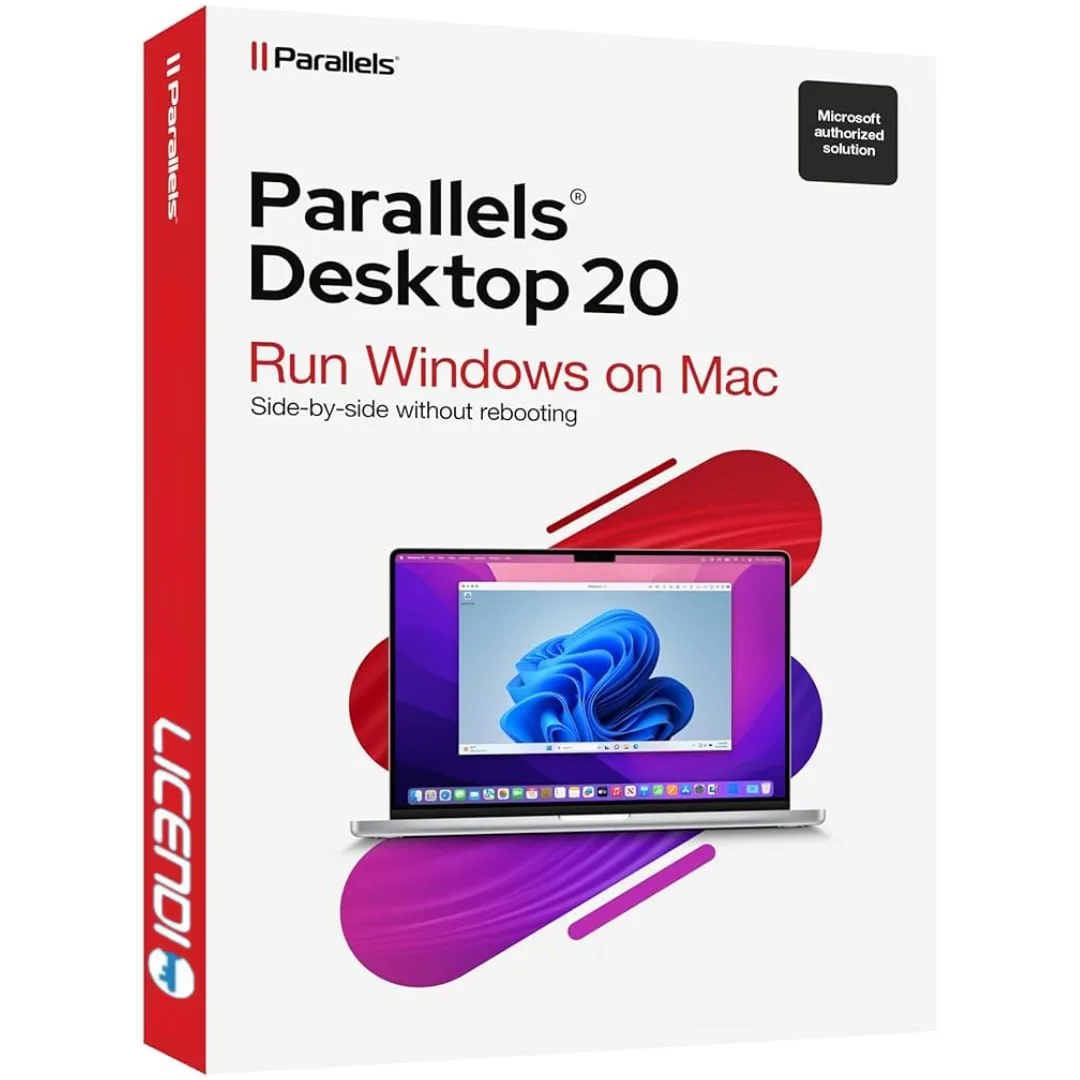
Parallels Desktop 20 Business is a genuine software licence, sourced through our verified European supply chain and delivered digitally the moment your payment clears — with a plain-language activation guide and a real person to help if anything is unclear. Ev
- ✓Centralised management for deploying and managing virtual machines
- ✓Enterprise-level security features and compliance tools
- ✓Volume licensing options for businesses
- ✓Optimised for Apple Silicon: M1, M2, M3 and M4 support
- ✓24/7 priority business support
System requirements ▾
Installation guide ▾
- Download the installer from the vendor’s official website.
- Run the installer and follow the on-screen steps.
- Enter your license key when prompted to activate.
- Restart if requested — you’re ready to go.