
All software
1,198 genuine licences · instant delivery · EU invoice
Details & requirements
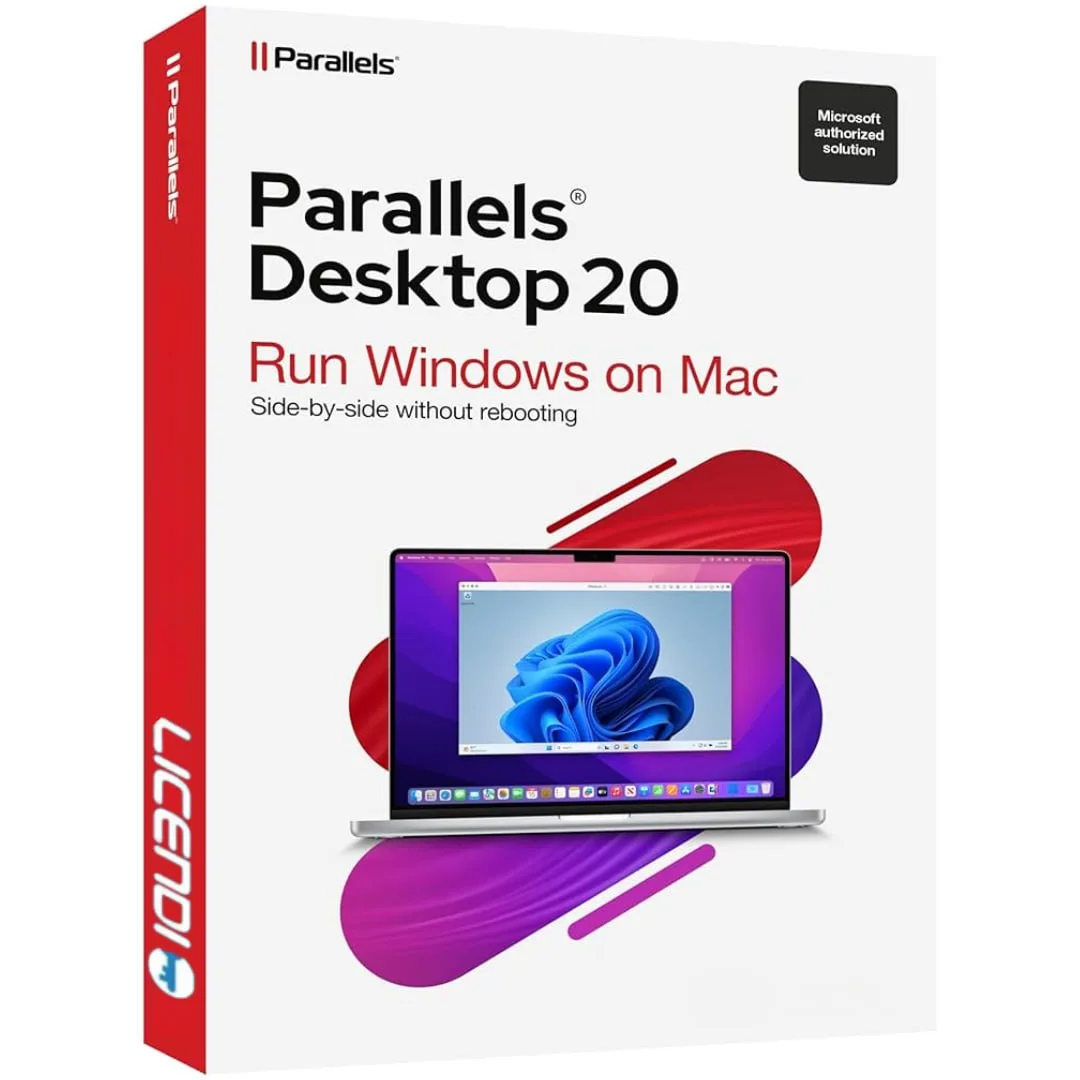
Parallels Desktop 20 Pro is a genuine software licence, sourced through our verified European supply chain and delivered digitally the moment your payment clears — with a plain-language activation guide and a real person to help if anything is unclear. Every p
- ✓Optimised performance for demanding applications and professional workflows
- ✓Run Windows applications side-by-side with macOS without restarting
- ✓Full support for Apple Silicon: M1, M2, M3 and M4 chips
- ✓Coherence Mode to use Windows apps as native Mac applications
- ✓Advanced networking configuration options for professionals
System requirements ▾
Installation guide ▾
- Download the installer from the vendor’s official website.
- Run the installer and follow the on-screen steps.
- Enter your license key when prompted to activate.
- Restart if requested — you’re ready to go.
Details & requirements
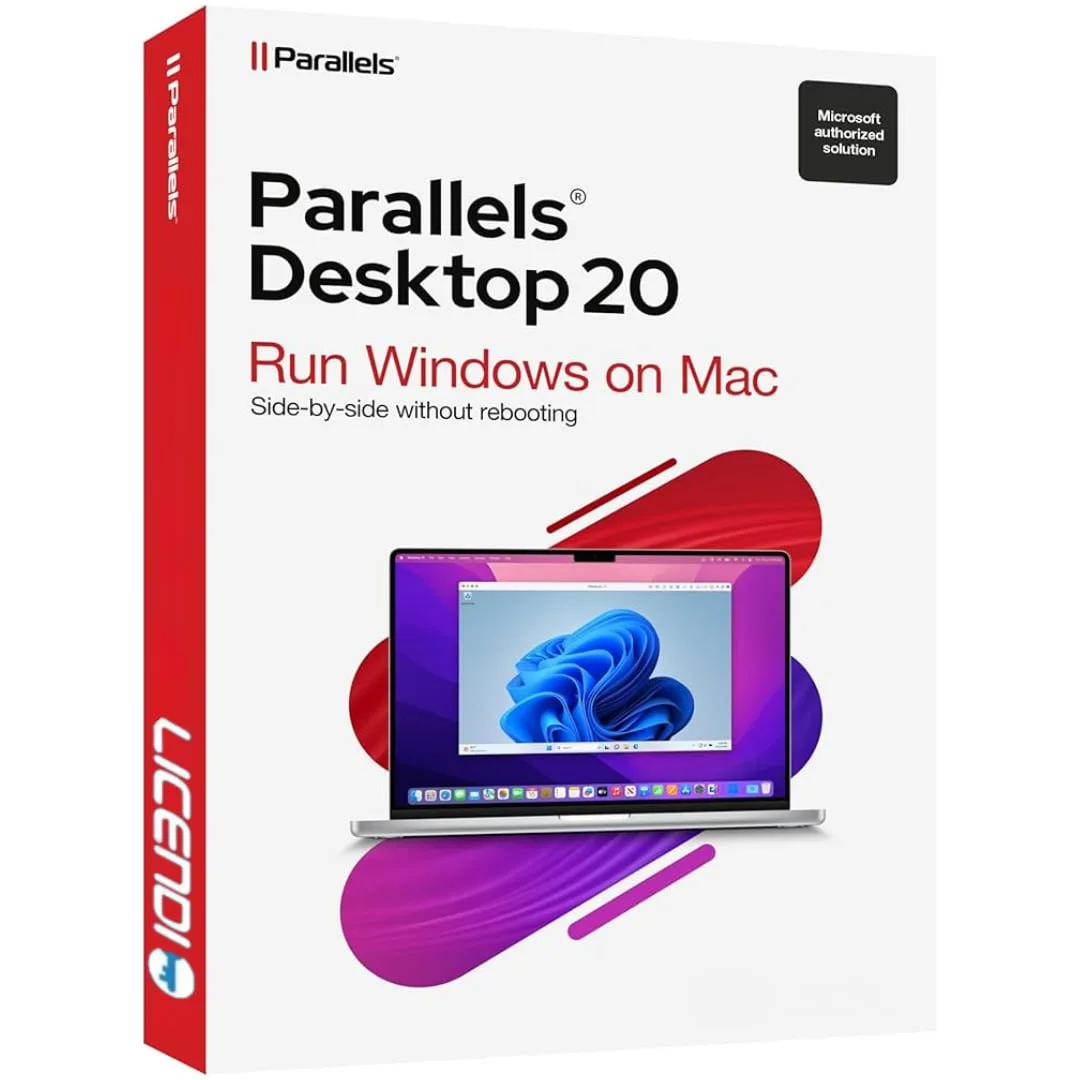
Parallels Desktop 20 Standard is a genuine software licence, sourced through our verified European supply chain and delivered digitally the moment your payment clears — with a plain-language activation guide and a real person to help if anything is unclear. Ev
- ✓Run Windows, Linux and other OSes on Mac without rebooting
- ✓Seamless integration: Windows apps alongside macOS apps
- ✓Coherence Mode to use Windows apps like native Mac apps
- ✓Built-in assistant to install Windows 11 in a few clicks
- ✓Optimised for macOS Sonoma, Ventura, Monterey and Apple Silicon (M1–M4)
System requirements ▾
Installation guide ▾
- Download the installer from the vendor’s official website.
- Run the installer and follow the on-screen steps.
- Enter your license key when prompted to activate.
- Restart if requested — you’re ready to go.
Details & requirements
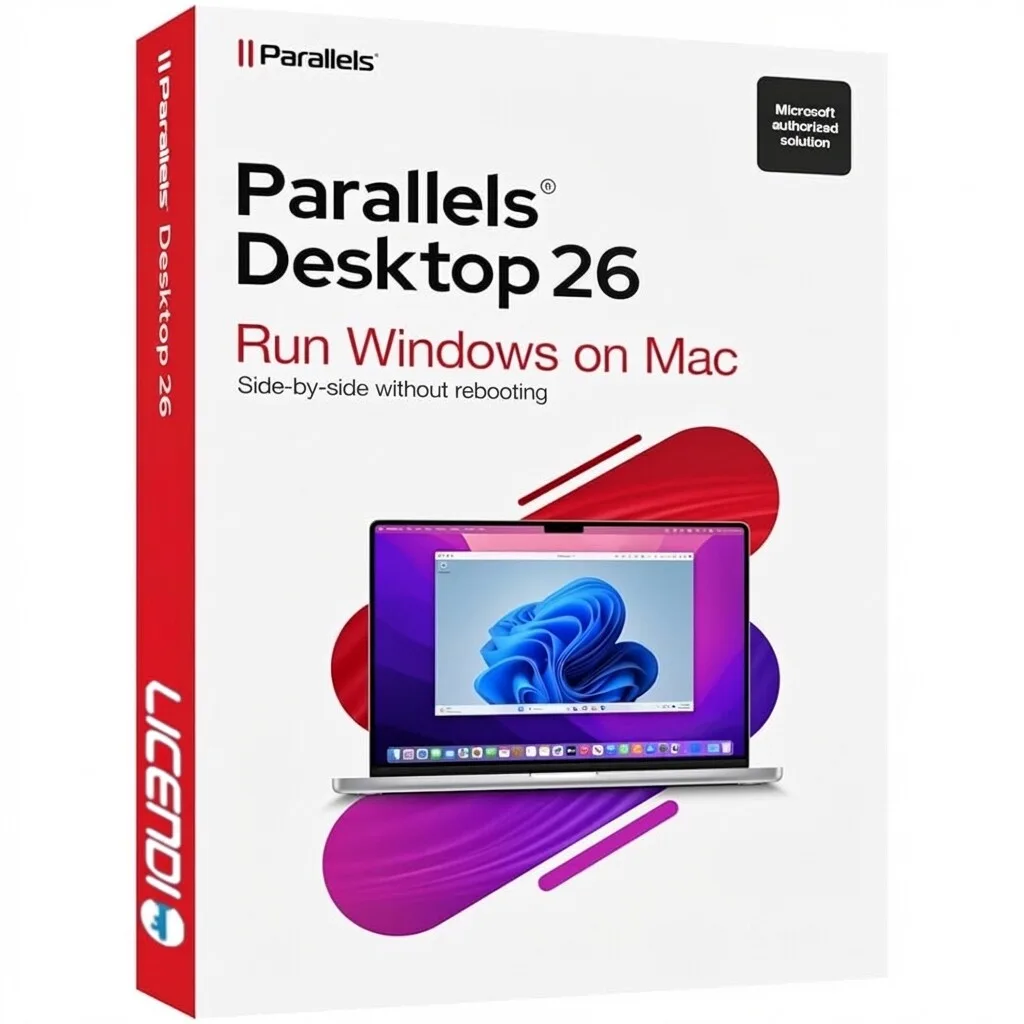
Parallels Desktop 26 is a genuine software licence, sourced through our verified European supply chain and delivered digitally the moment your payment clears — with a plain-language activation guide and a real person to help if anything is unclear. Every pc to
- ✓Run Windows, Linux and other OSes on Mac without rebooting
- ✓Supports Apple Silicon (M1–M4) and Intel-based Macs
- ✓Coherence Mode to use Windows apps alongside macOS apps
- ✓Up to 25% faster than previous versions with improved graphics
- ✓Includes TPM 2.0 support for Windows 11 and enhanced ARM-to-x86 translation
System requirements ▾
Installation guide ▾
- Download the installer from the vendor’s official website.
- Run the installer and follow the on-screen steps.
- Enter your license key when prompted to activate.
- Restart if requested — you’re ready to go.
Details & requirements
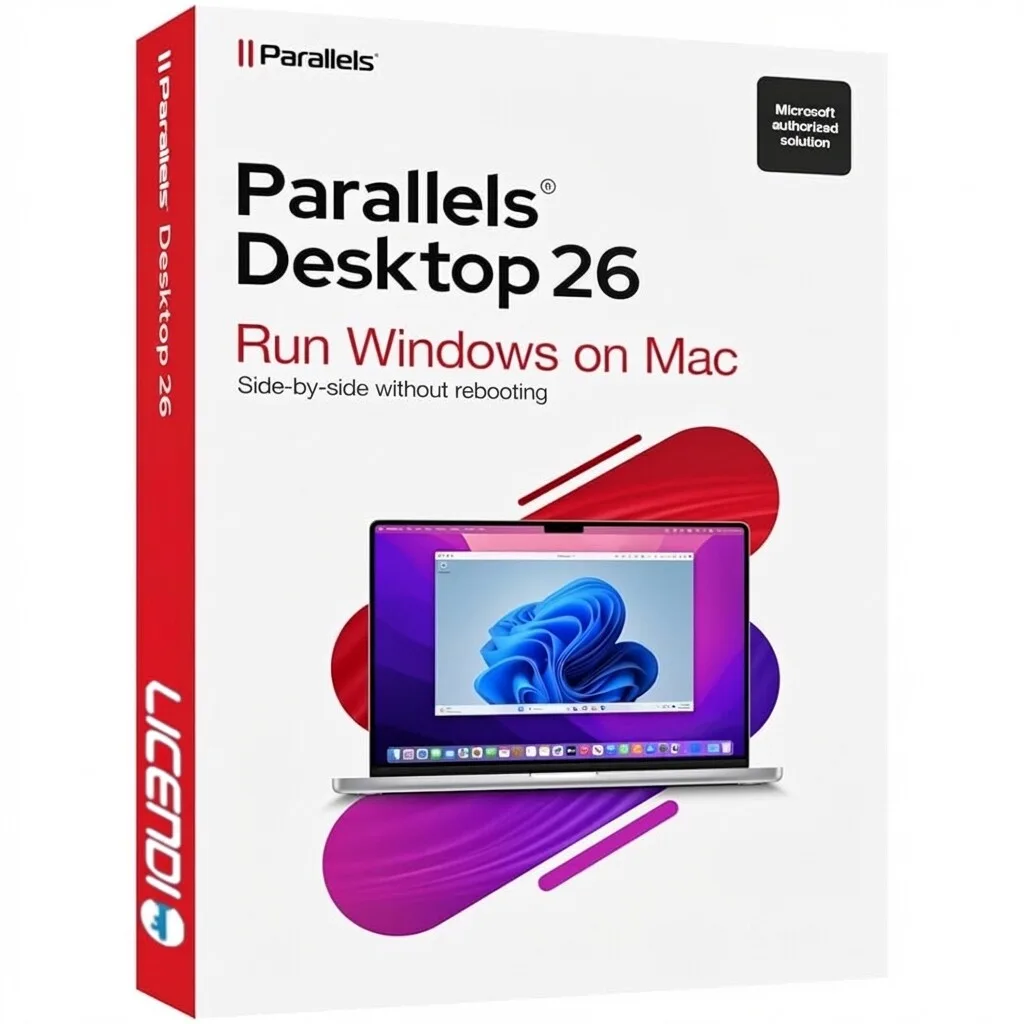
Parallels Desktop 26 1D/1Y is a genuine software licence, sourced through our verified European supply chain and delivered digitally the moment your payment clears — with a plain-language activation guide and a real person to help if anything is unclear. Every
- ✓1-year subscription for 1 device
- ✓Run Windows, Linux and other OSes without rebooting
- ✓Supported on Apple Silicon M1, M2, M3, M4 and latest macOS versions
- ✓Coherence Mode to use Windows apps alongside macOS
- ✓Up to 25% faster with improved graphics and resource management
System requirements ▾
Installation guide ▾
- Download the installer from the vendor’s official website.
- Run the installer and follow the on-screen steps.
- Enter your license key when prompted to activate.
- Restart if requested — you’re ready to go.
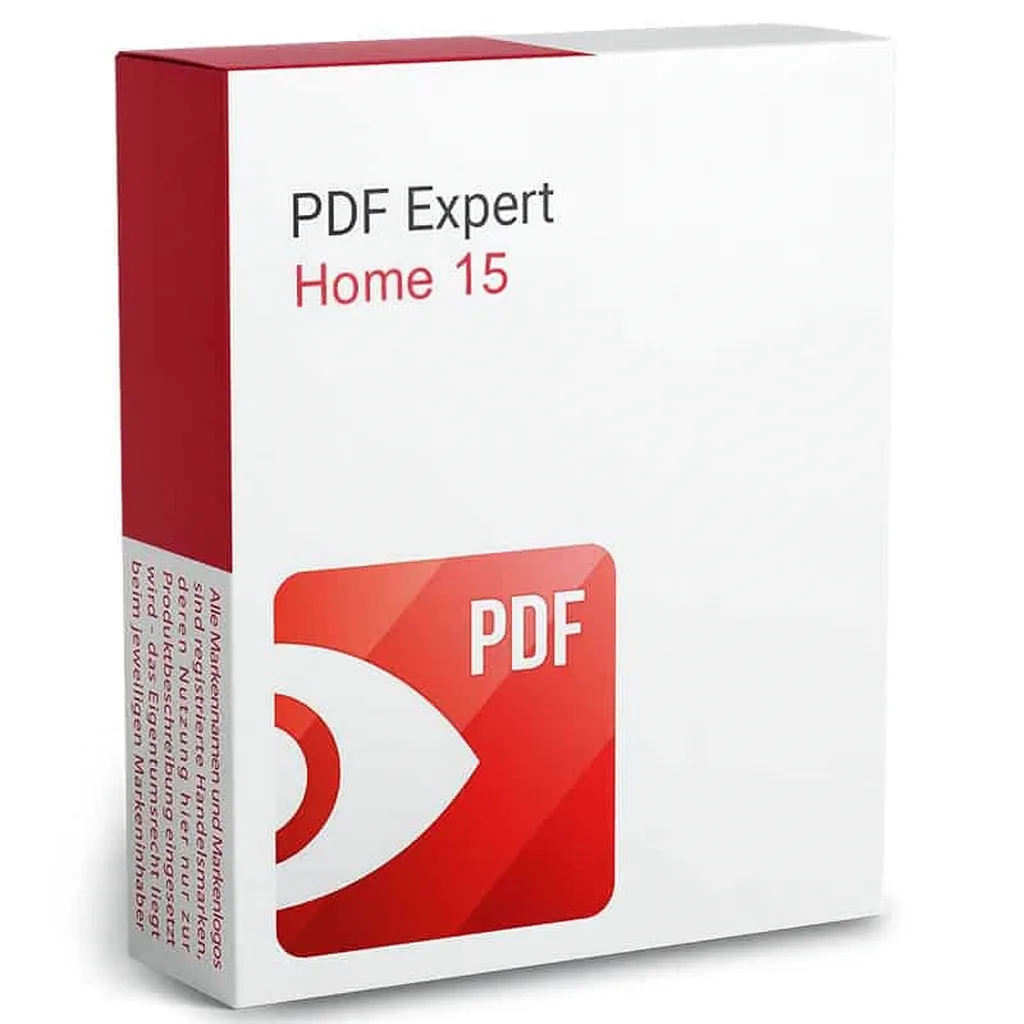
Details & requirements
PDF Expert 15 Home 1D/1Y is a genuine software licence, sourced through our verified European supply chain and delivered digitally the moment your payment clears — with a plain-language activation guide and a real person to help if anything is unclear. Every p
- ✓Official, fully legal licence
- ✓1-year subscription
- ✓Valid for one device
- ✓Designed exclusively for the Windows operating system
- ✓Tools for reading, editing, annotating and signing PDFs
System requirements ▾
Minimum
- 1 GHz processor
- 2 GB RAM
- 2 GB free disk space
- Windows 10/11 or current macOS
Recommended
- 2 GHz+ multi-core
- 4 GB+ RAM
- SSD storage
Installation guide ▾
- Download the installer from the vendor’s official website.
- Run the installer and follow the on-screen steps.
- Enter your license key when prompted to activate.
- Restart if requested — you’re ready to go.
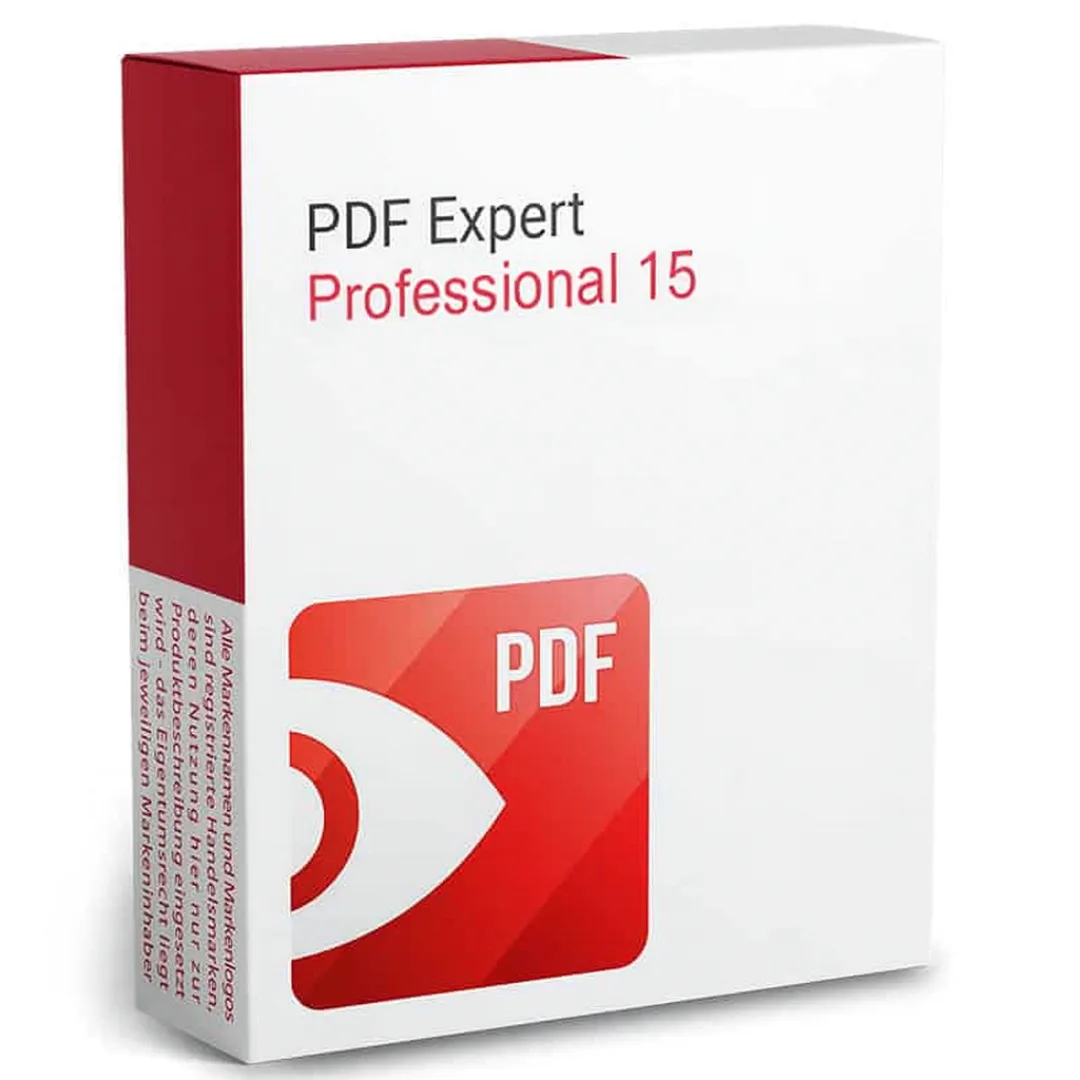
Details & requirements
PDF Expert 15 Professional 1D/1Y is a genuine software licence, sourced through our verified European supply chain and delivered digitally the moment your payment clears — with a plain-language activation guide and a real person to help if anything is unclear.
- ✓Edit text and images within PDF files
- ✓Electronic signing and commenting tools
- ✓Merge documents into a single PDF
- ✓Password protection for documents
- ✓Intuitive interface for professional and business use
System requirements ▾
Minimum
- 1 GHz processor
- 2 GB RAM
- 2 GB free disk space
- Windows 10/11 or current macOS
Recommended
- 2 GHz+ multi-core
- 4 GB+ RAM
- SSD storage
Installation guide ▾
- Download the installer from the vendor’s official website.
- Run the installer and follow the on-screen steps.
- Enter your license key when prompted to activate.
- Restart if requested — you’re ready to go.
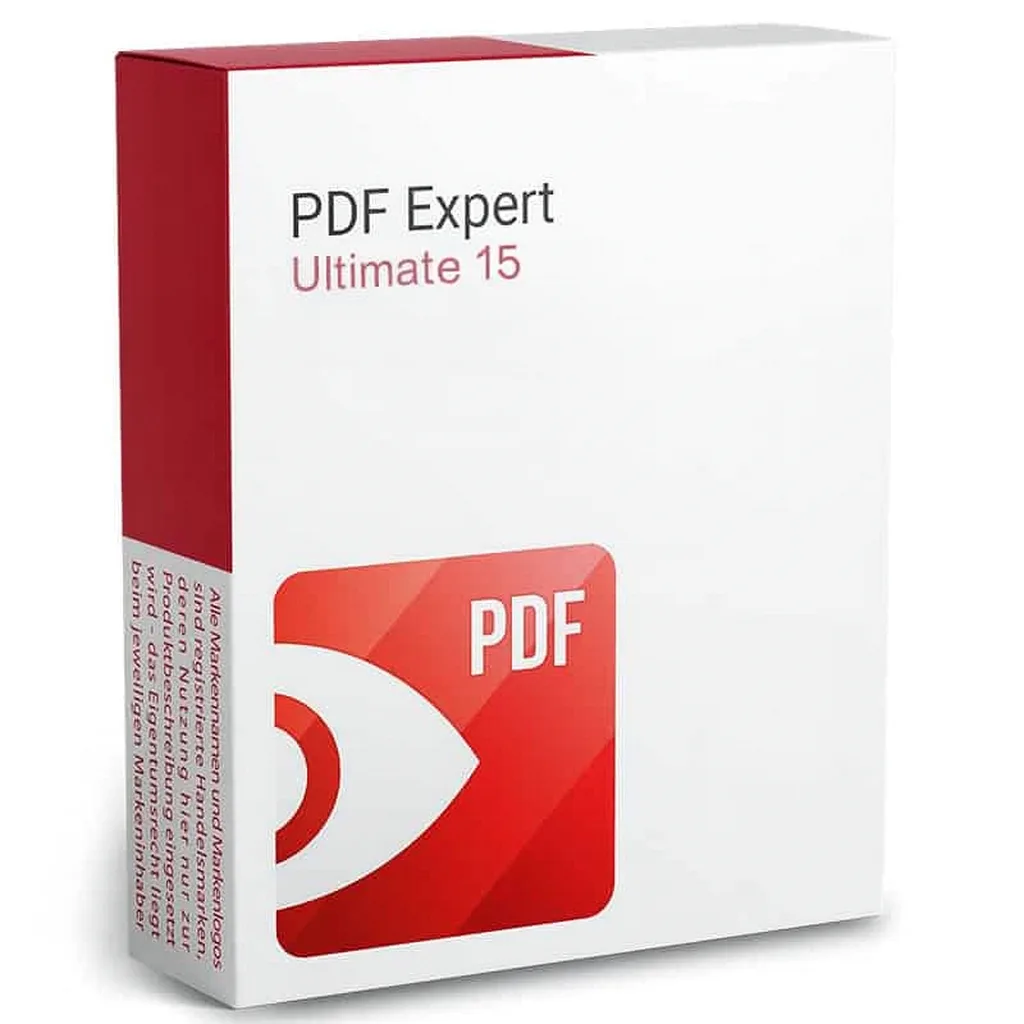
Details & requirements
PDF Expert 15 Ultimate 1D/1Y is a genuine software licence, sourced through our verified European supply chain and delivered digitally the moment your payment clears — with a plain-language activation guide and a real person to help if anything is unclear. Eve
- ✓Official, legal and secure licence
- ✓Ultimate edition with advanced features
- ✓Read, edit, annotate, sign and protect PDFs
- ✓1-year subscription (1Y)
- ✓Valid for one device (1D)
System requirements ▾
Minimum
- 1 GHz processor
- 2 GB RAM
- 2 GB free disk space
- Windows 10/11 or current macOS
Recommended
- 2 GHz+ multi-core
- 4 GB+ RAM
- SSD storage
Installation guide ▾
- Download the installer from the vendor’s official website.
- Run the installer and follow the on-screen steps.
- Enter your license key when prompted to activate.
- Restart if requested — you’re ready to go.
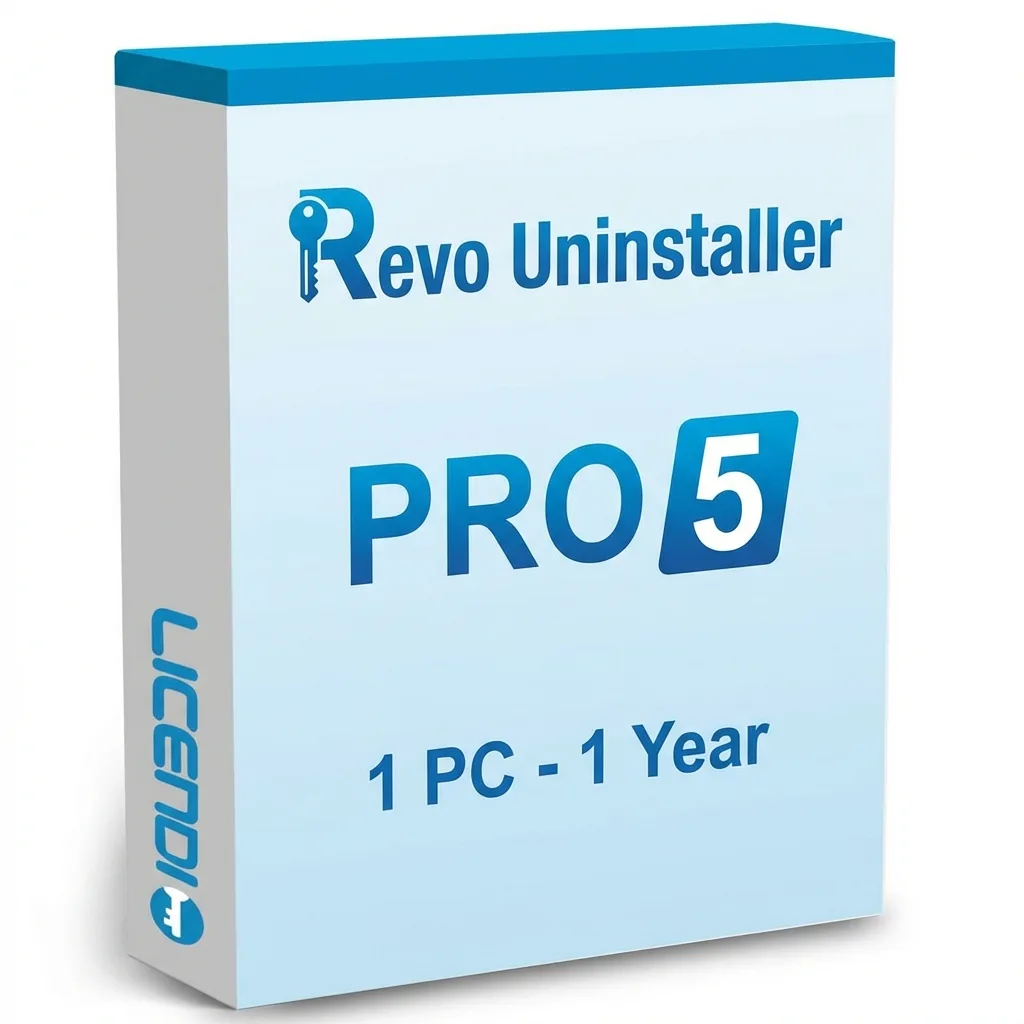
Details & requirements
Revo Uninstaller Pro 5 - 1 PC - 1 Year is a genuine software licence, sourced through our verified European supply chain and delivered digitally the moment your payment clears — with a plain-language activation guide and a real person to help if anything is un
- ✓Advanced Uninstall removes leftover files, folders and registry entries
- ✓Forced Uninstall for programmes that won’t uninstall normally
- ✓Quick/Multiple Uninstall to batch remove several programmes
- ✓Real-Time Monitor tracks system changes during installations
- ✓Windows Apps Removal and Browser Extension Manager for major browsers
System requirements ▾
Minimum
- 1 GHz processor
- 2 GB RAM
- 2 GB free disk space
- Windows 10/11 or current macOS
Recommended
- 2 GHz+ multi-core
- 4 GB+ RAM
- SSD storage
Installation guide ▾
- Download the installer from the vendor’s official website.
- Run the installer and follow the on-screen steps.
- Enter your license key when prompted to activate.
- Restart if requested — you’re ready to go.
Details & requirements
Sejda PDF Desktop is a genuine software licence, sourced through our verified European supply chain and delivered digitally the moment your payment clears — with a plain-language activation guide and a real person to help if anything is unclear. Every pc tools
- ✓Edit PDF text, images and pages on Windows
- ✓Merge, split, rotate, crop and organise PDFs
- ✓Compress files and convert PDFs to office or image formats
- ✓Add signatures, comments, highlights, shapes and watermarks
- ✓Apply PDF passwords and document restrictions
System requirements ▾
- Operating system: Windows 64-bit.
- Product only for Windows.
- Processor: modern dual-core processor or higher.
- Memory: 2 GB RAM minimum; 4 GB or more recommended.
- Disk space: at least 1 GB available.
- Internet connection for download and activation.
Installation guide ▾
- Download the installer from the vendor’s official website.
- Run the installer and follow the on-screen steps.
- Enter your license key when prompted to activate.
- Restart if requested — you’re ready to go.
Details & requirements
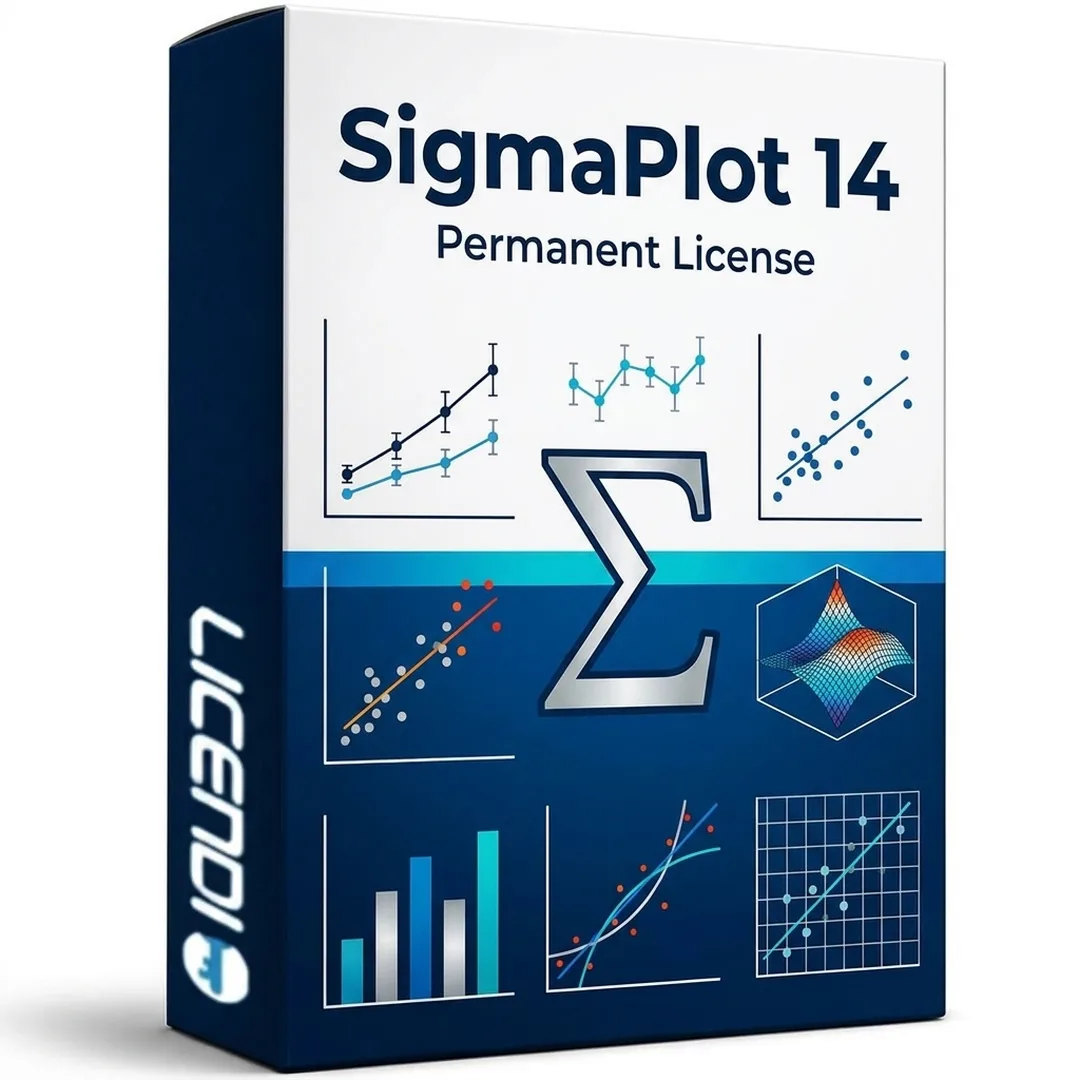
SigmaPlot 14 is a genuine software licence, sourced through our verified European supply chain and delivered digitally the moment your payment clears — with a plain-language activation guide and a real person to help if anything is unclear. Every pc tools and
- ✓Permanent licence valid for 1 PC
- ✓Compatible with 64-bit Windows environments
- ✓Create precise 2D and 3D scientific graphs from spreadsheets and imported data
- ✓Perform regression, curve fitting, descriptive statistics and common statistical tests
- ✓Customize axes, labels, symbols, legends, colours and graph layouts
System requirements ▾
- Operating system: 64-bit Windows environment.
- System type: 1 Windows PC.
- Processor: 2 GHz x64 processor or faster recommended.
- Memory: 8 GB RAM recommended for 64-bit systems.
- Storage: at least 1 GB of free disk space for installation plus space for data and project files.
- Display: 1366 x 768 resolution or better.
- Internet connection may be required for download, activation and license validation.
- Microsoft Office 2010 or later recommended for Office integration features.
Installation guide ▾
- Download the installer from the vendor’s official website.
- Run the installer and follow the on-screen steps.
- Enter your license key when prompted to activate.
- Restart if requested — you’re ready to go.
Details & requirements
VMware Workstation Pro 15.5 is a genuine software licence, sourced through our verified European supply chain and delivered digitally the moment your payment clears — with a plain-language activation guide and a real person to help if anything is unclear. Ever
- ✓Runs virtual machines, containers and Kubernetes clusters
- ✓Maps VM resources to physical hardware for isolated CPUs, memory and storage
- ✓Designed for developers and IT professionals with multi‑VM tabbed interface
- ✓Capabilities to set up virtual networks and create clones
- ✓Can connect to vSphere
System requirements ▾
System Requirements
A compatible x86/AMD64 64-bit CPU released in 2011 or later* Core speed of 3 GHz or higher 2 GB of RAM minimum; 4 GB or more recommendedGeneral host operating system requirements
Windows 10 Windows Server 2019 Windows Server 2016 Windows Server 2012 Windows 8 Ubuntu Red Hat Enterprise Linux CentOS oracle linux openSUSE SUSE Linux Enterprise Server Please note that Windows 7 hosts are no longer supported. Workstation 16 will not work on them.CPU Requirements:
Intel Sandy Bridge or newer CPU AMD Bulldozer or newer CPU Host operating systems: Windows 10, version 2004 For 3D hardware accelerated graphics support:Hardware requirements:
For Windows hosts, a DirectX 11.1 compatible GPU is required. For Linux hosts, the latest NVIDIA proprietary drivers are required. For Linux hosts, AMD devices are not supported. Software requirements: 64-bit host operating system: Windows 8 or higher GNU/Linux with NVIDIA drivers supporting OpenGL 4.5 or higher guest operating system Windows 7 or higher GNU/Linux with vmwgfx * As an exception, the following CPUs are not supported: Intel Atom processors based on the 2011 Bonnell microarchitecture (eg Atom Z670/Z650 or Atom N570) Systems with Intel Atom processors based on the 2012 Saltwell microarchitecture (eg, Atom S1200, Atom D2700/D2500, or Atom N2800/N2600) Systems with AMD processors based on the Llano and Bobcat microarchitectures (eg, codenamed Hondo, Ontario, Zacate, or Llano) The following CPUs are also supported: Intel processors based on the 2010 "Westmere" microarchitecture (eg, Xeon 5600, Xeon 3600, Core i7-970, Core i7-980, or Core i7-990)Installation guide ▾
- Download the installer from the vendor’s official website.
- Run the installer and follow the on-screen steps.
- Enter your license key when prompted to activate.
- Restart if requested — you’re ready to go.
Details & requirements
VMware vSAN 6 - 1 Device - Lifetime is a genuine software licence, sourced through our verified European supply chain and delivered digitally the moment your payment clears — with a plain-language activation guide and a real person to help if anything is uncle
- ✓Lifetime licence key for one device — one-time purchase
- ✓Native vSphere integration for seamless management
- ✓Hyper-converged infrastructure to simplify data centre storage
- ✓High availability with built-in data protection and disaster recovery
- ✓Scale from 2 to 64 nodes per cluster
System requirements ▾
Minimum
- 1 GHz processor
- 2 GB RAM
- 2 GB free disk space
- Windows 10/11 or current macOS
Recommended
- 2 GHz+ multi-core
- 4 GB+ RAM
- SSD storage
Installation guide ▾
- Download the installer from the vendor’s official website.
- Run the installer and follow the on-screen steps.
- Enter your license key when prompted to activate.
- Restart if requested — you’re ready to go.
VMware vSAN 6 - Enterprise - 1 Device - Lifetime
Details & requirements
VMware vSAN 6 - Enterprise - 1 Device - Lifetime is a genuine software licence, sourced through our verified European supply chain and delivered digitally the moment your payment clears — with a plain-language activation guide and a real person to help if anyt
- ✓Lifetime licence key for 1 device — one-time purchase
- ✓Hyper-converged infrastructure via software-defined storage
- ✓Native integration with VMware vSphere/vCenter
- ✓High availability with built-in data protection and disaster recovery
- ✓Scales from 2 to 64 nodes per cluster
System requirements ▾
Minimum
- 1 GHz processor
- 2 GB RAM
- 2 GB free disk space
- Windows 10/11 or current macOS
Recommended
- 2 GHz+ multi-core
- 4 GB+ RAM
- SSD storage
Installation guide ▾
- Download the installer from the vendor’s official website.
- Run the installer and follow the on-screen steps.
- Enter your license key when prompted to activate.
- Restart if requested — you’re ready to go.
VMware vSAN 7 - Advanced - 1 Device - Lifetime
Details & requirements
VMware vSAN 7 - Advanced - 1 Device - Lifetime is a genuine software licence, sourced through our verified European supply chain and delivered digitally the moment your payment clears — with a plain-language activation guide and a real person to help if anythi
- ✓Lifetime licence key for 1 device — one-time purchase
- ✓Native vSphere integration for seamless management
- ✓High availability with built-in data protection and disaster recovery
- ✓Scales from 2 to 64 nodes per cluster
- ✓Supports all‑flash and hybrid (flash‑optimised) configurations
System requirements ▾
Minimum
- 1 GHz processor
- 2 GB RAM
- 2 GB free disk space
- Windows 10/11 or current macOS
Recommended
- 2 GHz+ multi-core
- 4 GB+ RAM
- SSD storage
Installation guide ▾
- Download the installer from the vendor’s official website.
- Run the installer and follow the on-screen steps.
- Enter your license key when prompted to activate.
- Restart if requested — you’re ready to go.
VMware vSAN 7 - Advanced - 20 Devices - Lifetime
Details & requirements
VMware vSAN 7 - Advanced - 20 Devices - Lifetime is a genuine software licence, sourced through our verified European supply chain and delivered digitally the moment your payment clears — with a plain-language activation guide and a real person to help if anyt
- ✓Lifetime licence key for 20 devices
- ✓Hyper‑Converged Infrastructure for software‑defined storage
- ✓Native vSphere integration
- ✓Built‑in high availability and disaster protection
- ✓Scales from 2 to 64 nodes per cluster
System requirements ▾
Minimum
- 1 GHz processor
- 2 GB RAM
- 2 GB free disk space
- Windows 10/11 or current macOS
Recommended
- 2 GHz+ multi-core
- 4 GB+ RAM
- SSD storage
Installation guide ▾
- Download the installer from the vendor’s official website.
- Run the installer and follow the on-screen steps.
- Enter your license key when prompted to activate.
- Restart if requested — you’re ready to go.
VMware vSAN 7 - Enterprise - 1 Device - Lifetime
Details & requirements
VMware vSAN 7 - Enterprise - 1 Device - Lifetime is a genuine software licence, sourced through our verified European supply chain and delivered digitally the moment your payment clears — with a plain-language activation guide and a real person to help if anyt
- ✓Lifetime licence for one device — one-time purchase
- ✓Native vSphere integration for seamless management
- ✓High availability with built-in data protection
- ✓Scales from 2 to 64 nodes per cluster
- ✓Supports all-flash and hybrid storage configurations
System requirements ▾
Minimum
- 1 GHz processor
- 2 GB RAM
- 2 GB free disk space
- Windows 10/11 or current macOS
Recommended
- 2 GHz+ multi-core
- 4 GB+ RAM
- SSD storage
Installation guide ▾
- Download the installer from the vendor’s official website.
- Run the installer and follow the on-screen steps.
- Enter your license key when prompted to activate.
- Restart if requested — you’re ready to go.
VMware vSAN 7 - Enterprise Plus - 20 Devices - Lifetime
Details & requirements
VMware vSAN 7 - Enterprise Plus - 20 Devices - Lifetime is a genuine software licence, sourced through our verified European supply chain and delivered digitally the moment your payment clears — with a plain-language activation guide and a real person to help
- ✓Lifetime licence for 20 devices — one-time purchase, no recurring fees
- ✓Hyper-converged infrastructure with software-defined storage
- ✓Native vSphere integration for management via vCenter
- ✓High availability with built-in data protection and disaster recovery
- ✓Scales from 2 to 64 nodes per cluster; supports all‑flash and hybrid
System requirements ▾
Minimum
- 1 GHz processor
- 2 GB RAM
- 2 GB free disk space
- Windows 10/11 or current macOS
Recommended
- 2 GHz+ multi-core
- 4 GB+ RAM
- SSD storage
Installation guide ▾
- Download the installer from the vendor’s official website.
- Run the installer and follow the on-screen steps.
- Enter your license key when prompted to activate.
- Restart if requested — you’re ready to go.
VMware vSAN 7 - Enterprise Plus - Unlimited Devices - Lifetime
Details & requirements
VMware vSAN 7 - Enterprise Plus - Unlimited Devices - Lifetime is a genuine software licence, sourced through our verified European supply chain and delivered digitally the moment your payment clears — with a plain-language activation guide and a real person t
- ✓Lifetime licence key for unlimited devices
- ✓Hyper-converged, software-defined storage
- ✓Native integration with VMware vSphere/vCenter
- ✓High availability with built-in data protection and disaster recovery
- ✓Scales from 2 to 64 nodes per cluster
System requirements ▾
Minimum
- 1 GHz processor
- 2 GB RAM
- 2 GB free disk space
- Windows 10/11 or current macOS
Recommended
- 2 GHz+ multi-core
- 4 GB+ RAM
- SSD storage
Installation guide ▾
- Download the installer from the vendor’s official website.
- Run the installer and follow the on-screen steps.
- Enter your license key when prompted to activate.
- Restart if requested — you’re ready to go.
VMware vSAN 7 - Standard - 1 Device - Lifetime
Details & requirements
VMware vSAN 7 - Standard - 1 Device - Lifetime is a genuine software licence, sourced through our verified European supply chain and delivered digitally the moment your payment clears — with a plain-language activation guide and a real person to help if anythi
- ✓Lifetime licence key for 1 device — one-time purchase
- ✓Hyper-converged software-defined storage
- ✓Native integration with VMware vSphere/vCenter
- ✓Scales from 2 to 64 nodes per cluster
- ✓Supports all-flash and hybrid storage configurations
System requirements ▾
Minimum
- 1 GHz processor
- 2 GB RAM
- 2 GB free disk space
- Windows 10/11 or current macOS
Recommended
- 2 GHz+ multi-core
- 4 GB+ RAM
- SSD storage
Installation guide ▾
- Download the installer from the vendor’s official website.
- Run the installer and follow the on-screen steps.
- Enter your license key when prompted to activate.
- Restart if requested — you’re ready to go.
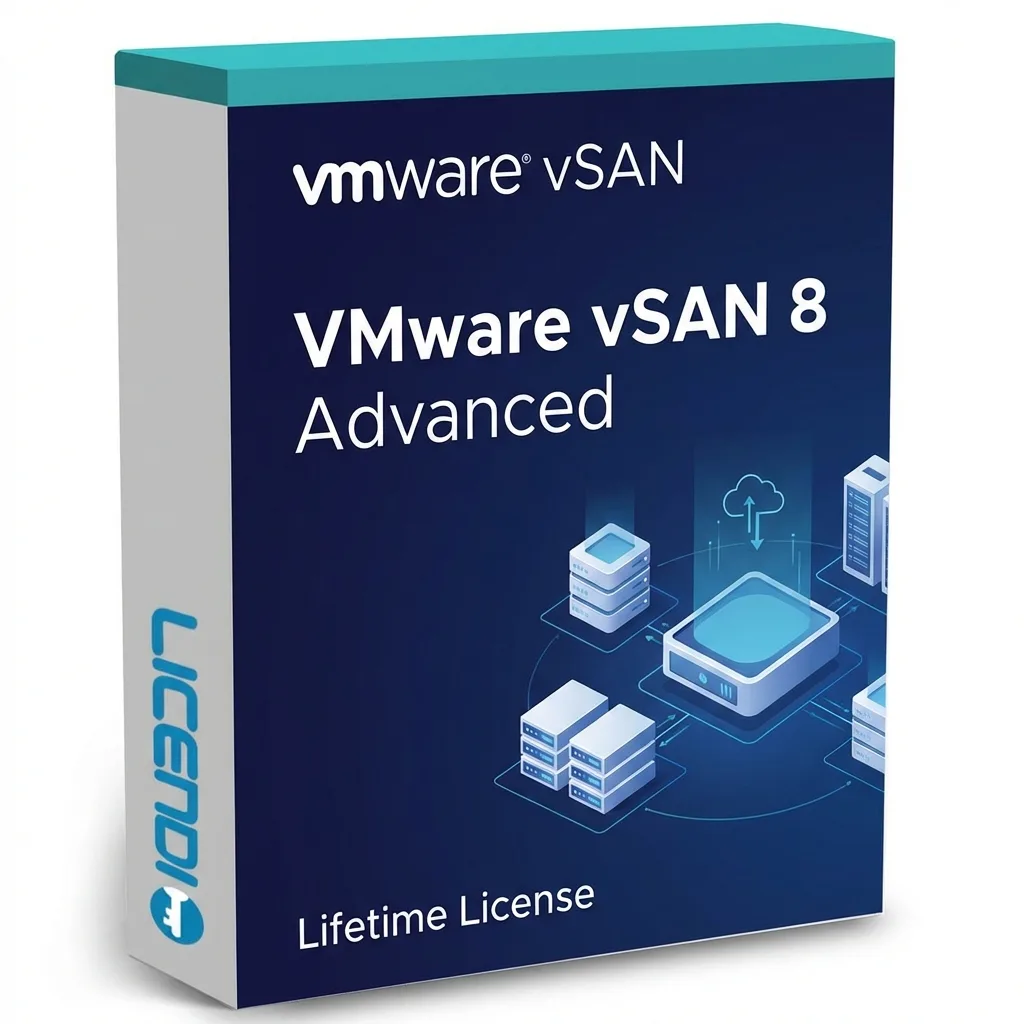
VMware vSAN 8 - Advanced - 1 Device - Lifetime
Details & requirements
VMware vSAN 8 - Advanced - 1 Device - Lifetime is a genuine software licence, sourced through our verified European supply chain and delivered digitally the moment your payment clears — with a plain-language activation guide and a real person to help if anythi
- ✓Lifetime licence key for one device — one-time purchase
- ✓Native vSphere/vCenter integration for seamless management
- ✓Hyper-converged infrastructure to simplify the data centre
- ✓High availability and disaster recovery features built in
- ✓Scales from 2 to 64 nodes per cluster
System requirements ▾
Minimum
- 1 GHz processor
- 2 GB RAM
- 2 GB free disk space
- Windows 10/11 or current macOS
Recommended
- 2 GHz+ multi-core
- 4 GB+ RAM
- SSD storage
Installation guide ▾
- Download the installer from the vendor’s official website.
- Run the installer and follow the on-screen steps.
- Enter your license key when prompted to activate.
- Restart if requested — you’re ready to go.
VMware vSAN 8 - Enterprise - 1 Device - Lifetime
Details & requirements
VMware vSAN 8 - Enterprise - 1 Device - Lifetime is a genuine software licence, sourced through our verified European supply chain and delivered digitally the moment your payment clears — with a plain-language activation guide and a real person to help if anyt
- ✓Lifetime licence key for one device (one-time purchase)
- ✓Hyper-converged, software-defined storage
- ✓Native integration with VMware vSphere/vCenter
- ✓Supports 2 to 64 nodes per cluster
- ✓All-flash and hybrid storage configurations
System requirements ▾
Minimum
- 1 GHz processor
- 2 GB RAM
- 2 GB free disk space
- Windows 10/11 or current macOS
Recommended
- 2 GHz+ multi-core
- 4 GB+ RAM
- SSD storage
Installation guide ▾
- Download the installer from the vendor’s official website.
- Run the installer and follow the on-screen steps.
- Enter your license key when prompted to activate.
- Restart if requested — you’re ready to go.
VMware vSAN 8 - Standard - 1 Device - Lifetime
Details & requirements
VMware vSAN 8 - Standard - 1 Device - Lifetime is a genuine software licence, sourced through our verified European supply chain and delivered digitally the moment your payment clears — with a plain-language activation guide and a real person to help if anythi
- ✓Lifetime licence key for 1 device — one-time activation
- ✓Native vSphere/vCenter integration for management
- ✓Hyper-converged infrastructure with built-in high availability
- ✓Scales from 2 to 64 nodes per cluster
- ✓Supports all‑flash and hybrid flash‑optimised configurations
System requirements ▾
Minimum
- 1 GHz processor
- 2 GB RAM
- 2 GB free disk space
- Windows 10/11 or current macOS
Recommended
- 2 GHz+ multi-core
- 4 GB+ RAM
- SSD storage
Installation guide ▾
- Download the installer from the vendor’s official website.
- Run the installer and follow the on-screen steps.
- Enter your license key when prompted to activate.
- Restart if requested — you’re ready to go.
Details & requirements
Wise Care 365 Pro is a genuine software licence, sourced through our verified European supply chain and delivered digitally the moment your payment clears — with a plain-language activation guide and a real person to help if anything is unclear. Every pc tools
- ✓PC Checkup with one-click optimisation and an intuitive scoring system
- ✓System Cleaner removes Windows temporary files, log files, memory dumps and thumbnail cache
- ✓Cleans browser data such as cache, cookies, history and download records
- ✓Removes application traces including leftover program files, recent document lists and clipboard history
- ✓Includes privacy protection, performance tuning and system monitoring tools
System requirements ▾
Minimum
- 1.6 GHz, 2-core processor
- 4 GB RAM (2 GB for 32-bit)
- 4 GB free disk space
- Windows 10/11 or the three latest macOS versions
Recommended
- Dual-core 2 GHz+
- 8 GB RAM
- DirectX 10 graphics, 1280×768
Installation guide ▾
- Go to office.com/setup and sign in with your Microsoft account.
- Enter the product key from your email.
- Download and run the Office installer.
- Open any app and activate with the key when prompted.
Details & requirements
Wise Care 365 Pro 1 PC 1 año is a genuine software licence, sourced through our verified European supply chain and delivered digitally the moment your payment clears — with a plain-language activation guide and a real person to help if anything is unclear. Eve
- ✓Licence valid for 1 Windows PC for 1 year
- ✓Digital product delivery with one activation only
- ✓Clean temporary files, browser cache and invalid shortcuts
- ✓Registry scan and clean with backup and restore
- ✓Optimise startup items, services and system settings
System requirements ▾
- Operating system: Windows 7, Windows 8, Windows 10 or Windows 11, 32-bit and 64-bit.
- System type: Windows PC only.
- Processor: Pentium 1 GHz or above.
- Memory: 4 GB RAM or above recommended.
- Storage: at least 70 MB free disk space for installation, plus space for cleaning operations and backups.
- Internet connection may be required for download, activation, updates and license validation.
Installation guide ▾
- Go to office.com/setup and sign in with your Microsoft account.
- Enter the product key from your email.
- Download and run the Office installer.
- Open any app and activate with the key when prompted.